How to talk to ChatGPT, Gemini and Claude instead of typing
ChatGPT, Gemini and Claude all let you talk and hear the answer. In ChatGPT, select the Voice icon. In the Gemini mobile app, tap Live. In Claude, tap the sound wave symbol. Each step is checked on the company's own help page, with the limits that apply to free accounts.
What you need
| App | ChatGPT, the Gemini mobile app or Claude, signed in, with microphone access allowed |
|---|---|
| Cost | Claude's help page says voice mode is on all plans, Free included. ChatGPT's page lists Free as limited access. Gemini's page asks for a Google account signed in to Gemini Apps |
| Time | About a minute to start each one |
| Good to know | Voice chats count toward your plan's usage limits, and options can vary by plan, region and app version |
Step by step
Step 1: ChatGPT: select the Voice icon
On iOS and Android, select the Voice icon in the message bar. On the web, go to ChatGPT.com and select the Voice icon in the prompt window. If prompted, allow microphone access. If it is your first Voice conversation on mobile, choose a voice. Then begin speaking. During the chat, select the microphone control to mute or unmute yourself, and the exit control to end it. OpenAI's help page says Free accounts get limited access to Live, and that limits may change.
Prompt to copyI have 20 minutes and a messy kitchen. Talk me through cleaning it, one small job at a time, and wait for me to say done before the next one.
Tip: Under Settings > Voice you may see Live, Advanced and Standard. OpenAI says the options can depend on your plan, region and app version.
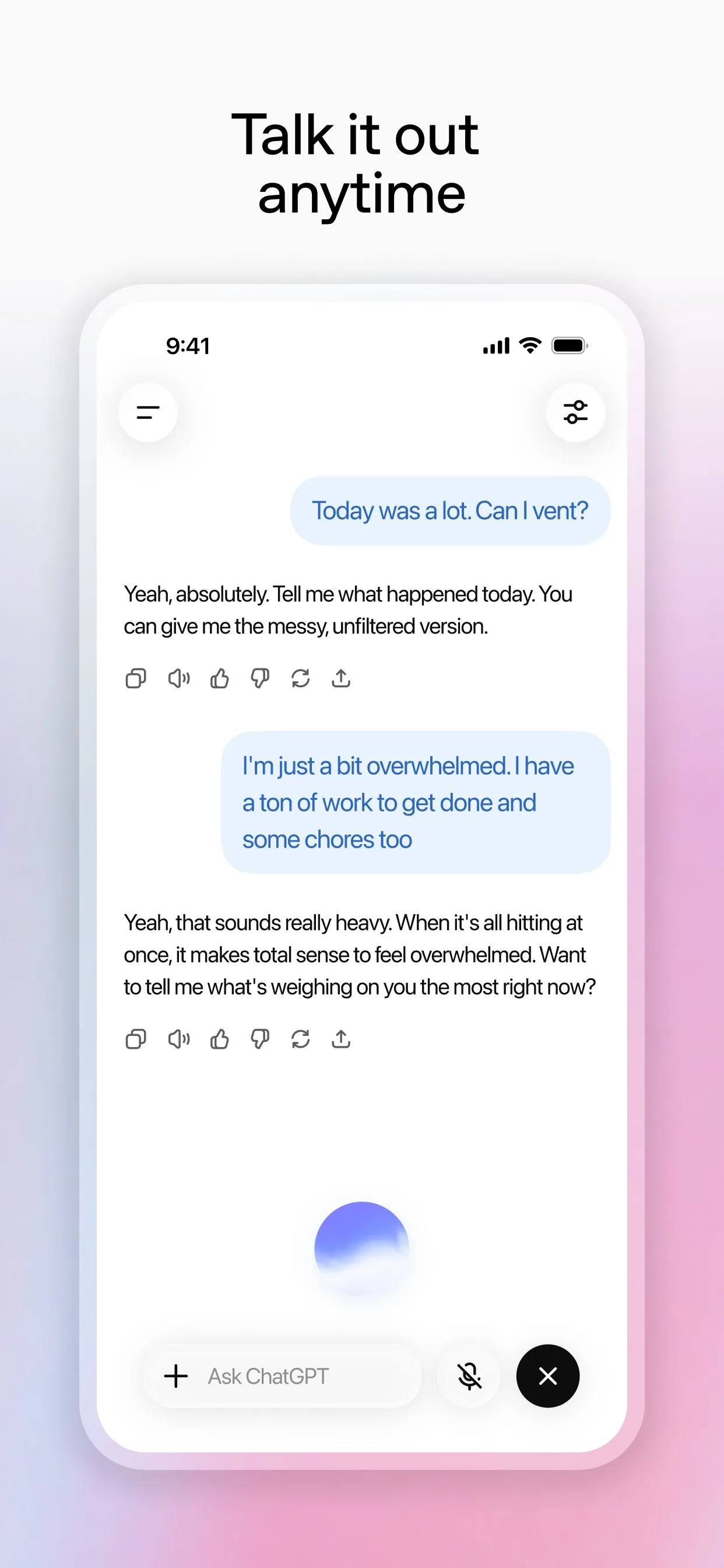
Image: OpenAI Step 2: Gemini: tap Live
Google's help page for Android says to open the Gemini mobile app, then tap Live at the bottom or swipe left. You can also say "Hey Google, let's talk Live". The first time, follow any on-screen instructions, then start talking. To turn off the mic, tap Hold or End. The page says Gemini Live is not available in the Gemini web app, and that Google is releasing updates gradually. It has separate steps for iPhone and iPad.
Prompt to copyI am about to give a two-minute talk to my neighbours about a street party. Let me practise out loud, and after each go, give me one thing to improve.
Tip: Respect others' privacy: Google asks you to get permission before recording other people or including them in a Live chat.
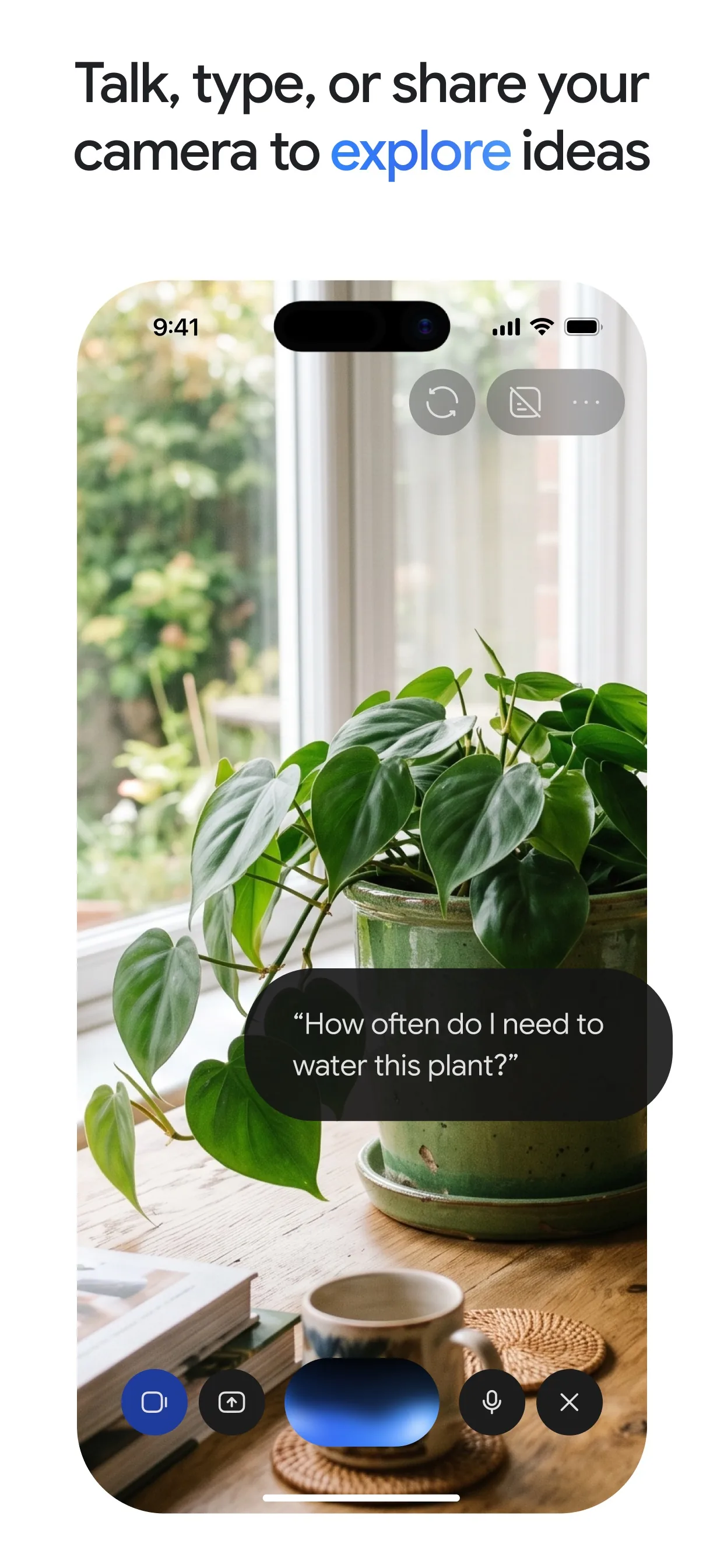
Image: Google Step 3: Claude: tap the sound wave symbol
Anthropic's help page says to tap the sound wave symbol in the lower right corner of the chat window, or the voice mode icon next to the microphone in the text box. Choose a voice when you first start. Voice mode is in beta and available on all plans, Free included, on Claude Mobile, Claude Desktop and the web. Hands-free mode is the default. In a noisy place, switch to push-to-talk and hold a button while you speak.
Prompt to copyI am cooking and my hands are busy. Help me decide what to make with eggs, rice and spinach, and read the steps one at a time.
Tip: Voice conversations count toward your usage limits. Text transcripts are saved in your chat history, so you can read them later.
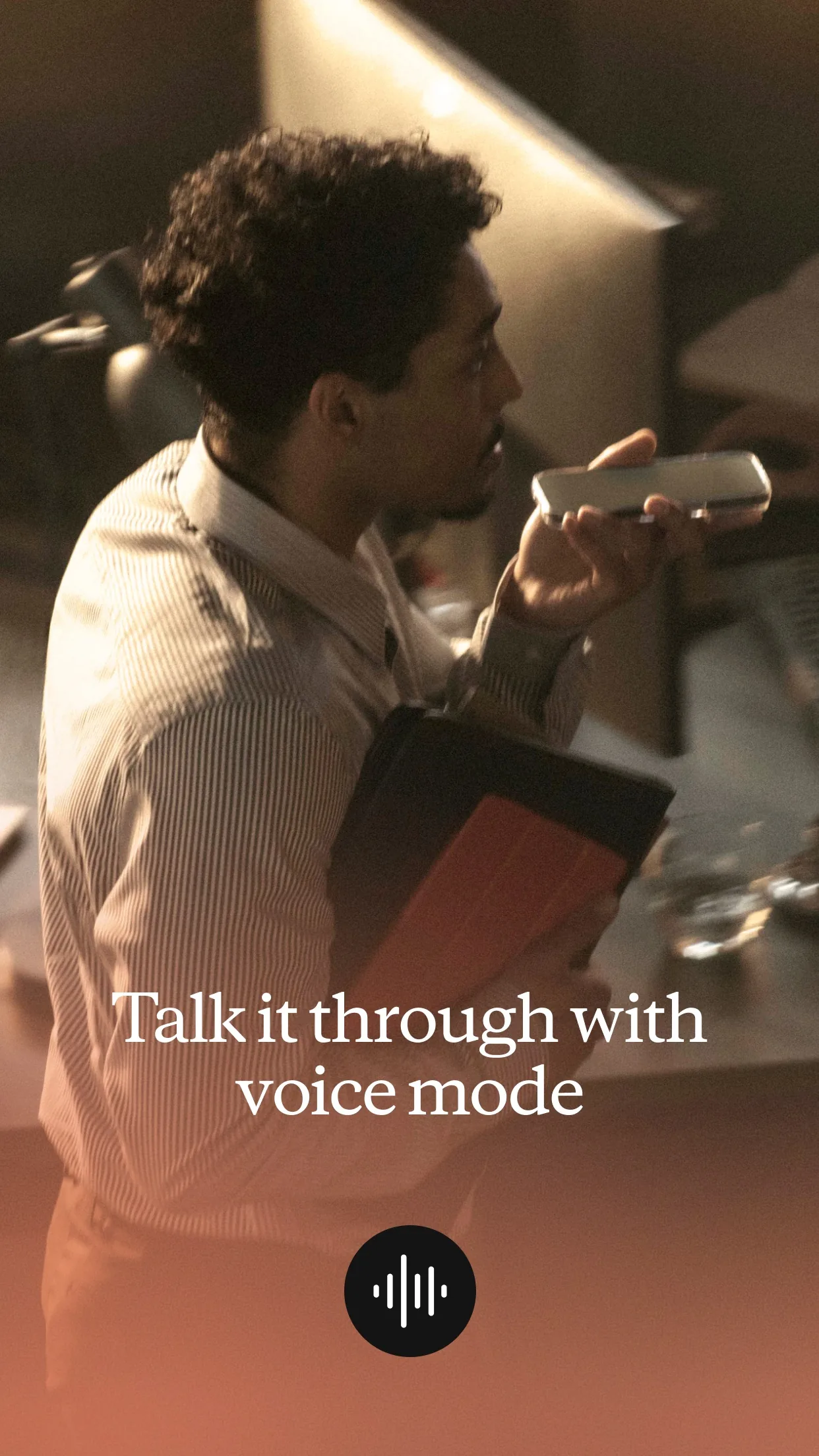
Image: Anthropic
Common mistakes
- Starting in a noisy room. Anthropic's help page says hands-free mode works best in quiet places, and offers push-to-talk for noise.
- Expecting the same buttons everywhere. The help pages say options vary by plan, region and app version, so look for the names you see.
- Trusting a spoken answer without a check. OpenAI's page says ChatGPT can make mistakes, so check important facts.
- Recording other people without asking. Google's page says to ask permission before including them in a Live chat.
Questions people ask
Can I talk to ChatGPT for free?
OpenAI's help page says Voice works on iOS, Android and the web, and lists Free accounts as having limited access to Live, with limits that may change.
Does Claude have a voice mode on the free plan?
Yes. Anthropic's help page says voice mode is a beta feature on all plans, Free included, and that voice conversations count toward your usage limits.
Can I use Gemini Live on the website?
Google's help page says that for now Gemini Live is not available in the Gemini web app. Use the Gemini mobile app.
Are my voice chats saved?
Anthropic's page says text transcripts of Claude voice chats are saved in your chat history. Google's page says to end a Live chat to review its transcript. Check each app's privacy settings.
What if the AI cannot hear me properly?
Move somewhere quieter. In Claude you can switch to push-to-talk and hold a button while you speak.
Checked against
- OfficialOpenAI Help Center: ChatGPT Voice
- OfficialGemini Apps Help: Talk naturally with Gemini Live
- OfficialClaude Help Center: Use voice mode
AI apps change their buttons often. If a step no longer matches what you see, email hello@openloopnews.com and we will update this guide.