How to use AI to find out what your houseplant needs from a photo
Take a clear photo of the whole plant and one close-up of the worst leaf, then attach them to Gemini, Claude or another AI app that reads photos. Ask what the plant is, what could cause the problem, and a simple watering and light plan. Check the advice against the plant's label. About 10 minutes.
What you need
| App | Gemini, Claude or another AI app that reads photos, such as ChatGPT |
|---|---|
| Cost | Free to start. Gemini's help page says you must be signed in, and higher limits come with a Google AI plan |
| Time | About 10 minutes |
| You need | Two photos of the plant, and how often you water it and where it sits |
Step by step
Step 1: Take two clear photos
Photograph the whole plant in daylight, then one close-up of the leaf or stem that worries you. Claude's help page says images of 1000x1000 pixels or larger work best, and it accepts JPEG, PNG, GIF and WebP.
Step 2: Attach the photos
In Gemini on the web, sign in, type your prompt, click Add files, then Upload Files, then Submit. Gemini's help page says you can add up to 10 files in one prompt. In Claude, click the + button in the lower left corner of the chat box and select Add files or photos. In ChatGPT or another AI app, attach the photos from the message box in the same way.

Image: Google Step 3: Ask what it is and what it sees
Fill in the [square brackets] with what you know. The details of your home matter as much as the photo, so say how often you water and where the plant sits.
Prompt to copyThese two photos show my houseplant. The first is the whole plant, the second is a close-up of the leaves that worry me. Tell me what the plant most likely is, and how sure you are. Then list the 3 most likely reasons for [yellowing lower leaves], starting with the most likely. I water it [every 10 days] and it sits [on a shelf 2 metres from a north-facing window]. Do not guess about anything you cannot see in the photos.
Tip: Ask how sure it is. A plant that looks like three different species should get a cautious answer.
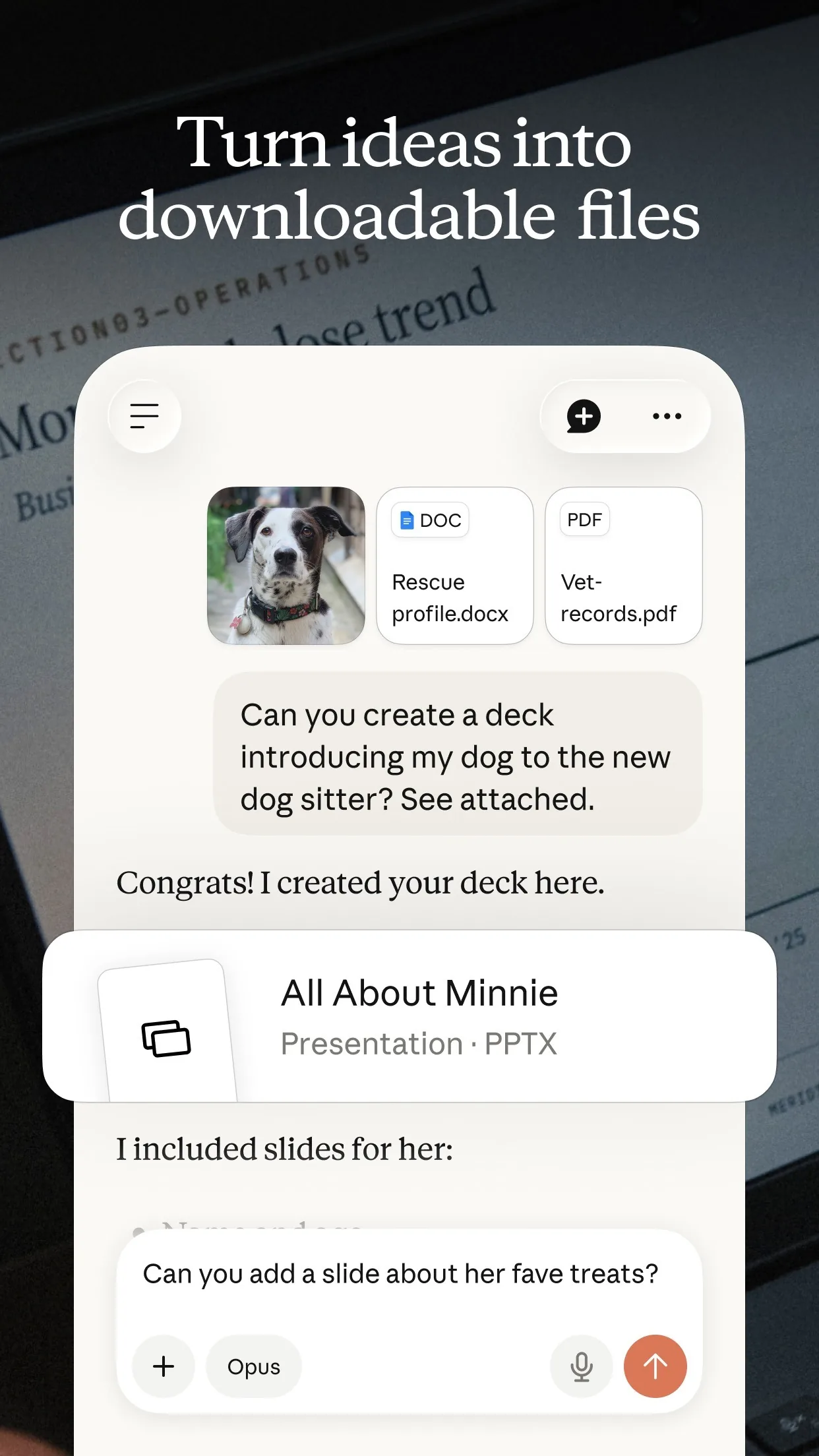
Image: Anthropic Step 4: Get a simple care plan
Once the name looks right, ask for a plan you can follow this week, not a long lecture.
Prompt to copyMake me a simple care plan for this plant for the next 4 weeks. Include how to check if the soil needs water, how much light it wants, and one change to try first. Keep it under 150 words and use plain words.
Tip: Change one thing at a time, so you can tell what helped.
Step 5: Check it before you act
Look at the plant's label or a trusted plant guide to confirm the name. If the AI is unsure, take another photo in better light. For a valuable plant, or one that is getting worse fast, ask a local garden centre.
Prompt to copyWhat would I check on the plant, in the soil or on the underside of the leaves, to tell which of those causes is real? Give me 3 quick checks.
What you get
Example answer from Claude on 16 Nov 2026, for a made-up pothos, with the photos described in words. Shortened. Yours will be worded differently.
Common mistakes
- Sending one blurry photo. Give it the whole plant and a close-up, in daylight.
- Leaving out how often you water and where it sits. Without them, the answer is a guess.
- Changing five things at once. Change one, wait a week and see.
- Trusting the name without a check. Compare it with the plant's label or a trusted plant guide.
- Treating a pet's or a child's safety question as settled. If a plant may be harmful to a pet or child, ask the vet or a doctor, not an AI.
Questions people ask
Which AI app should I use?
Gemini, Claude and ChatGPT can all read a photo, and the prompts work the same in each, so use the one you already have.
Is it free?
You can start free. Gemini needs you signed in, and its help page says a Google AI plan gives higher limits. Check your app's own plan page for its limits.
How do I add the photos?
In Gemini on the web click Add files, then Upload Files, then Submit. In Claude click the + button in the lower left corner of the chat box, then Add files or photos.
Can AI name my plant wrong?
Yes, especially with a poor photo or a rare plant. That is why the guide asks how sure it is and tells you to check the name against a label.
Is this safe for plants that could harm pets?
Do not rely on AI for that. Ask your vet if a plant may be harmful to a pet.
Checked against
- OfficialGemini Apps Help: Upload & analyze files in Gemini Apps
- OfficialClaude Help Center: Upload files to Claude
AI apps change their buttons often. If a step no longer matches what you see, email hello@openloopnews.com and we will update this guide.