How to use AI to split a restaurant bill from a photo of the receipt
Take a flat, well-lit photo of the receipt and attach it to Gemini or Claude, or another AI app that reads photos. First ask it to list every line and total. Then say who ate what and ask for tax and tip shared in proportion. Check that the totals match the receipt. About 10 minutes.
What you need
| App | Gemini, Claude or another AI app that reads photos, such as ChatGPT |
|---|---|
| Cost | Free to start. Gemini's help page says you must be signed in, and higher limits come with a Google AI plan |
| Time | About 10 minutes |
| You need | A photo of the whole receipt, and who ate or drank what |
Step by step
Step 1: Take a clear photo of the receipt
Lay the receipt flat in good light and photograph the whole thing, from the first item to the total, including tax and tip. Claude's help page says images of 1000x1000 pixels or larger work best, and it accepts JPEG, PNG, GIF and WebP.
Step 2: Attach the photo
In Gemini on the web, sign in, type your prompt, click Add files, then Upload Files, then Submit. In Claude, click the + button in the lower left corner of the chat box and select Add files or photos. In ChatGPT or another AI app, attach the photo from the message box in the same way.
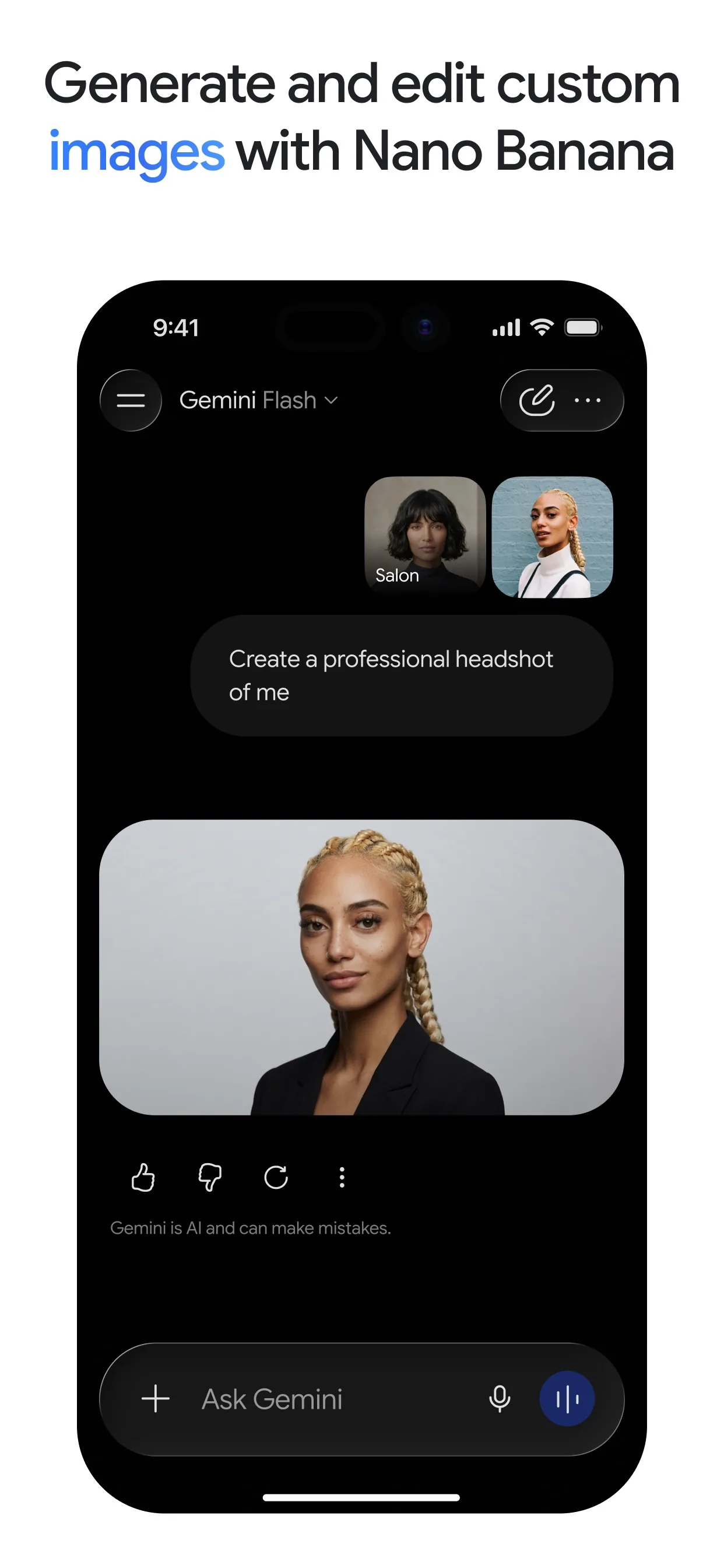
Image: Google Step 3: First, make it read the receipt
Before any maths, check the AI read the receipt correctly. Compare its list with your paper copy. Fix any wrong line by telling it the right price.
Prompt to copyRead this receipt photo. List every line as: item, price. Then give the subtotal, tax, tip or service charge and total exactly as printed. If any number is hard to read, say so instead of guessing.
Tip: If a price is blurry, type it in yourself. A guess here spoils everything after it.
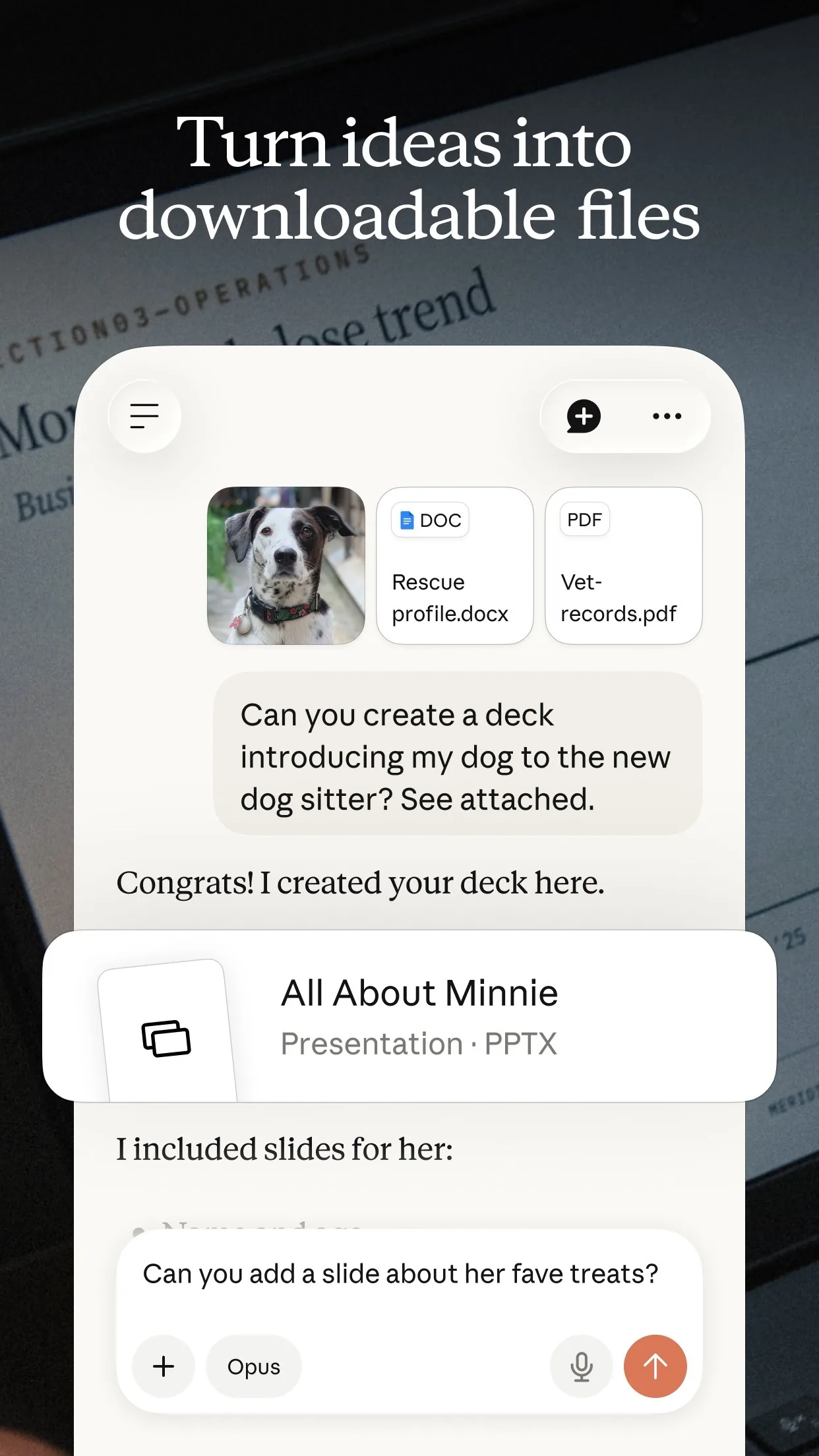
Image: Anthropic Step 4: Say who had what
Paste the second prompt with your own names and orders in place of the [square brackets]. Shared dishes are split equally, and tax and tip follow what each person ordered.
Prompt to copyHere is who had what: [Ana: pasta and her share of the garlic bread; Ben: pizza, 1 soda and his share of the garlic bread; Cy: salad, 1 soda and his share; Dee: burger and her share]. Split shared items equally between [4] people. Share the tax and tip in proportion to what each person ordered. Show a table with each person's items, their share of tax and tip, and their total. Then check that the totals add up to the receipt total.
Tip: Use first names only. You do not need anyone's full name or card details.
Step 5: Check the total
Add up the table yourself, or ask the AI to show its working. The totals must equal the receipt total. If they do not, ask it to find the mistake.
Prompt to copyThe totals do not add up to the receipt total of [94.71]. Show your working line by line, find the mistake and give me the corrected table.
What you get
Example answer from Claude on 15 Nov 2026, for a made-up dinner for four, with the receipt described in words. Shortened. Yours will be worded differently.
Common mistakes
- Skipping the read-back. If the AI misreads one price, every share is wrong.
- Forgetting to say who shared what. Say which dishes were split and between how many people.
- Splitting tax and tip equally when orders differ a lot. Ask for them in proportion to what each person ordered.
- Not checking the total. AI can slip on arithmetic, so add the shares up yourself.
- Sending the photo with a card number or other private details showing.
Questions people ask
Which AI app should I use?
Gemini, Claude and ChatGPT can all read a photo, and the prompts work the same in each, so use the one you already have.
Is it free?
You can start free. Gemini needs you signed in, and its help page says a Google AI plan gives higher limits. Check your app's own plan page for its limits.
How do I add the photo?
In Gemini on the web click Add files, then Upload Files, then Submit. In Claude click the + button in the lower left corner of the chat box, then Add files or photos.
Can AI get the sums wrong?
Yes. That is why the guide asks it to read the receipt back first and to show a table you can add up.
What if the tip is not on the receipt?
Tell the AI the tip you left, as a percentage or an amount, and ask it to share that the same way as the tax.
Checked against
- OfficialGemini Apps Help: Upload & analyze files in Gemini Apps
- OfficialClaude Help Center: Upload files to Claude
AI apps change their buttons often. If a step no longer matches what you see, email hello@openloopnews.com and we will update this guide.