How to use AI to turn a messy to-do list into a realistic plan for your day
Type or paste everything on your mind into ChatGPT, Gemini or Claude, then tell it how many hours you have and when you have the most energy. Ask it to pick the three must-dos, put them in time blocks and move the rest to another day. You get a plan you can actually finish. About 5 minutes.
What you need
| App | ChatGPT, Gemini or Claude, on the web or as an app |
|---|---|
| Cost | Free to start. Gemini's help page says you must be signed in to attach files, and higher limits come with a Google AI plan |
| Time | About 5 minutes |
| You need | Your to-do list in any form, the hours you have today and your fixed appointments |
Step by step
Step 1: Dump everything out of your head
Write every task you can think of in one list, in any order, with no tidying. Include fixed times such as a school pickup or a call. If your list is on paper, you can attach a photo instead of typing it: in Gemini on the web, type your prompt, click Add files, then Upload Files, then Submit; in Claude, click the + button in the lower left corner of the chat box and select Add files or photos. Gemini's help page says you can add up to 10 files in one prompt.
Step 2: Ask for the three must-dos
Fill in the [square brackets]. Telling the AI your real hours is what makes the plan realistic.
Prompt to copyHere is my messy to-do list for today: [paste your list]. I have about [5 hours] free, and I have fixed appointments at [10:00 call, 15:30 school pickup]. I have the most energy in the [morning]. Pick the 3 tasks that matter most today and say in one short line why each one made the cut. Do not add tasks I did not list.
Tip: Ask for the why. If a reason looks wrong, you will spot it in a second.
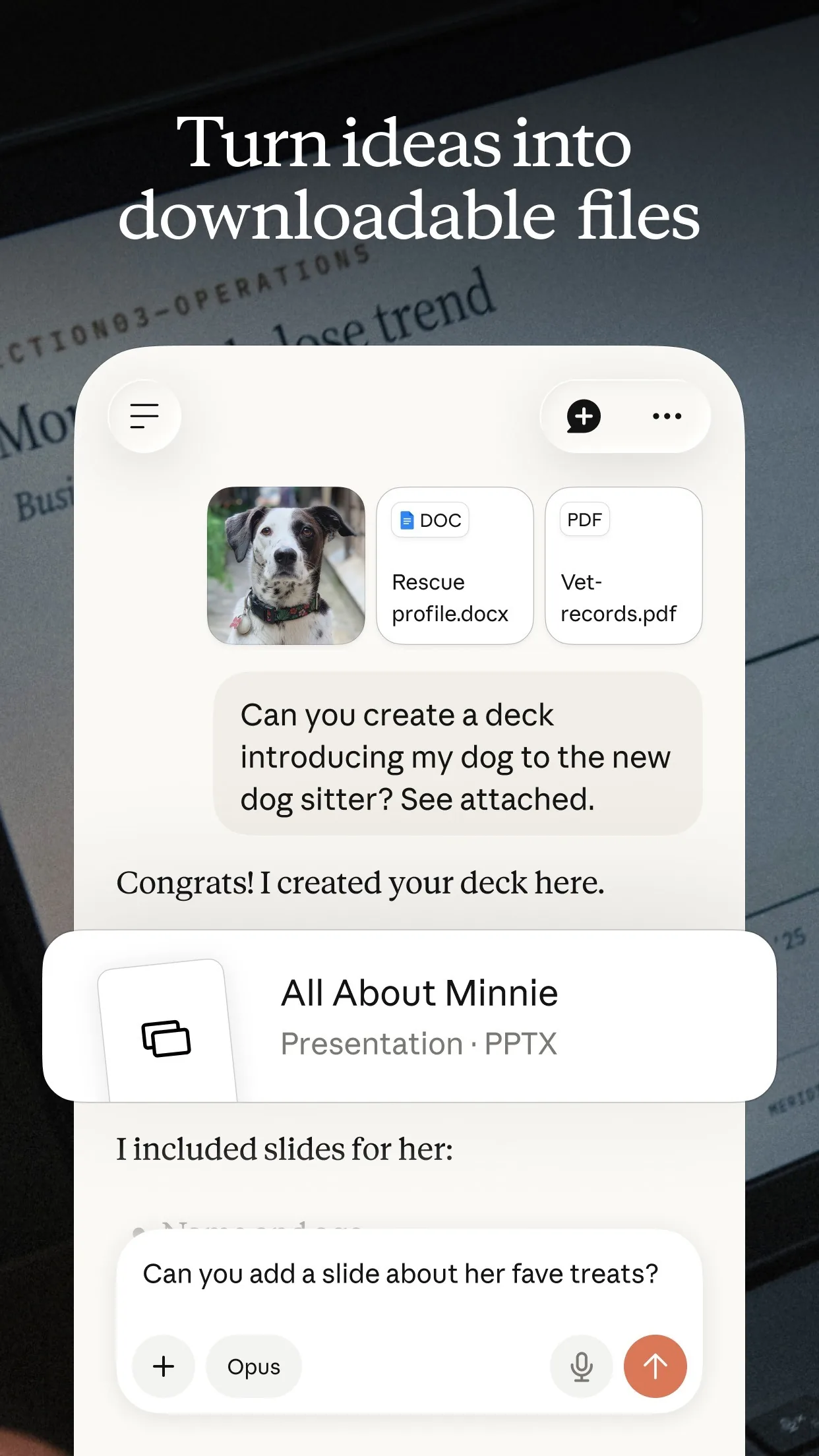
Image: Anthropic Step 3: Turn them into time blocks
Now ask for a schedule built around your fixed times, with breaks and some spare time.
Prompt to copyTurn those 3 tasks, plus any quick tasks under 10 minutes from my list, into a schedule for today around my fixed appointments. Use blocks of 25 to 60 minutes, add a 10 minute break between them, and leave 30 minutes spare for things that run late. Show it as a short list of times.
Tip: Real days run over. The spare half hour is what keeps the plan from falling apart.

Image: Google Step 4: Park the rest on purpose
Ask where everything that did not fit should go, so it stops nagging you.
Prompt to copyList every task that did not fit today. For each one, suggest a day this week or write 'drop it', and tell me which one needs a decision from me.
Step 5: Check it against your day, then start
Read the plan once. If a time is wrong, tell the AI and ask it to fix only that part. Add the blocks to your own calendar or paper planner yourself, then start the first block.
Prompt to copyThe [14:00] block will not work because [I have to collect a parcel]. Move that task and keep everything else the same.
What you get
Example answer from Claude on 18 Nov 2026, for a made-up list of eight tasks with a 10:00 call and a 15:30 school pickup. Shortened. Yours will be worded differently.
Common mistakes
- Leaving out your real hours and fixed times. Without them the AI plans a perfect day that does not exist.
- Keeping everything. A plan with ten tasks in five hours is a wish list, so insist on three must-dos.
- Skipping the spare time. Ask for 30 minutes of slack, because something will run over.
- Pasting private details. Leave out passwords, account numbers and other people's personal data.
- Letting the AI decide what matters to you. Read why it picked each task and change it if it is wrong.
Questions people ask
Which AI app should I use?
ChatGPT, Gemini and Claude can all do this with text alone, and the prompts work the same in each, so use the one you already have.
Is it free?
You can start free. Gemini needs you signed in to attach files, and its help page says a Google AI plan gives higher limits. Check your app's own plan page for its limits.
Can I use a photo of a paper list?
Yes. In Gemini on the web click Add files, then Upload Files, then Submit. In Claude click the + button in the lower left corner of the chat box, then Add files or photos. Check what it read before you trust the plan.
Will the AI put the plan in my calendar?
Not in this guide. You copy the blocks into your own calendar or planner yourself, which also lets you check each time.
What if my day changes?
Tell the AI what changed and ask it to move only that block. You keep the rest of the plan.
Checked against
- OfficialGemini Apps Help: Attach & analyze files in Gemini Apps
- OfficialClaude Help Center: Upload files to Claude
AI apps change their buttons often. If a step no longer matches what you see, email hello@openloopnews.com and we will update this guide.