How to see and delete what ChatGPT, Gemini and Claude remember about you
ChatGPT, Gemini and Claude can all remember details from your chats. In ChatGPT, open Settings, Personalization, then Memory. In Gemini on the web, click Settings, Personal Intelligence, then Memory summary. In Claude, open Settings, Your Claude, then click Manage next to Your memory. Each step is checked on the company's help page.
What you need
| App | ChatGPT, Gemini or Claude, signed in |
|---|---|
| Cost | Free. Some memory controls depend on your plan, region and account type, as each help page says |
| Time | About a minute per app |
| Good to know | Turning memory off does not delete your past chats. Delete those separately |
Step by step
Step 1: ChatGPT: Settings > Personalization > Memory
OpenAI's help page says to open Settings, select Personalization, then select Memory. Depending on your account, the controls can include Memory, Reference saved memories, Reference chat history, Memory summary and Manage. In the memory summary you can enter a correction, or select Delete and turn off memory from the more options menu. The page says controls vary by plan, region and platform.
Prompt to copyWhat do you remember about me? List it, so I can tell you what to fix or forget.
Tip: OpenAI's page says deleting a chat alone does not necessarily delete a separate saved memory. Delete the saved memory too.
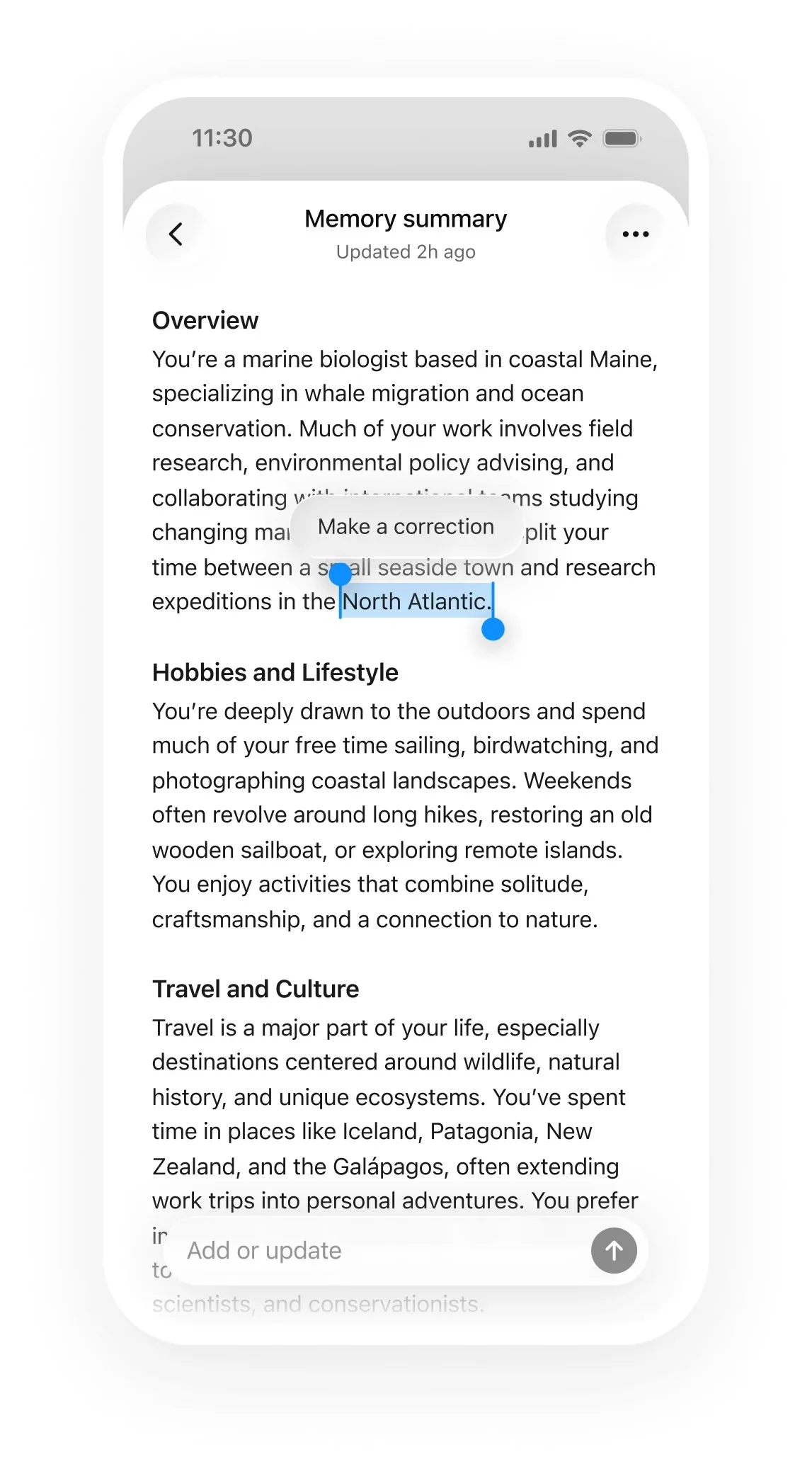
Image: OpenAI Step 2: Gemini: Settings > Personal Intelligence > Memory summary
Google's help page says to go to gemini.google.com, click Settings at the bottom left, then click Personal Intelligence, then Memory summary. You can type a request to update it, such as "Remove my old phone number from your memory." To stop Gemini learning about you, turn Memory off in Settings, Personal Intelligence. The page says memory summary is not available in the EEA, Nigeria, Switzerland or the United Kingdom, and needs a personal account, age 18 or over, and Keep Activity on.
Prompt to copyDid you use any info from past chats?
Tip: Google's page says to delete something Gemini remembered from a chat, delete all chats with that info from Gemini Apps Activity.
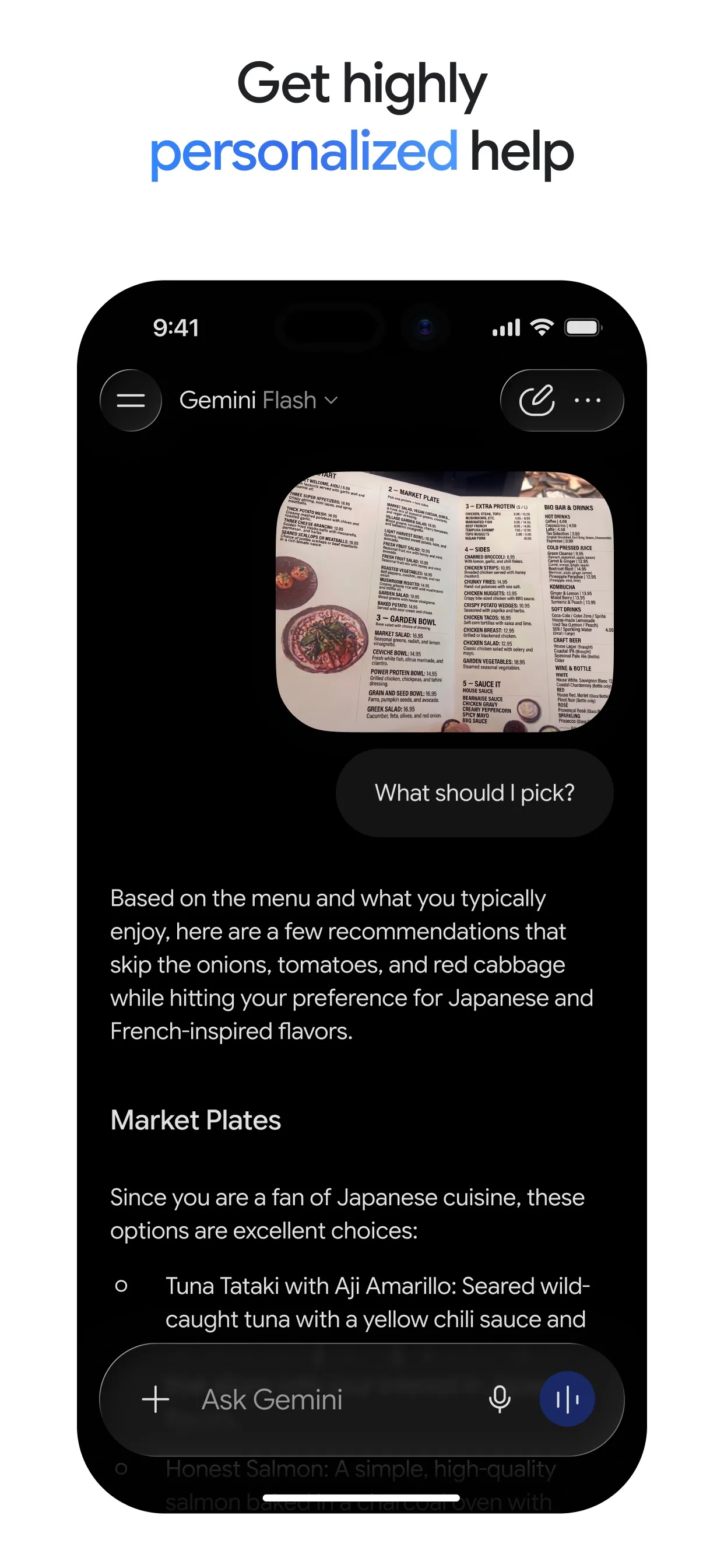
Image: Google Step 3: Claude: Settings > Your Claude > Manage
Anthropic's help page says to go to Settings, then Your Claude, click Manage next to Your memory, and review the list under Topics. Select a topic to read it, click the edit icon to change it, or select Delete to remove it. To stop Claude saving new memory, switch off Generate memory from chats: you can choose Pause memory or Reset memory, which permanently deletes all memories.
Prompt to copyWhat do you remember about me? Tell me anything I should correct or remove.
Tip: Anthropic's page says that to keep one chat out of memory, click + in a new chat and turn off Memory before your first message. An incognito chat (the ghost icon) is not saved to memory either.
Image: Anthropic
Common mistakes
- Turning memory off and thinking your chats are gone. OpenAI's page says turning Memory off does not delete past chats, so delete those separately.
- Deleting only the chat. OpenAI's page says deleting a chat alone does not necessarily delete a separate saved memory.
- Choosing Reset memory in Claude by accident. Anthropic's page says it permanently deletes all memories and cannot be undone. Pause memory keeps them.
- Expecting the same controls everywhere. Each help page says what you see depends on your plan, region and account type.
Questions people ask
Does turning memory off delete my chats?
No. OpenAI's help page says turning Memory off does not delete your past chats. Delete the chats you no longer want from your history as well.
Can I stop one chat from being remembered?
In Claude, yes: start a new chat, click the plus button, and turn off Memory before you send your first message. An incognito chat is not saved to memory either.
Why can't I see Memory summary in Gemini?
Google's page says it needs a personal Google Account, age 18 or over, Keep Activity on and Memory turned on, and it is not available in the EEA, Nigeria, Switzerland or the United Kingdom.
How do I ask an AI what it knows about me?
Ask it in a chat. OpenAI's page says you can ask ChatGPT what it remembers about you, and Google's says to ask Gemini whether it used info from past chats.
Is Claude's memory on by default?
Anthropic's page says memory is on by default for Free, Pro, Max and Ultra plans on the web, desktop and mobile. On Team and Enterprise plans, owners control it.
Checked against
- OfficialOpenAI Help Center: Memory in ChatGPT
- OfficialGemini Apps Help: View & manage your memory summary in Gemini Apps
- OfficialGemini Apps Help: Get personalization with memory of your past Gemini chats
- OfficialClaude Help Center: Use Claude's chat search and memory to build on previous context
AI apps change their buttons often. If a step no longer matches what you see, email hello@openloopnews.com and we will update this guide.