How to get ChatGPT, Gemini or Claude to summarise a PDF or document
ChatGPT, Gemini and Claude can all read a file you attach and summarise it. In ChatGPT, attach the file to your conversation. In Gemini on the web, click Add files, then Upload Files. In Claude, click the plus button, then Add files or photos. Each step is checked on the company's help page, with the limits that apply.
What you need
| App | ChatGPT, Gemini or Claude, signed in, and a PDF or document on your device |
|---|---|
| Cost | OpenAI's page says document uploads are on Free and paid plans, with plan limits, and Free users get 3 file uploads per day. Google's page asks you to be signed in to Gemini Apps. Anthropic's page lists no plan restriction |
| Time | About a minute to upload and ask |
| Good to know | Limits and options can change, and an answer can contain mistakes, so check anything important against the original |
Step by step
Step 1: ChatGPT: attach the file to your conversation
OpenAI's help page says to attach a supported file to your ChatGPT conversation, describe what you want it to do with the file, then review the response and ask follow-up questions. PDF and DOCX are on its list of document formats. The page says document uploads are available on Free and paid plans, subject to limits, and that Free users are limited to 3 file uploads per day.
Prompt to copySummarise the attached document in plain English. Give me: what it is, the 5 most important points, any dates or amounts I must act on, and anything that looks unusual or unclear.
Tip: The page says text and document files are capped at 2 million tokens per file, and that you can't upload a .gdoc file directly: export it as PDF or DOCX first.
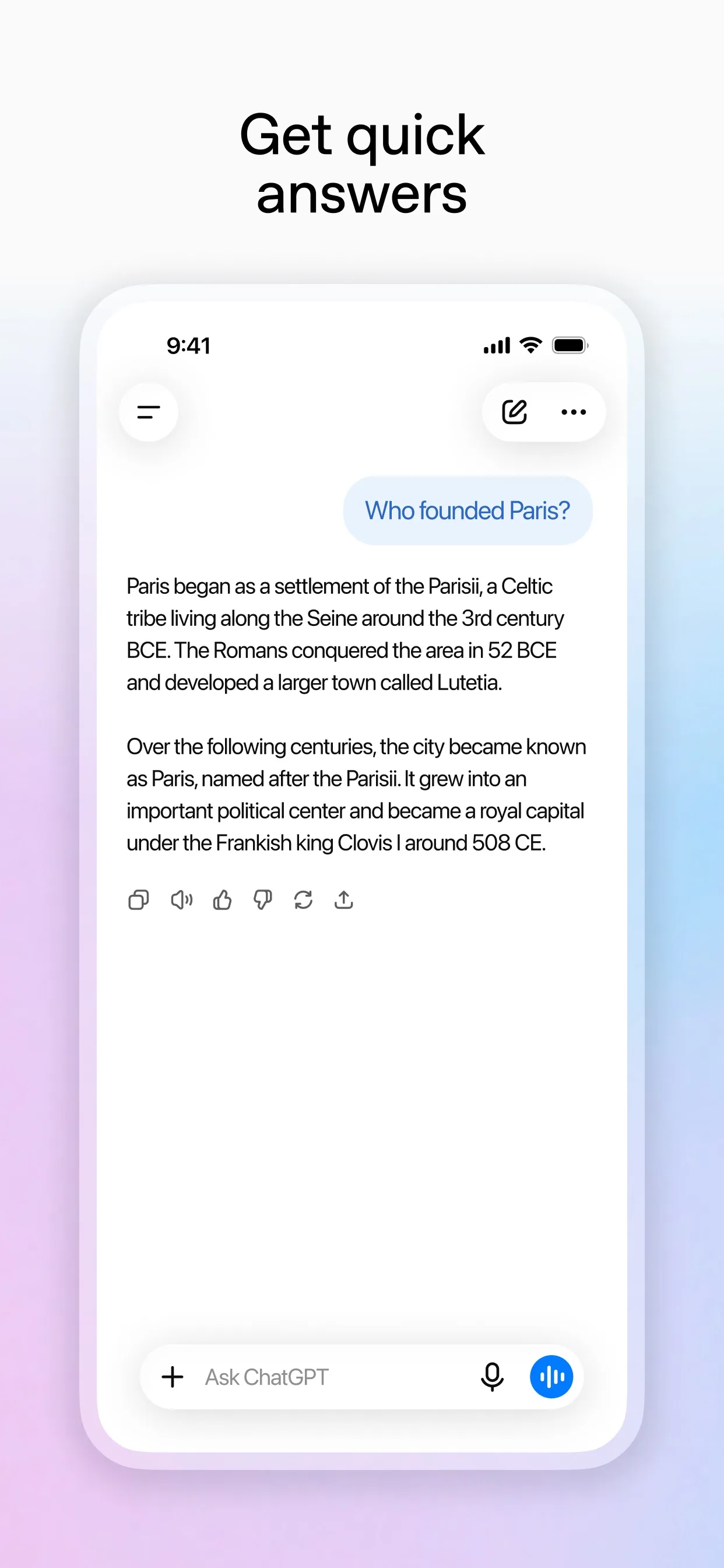
Image: OpenAI Step 2: Gemini: click Add files, then Upload Files
Google's help page says to go to gemini.google.com, enter your prompt in the text box, click Add files, then click Upload Files to choose a file from your device, then click Submit. You can add up to 10 files in the same prompt, and each document can be up to 100 MB. You must be signed in to Gemini Apps. The page also has steps for Android and iPhone.
Prompt to copyRead the attached file and write a one-paragraph summary, then a list of the key points. Quote the page or section for each point so I can check it.
Tip: If Gemini says it failed to analyse your file, Google's page says to re-upload it.
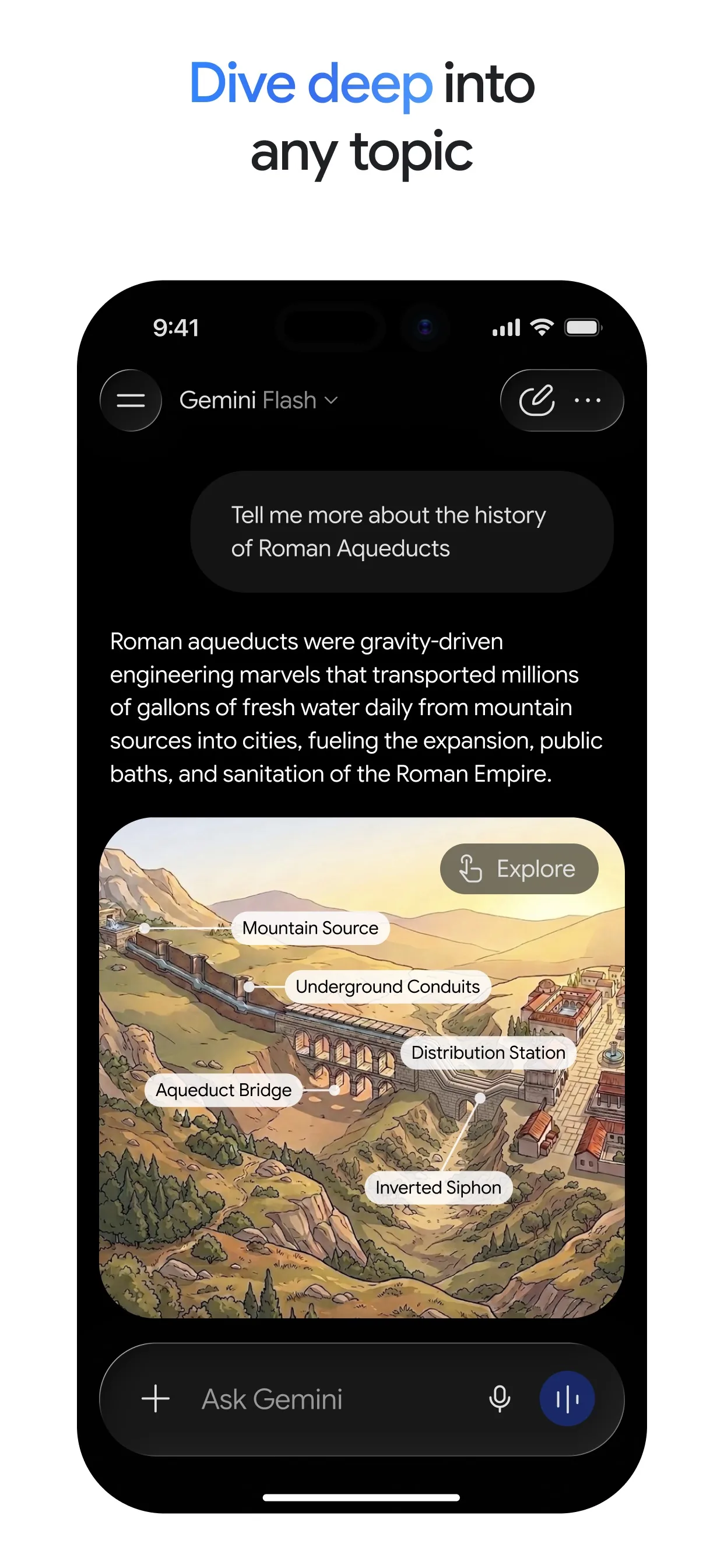
Image: Google Step 3: Claude: click the plus button, then Add files or photos
Anthropic's help page says to click the "+" button in the lower left corner of the chat box, select "Add files or photos", choose files from your device, then click "Open", or drag and drop them into the chat window. PDF is a supported type. You can attach up to 20 files per chat, and PDFs are limited to 1000 pages.
Prompt to copySummarise the attached PDF for someone who has not read it. Start with one sentence on what it is, then the key points, then any questions I should ask the author.
Tip: For PDFs, the page says to refer to pages by the number in your PDF viewer, not the number printed on the page.
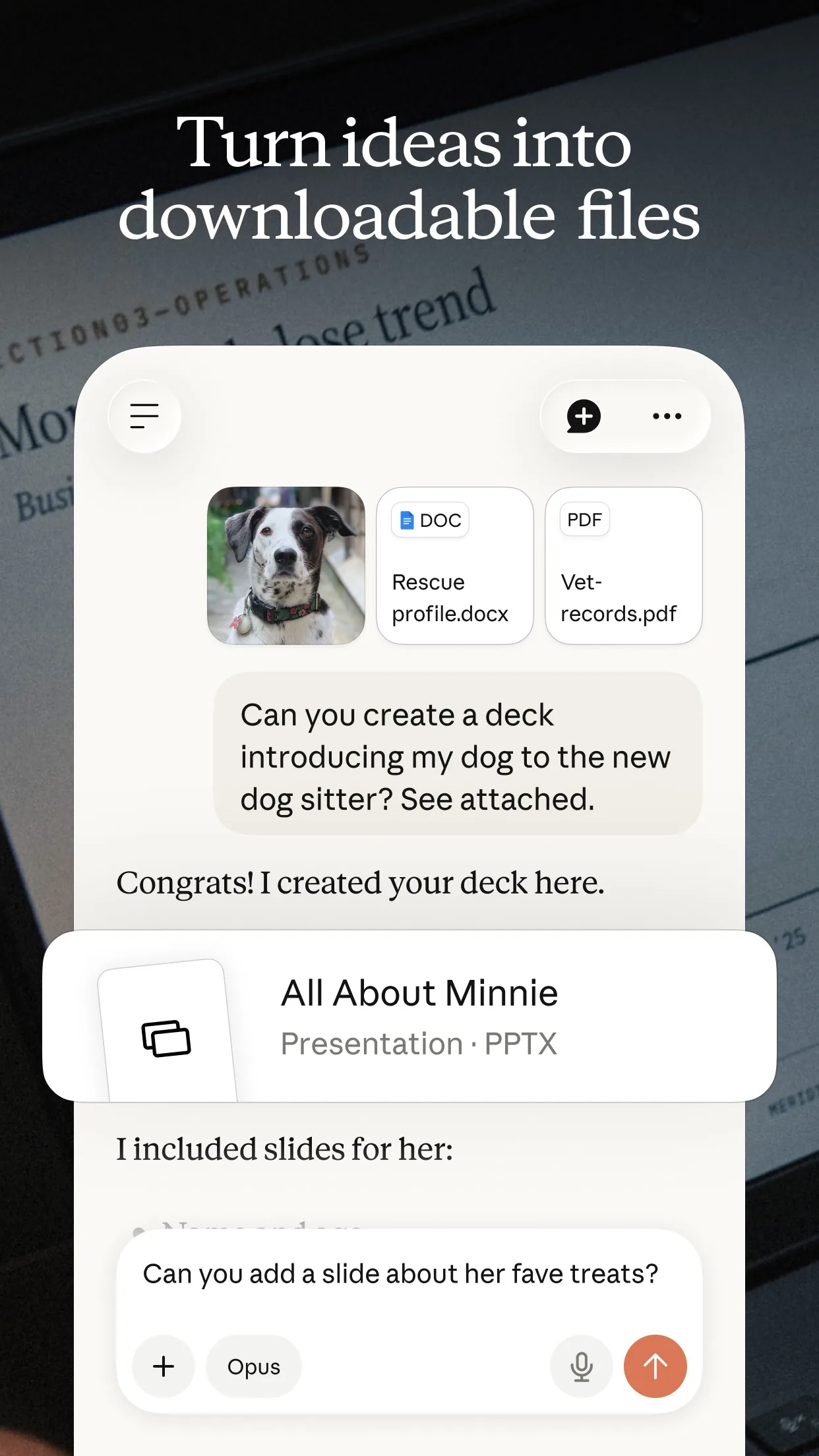
Image: Anthropic
Common mistakes
- Trusting the summary without a check. Ask for the page or section behind each point, then open the original for anything that matters.
- Uploading a file with private details you would not share. Check each app's privacy settings first.
- Expecting unlimited uploads. OpenAI's page says Free users get 3 file uploads per day, and Google's says limits vary and reset after a while.
- Uploading a very long file in one go. Anthropic's page suggests dividing larger files into smaller sections.
Questions people ask
Can ChatGPT summarise a PDF for free?
OpenAI's help page says document uploads are available on Free and paid plans, subject to limits, and that Free users are limited to 3 file uploads per day.
How many files can I give Gemini at once?
Google's help page says you can upload up to 10 files in the same prompt, and that other file types can be up to 100 MB each.
How long can a PDF be in Claude?
Anthropic's help page says PDFs are limited to 1000 pages. Claude reads text and visuals in PDFs of 100 pages or fewer, and text only from 101 to 1000 pages.
Can I upload a Google Doc?
OpenAI's page says you can't upload a .gdoc file directly to ChatGPT and to export it as PDF or DOCX first. In Gemini you can add a supported file from Google Drive, which needs Keep Activity on and Google Workspace connected.
Is the summary always right?
No. AI can make mistakes, so check names, dates and amounts against the original before you act on them.
Checked against
- OfficialOpenAI Help Center: Uploading files and audio to ChatGPT
- OfficialGemini Apps Help: Upload & analyze files in Gemini Apps
- OfficialClaude Help Center: Upload files to Claude
AI apps change their buttons often. If a step no longer matches what you see, email hello@openloopnews.com and we will update this guide.