How to use AI to scale a recipe and swap missing ingredients
Take a photo of the recipe, add it to ChatGPT, Gemini or Claude, and paste the prompt below with how many people you are cooking for and what is missing. The AI rewrites the amounts, suggests swaps and flags steps whose timing changes. Check any swap that affects baking or food safety before you cook.
What you need
| App | ChatGPT, Gemini or Claude, on the web or in the phone app |
|---|---|
| Cost | OpenAI's help page says image uploads are on the free ChatGPT plan, with 3 file uploads a day for free users. Gemini and Claude have their own limits |
| Time | About 10 minutes, before you start cooking |
| You need | A recipe (a cookbook page, a printout or a screenshot), the number of people, and a list of what you do not have |
Step by step
Step 1: Photograph the recipe
Lay the page flat in good light so every line is readable. Claude's help page says images of 1000 by 1000 pixels or larger work best. OpenAI's page says ChatGPT may misread rotated or upside-down text, so hold the phone the right way up. A screenshot of an online recipe works too.
Step 2: Add the photo to your AI app
In ChatGPT, tap the + icon in the prompt area and select Add photos & files. In the Gemini web app, enter your prompt, click Add files, then Upload Files. In Claude, click the + button in the lower left corner of the chat box and select Add files or photos. You can also drag an image in or paste it.
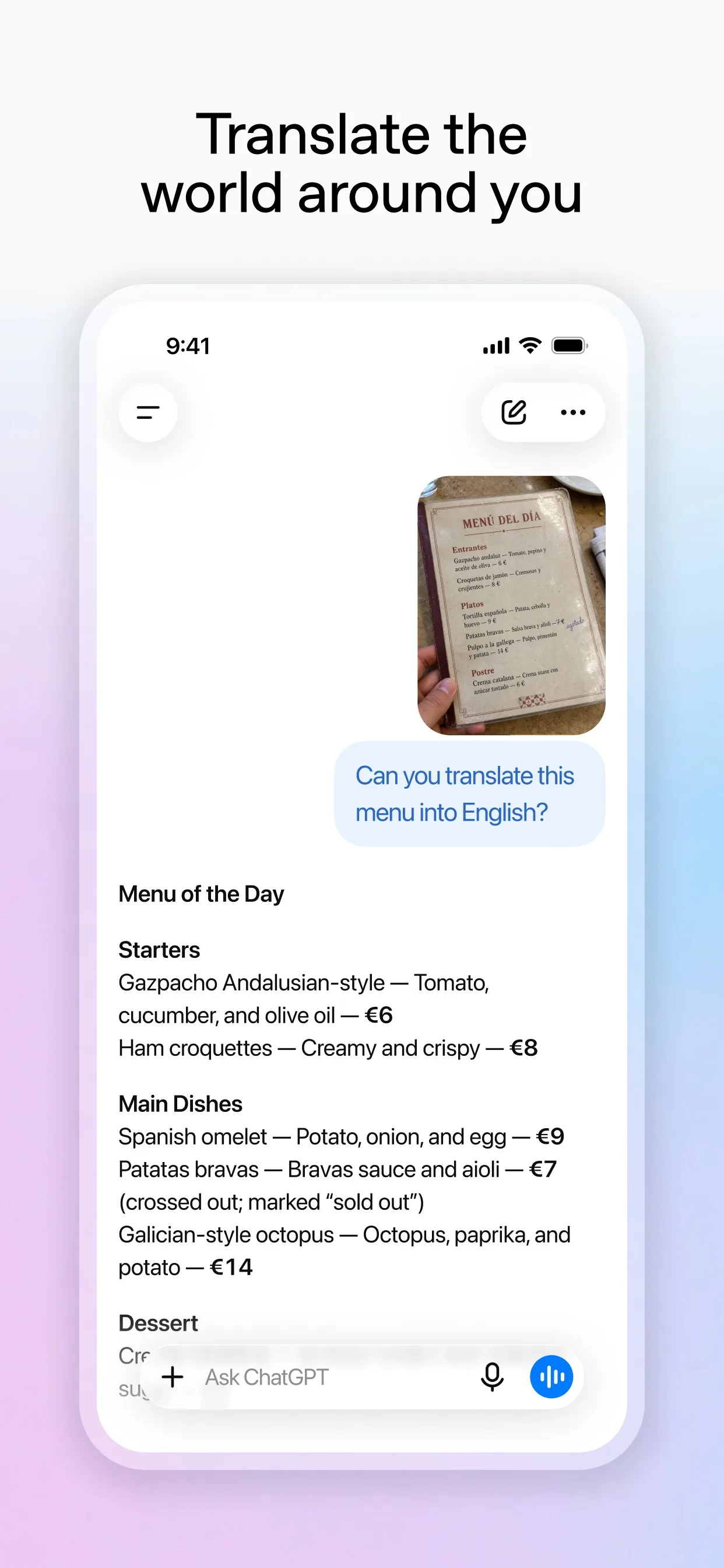
Image: OpenAI Step 3: Ask for the new amounts and swaps
Say how many the recipe serves now, how many you are cooking for and what you cannot use. Asking it to list what changed keeps you from missing a line.
Prompt to copyThis is a photo of a recipe. It serves [4]. I am cooking for [6]. Rewrite the ingredients list for [6] in [grams and millilitres]. I do not have [buttermilk] and I cannot eat [nuts]. Suggest a swap for each, say how the swap changes the taste or texture, and list every step whose time or pan size changes. If any text in the photo is unclear, ask me instead of guessing.
Tip: If you are scaling up a lot, such as doubling or more, ask which steps do not scale in a straight line, like baking time, salt and spices.
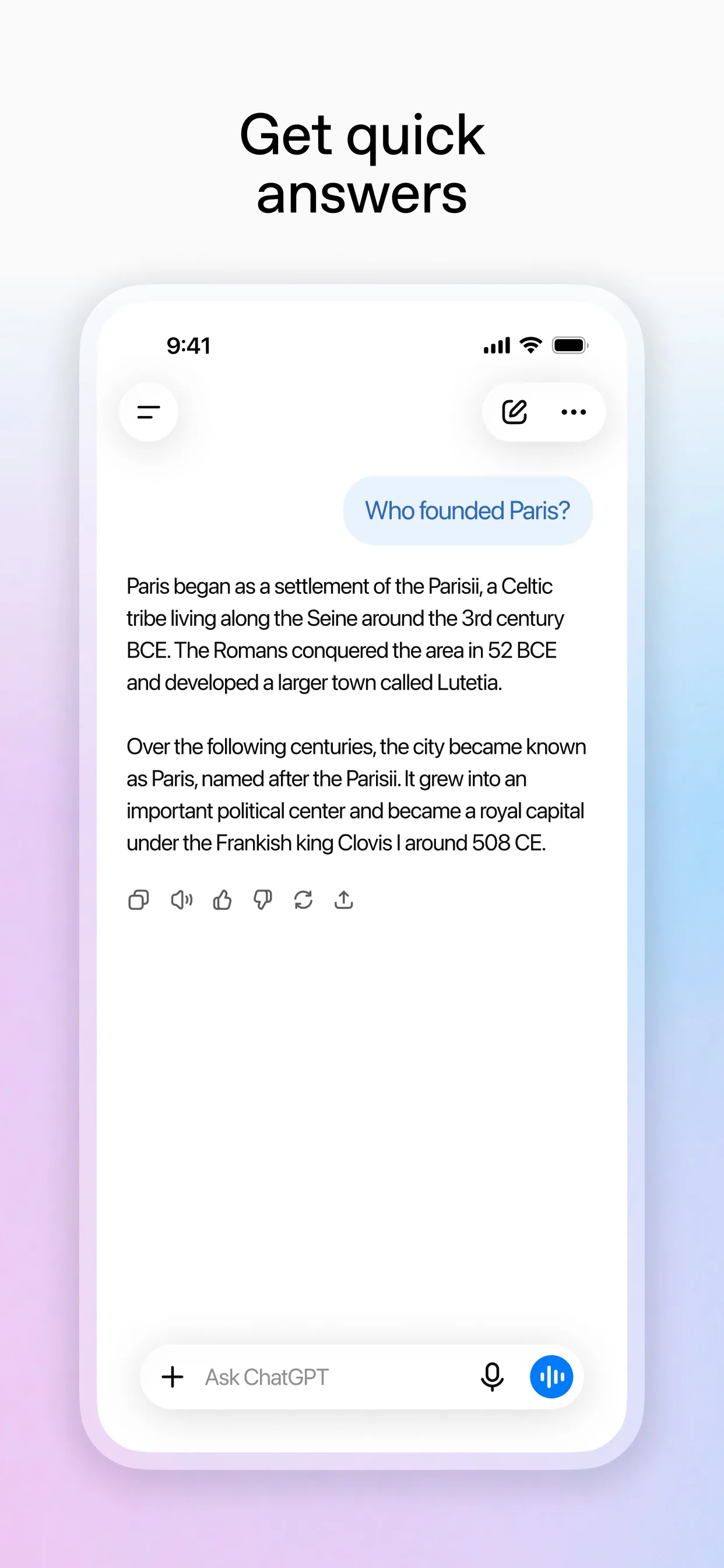
Image: OpenAI Step 4: Ask for a shopping check
Before you shop or start, ask for a short list of what you need to buy, against what you already have.
Prompt to copyI already have [flour, sugar, eggs, butter, one lemon]. From your new ingredients list, what do I still need to buy? Group it by shop aisle.
Image: Google Step 5: Cook, then check the risky parts
The AI only sees the photo and your words. It cannot taste, and it can get a swap wrong. For baking, meat and anything for allergies, check the swap on the recipe's own site or a trusted cookery source, and cook meat until it is done. OpenAI's page says the model may make mistakes in descriptions, so read the new list against the photo once.
What you get
Example answer from Claude on 11 Nov 2026, for a made-up muffin recipe described in text (Claude cannot show a real photo here, so the test used a written description). Yours will be worded differently.
Common mistakes
- Trusting a swap for baking without checking it. Flour, eggs and raising agents are chemistry, and a bad swap can flatten the result.
- Scaling the cooking time in a straight line. Doubling a recipe does not double the time, so check by look and feel.
- Not telling it about an allergy or a diet. The AI only avoids what you tell it, so say it in the prompt and check the labels.
- Skipping the read-through. If the photo was blurry, the AI may have guessed a number, so compare the new list with the page once.
Questions people ask
Is this free?
OpenAI's help page says image uploads are available on Free and paid ChatGPT plans, and that free users are limited to 3 file uploads per day. Gemini and Claude have their own limits, which their help pages describe.
Which photo formats work?
OpenAI's page lists PNG, JPEG and non-animated GIF for ChatGPT, with a 20MB limit per image. Claude's page lists JPEG, PNG, GIF and WebP.
Can I add more than one page?
Yes. Gemini's help page says you can add up to 10 files in the same prompt, and Claude's page says up to 20 files per chat. For ChatGPT, OpenAI says the number depends on the size of the images, so send fewer if you hit problems.
Can I just type the recipe instead?
Yes. Paste the text into the prompt in place of the photo. The photo only saves you typing.
Can AI be sure a swap is safe for an allergy?
No. It can suggest swaps, but it can be wrong. Check the labels of what you buy and follow the advice of a doctor for any serious allergy.
Checked against
- OfficialOpenAI Help Center: ChatGPT Image Inputs FAQ
- OfficialOpenAI Help Center: Uploading files and audio to ChatGPT
- OfficialGemini Apps Help: Upload & analyze files in Gemini Apps
- OfficialClaude Help Center: Upload files to Claude
AI apps change their buttons often. If a step no longer matches what you see, email hello@openloopnews.com and we will update this guide.