How to use AI to practise a new language for 10 minutes a day
Pick one everyday scene, such as ordering coffee, and paste the first prompt below into ChatGPT, Gemini or Claude with your language and level. The AI talks in short sentences, translates them and corrects each of your replies. After about ten replies, a second prompt lists your mistakes and turns them into a quiz.
What you need
| App | ChatGPT, Gemini or Claude, on the web or in the phone app. Voice needs the phone app for Gemini |
|---|---|
| Cost | Typing is free in all three. OpenAI's page says Free ChatGPT users get limited Voice access, and Anthropic's page says voice chats count toward your plan's limits |
| Time | About 10 minutes a day |
| You need | The language you are learning, your level (for example beginner) and one everyday scene to practise |
Step by step
Step 1: Pick a scene and a level
Choose one small situation you will really face: ordering at a cafe, asking for directions, calling a hotel. Small scenes keep the AI on the words you need. Decide your level too: complete beginner, a few phrases, or can hold a short chat.
Step 2: Paste the practice prompt
Open ChatGPT, Gemini or Claude, start a new chat and paste the prompt, filling in the square brackets. The rule that you answer first and get corrected after is what makes this practice instead of a translation.
Prompt to copyBe my [Spanish] conversation partner. I am a [beginner] and I speak [English]. The scene: [I am ordering breakfast at a cafe]. Rules: speak only in short [Spanish] sentences of 12 words or fewer, and put the English meaning in brackets after each one. Ask me one question at a time and wait for my answer. After each answer of mine, correct my mistakes in one line: my sentence, the fixed sentence, and the reason. If I make no mistake, say so. Then continue the scene. Start now.
Tip: Type at first. If you are stuck, write 'help' and it should give you the sentence you could say.
Step 3: Reply, ideally out loud
Answer in the new language, even badly. To speak instead of type: in ChatGPT, tap the Voice icon in the message bar (OpenAI's page says Free users get limited access). In the Gemini mobile app, tap Live, then start talking; Google's page says Live is not in the Gemini web app and that Gems cannot be used with it. In Claude, tap the sound wave symbol and pick a voice; Anthropic's page says voice mode is a beta on all plans. If ChatGPT Voice picks the wrong language, OpenAI's page says you can choose your preferred language.
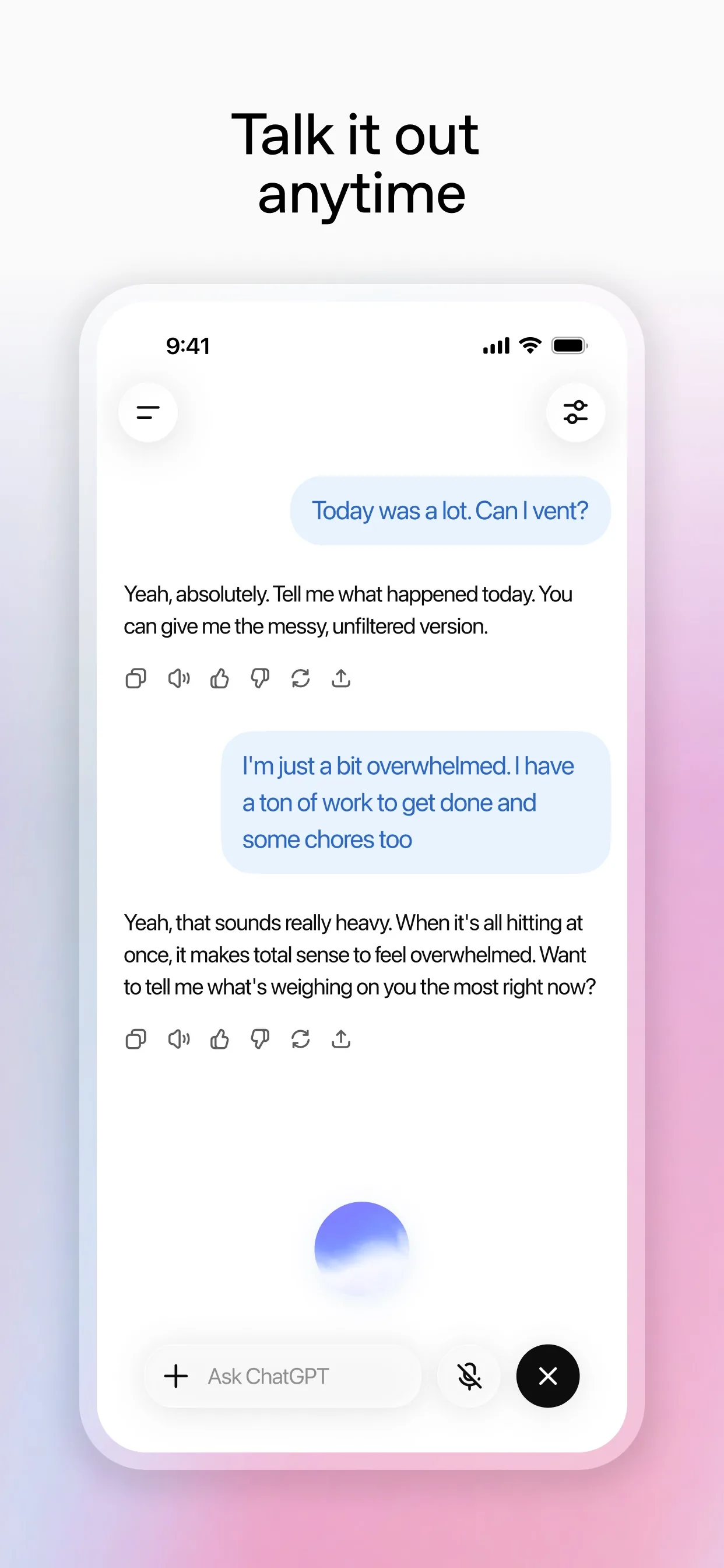
Image: OpenAI Step 4: Switch to Live or voice mode
Gemini and Claude have their own voice screens. Keep each reply to a sentence or two. Voice chats count toward your plan's limits in Claude, so if you run out, carry on in text, which keeps the same chat.
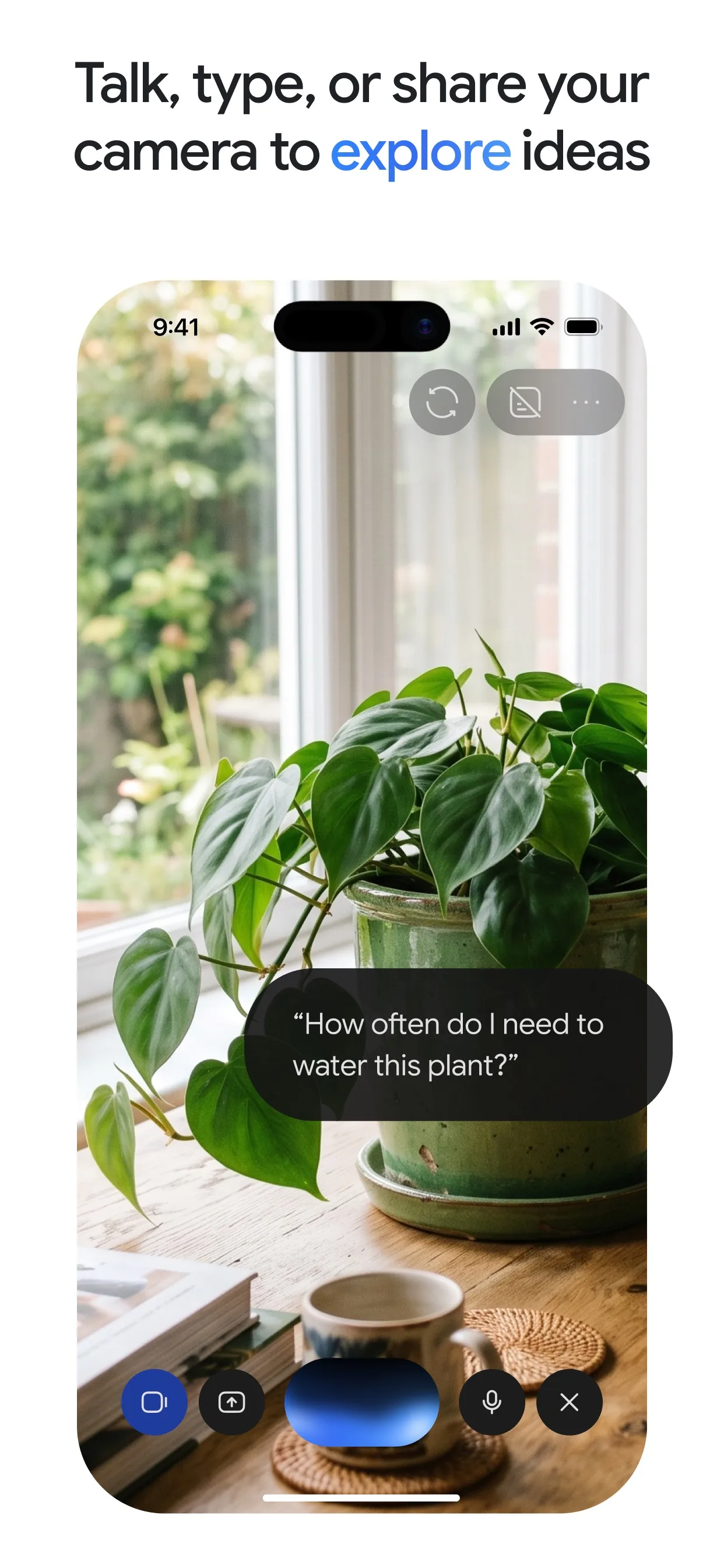
Image: Google Step 5: Ask for your mistakes list
After about ten replies, stop the scene and ask for a review. Repeated mistakes are the ones worth fixing first.
Prompt to copyStop the role-play. From my answers, list my 5 most common mistakes with the correct form and one new example for each. Then list 8 words or phrases from this scene I should learn, as: [Spanish] | English.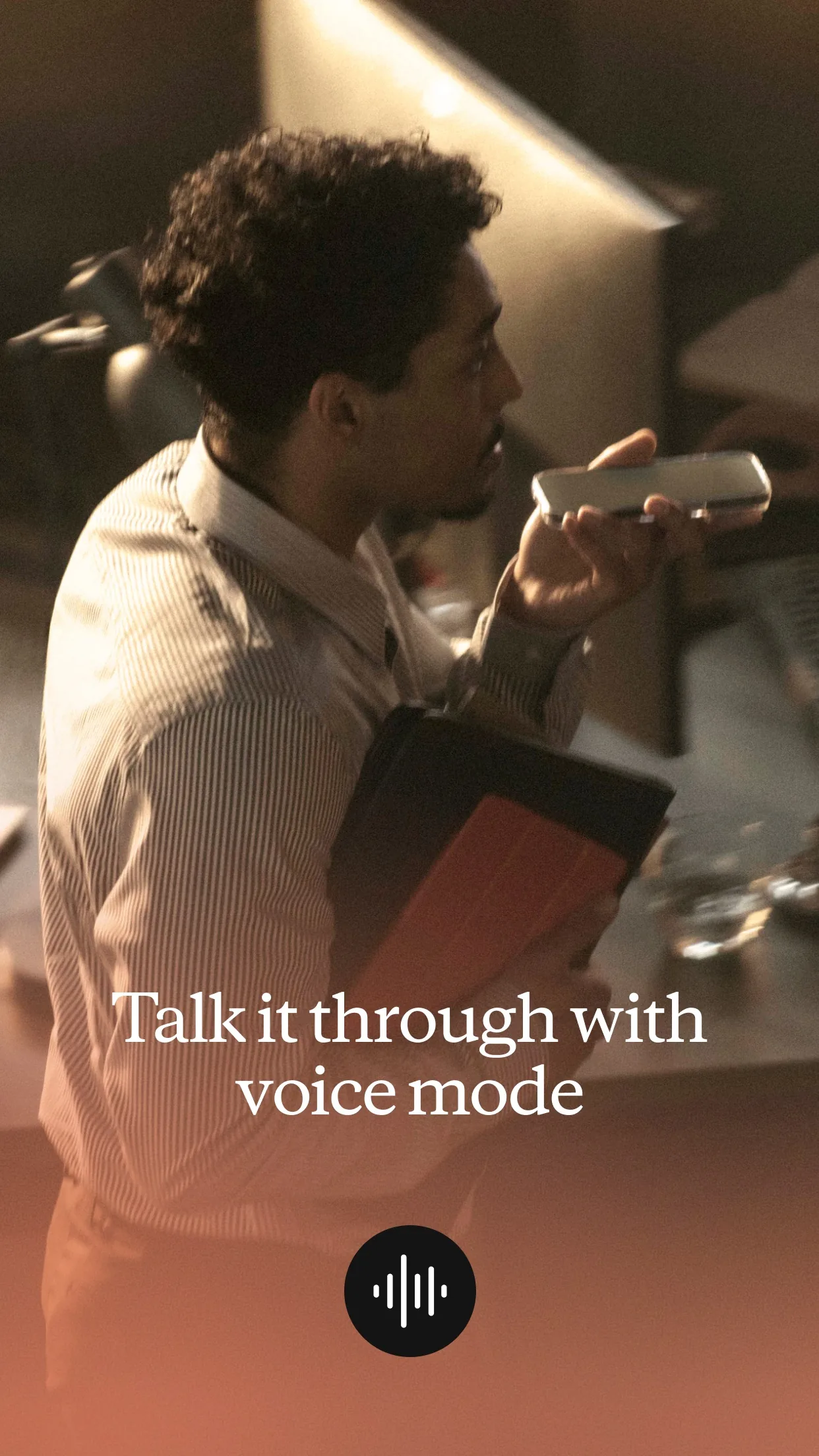
Image: Anthropic Step 6: Quiz yourself, then repeat tomorrow
Let the AI test the 8 phrases, and do the same scene again tomorrow, or a new one when it feels easy.
Prompt to copyQuiz me on those 8 phrases. Ask one at a time, in a different order each time. Tell me if I am right or wrong, and wait for my answer before the next one.
What you get
Example answer from Claude on 12 Nov 2026, for a made-up beginner practising Spanish at a cafe. Yours will be worded differently.
Common mistakes
- Asking for long answers. Short sentences are easier to read, say and remember, so keep the 12-word rule.
- Never speaking. Typing only trains reading and writing, so try Voice at least once a week.
- Trusting every correction. AI can be wrong, especially with slang and regional words, so check anything that surprises you in a dictionary or with a teacher.
- Switching scenes every day. Repeat one scene until it feels easy, then move on.
Questions people ask
Is this free?
Typing in all three apps is free to start. OpenAI's page says Free ChatGPT users get limited Voice access, and Anthropic's page says voice chats count toward your plan's limits.
Does it work for any language?
It works for many languages, but quality varies. Anthropic's page says voice mode supports many languages, and OpenAI's page lists extra ChatGPT voices for several, including French, German, Japanese and Korean.
Can I use Gemini Live on a computer?
Not for now. Google's help page says Gemini Live is not available in the Gemini web app, so use the Gemini mobile app, or type in the web app.
Can AI replace a teacher?
No. It is a patient partner for practice, but it can make mistakes, so check anything important.
How often should I practise?
Short and regular beats long and rare. Ten minutes a day on one scene is a good start.
Checked against
- OfficialOpenAI Help Center: ChatGPT Voice
- OfficialGemini Apps Help: Talk naturally with Gemini Live
- OfficialClaude Help Center: Use voice mode
AI apps change their buttons often. If a step no longer matches what you see, email hello@openloopnews.com and we will update this guide.