How to use AI to plan a kid's birthday party in 10 minutes
Open ChatGPT, Gemini or Claude and tell it the child's age, how many guests, where, how long and your budget. Ask for three easy themes, pick one, then ask for a timeline, three games, a rainy-day backup and a shopping list. Finish by asking it to check safety and allergies. Takes about 10 minutes and costs nothing.
What you need
| App | ChatGPT, Gemini or Claude, on the web or as a phone app |
|---|---|
| Cost | Free. OpenAI's help page says ChatGPT is free to use, and Claude has a free plan. Gemini lets you use some features without signing in |
| Time | About 10 minutes |
| You need | The child's age, number of guests, place, length of the party, your budget and any food allergies |
Step by step
Step 1: Open a new chat in your AI app
Use ChatGPT, Gemini or Claude. Gemini's help page says you can use some features at gemini.google.com without signing in, and need a Google Account for more. Claude is at claude.ai, and its help page says there is a free plan. In ChatGPT, the message box at the bottom of a new chat says Ask ChatGPT.
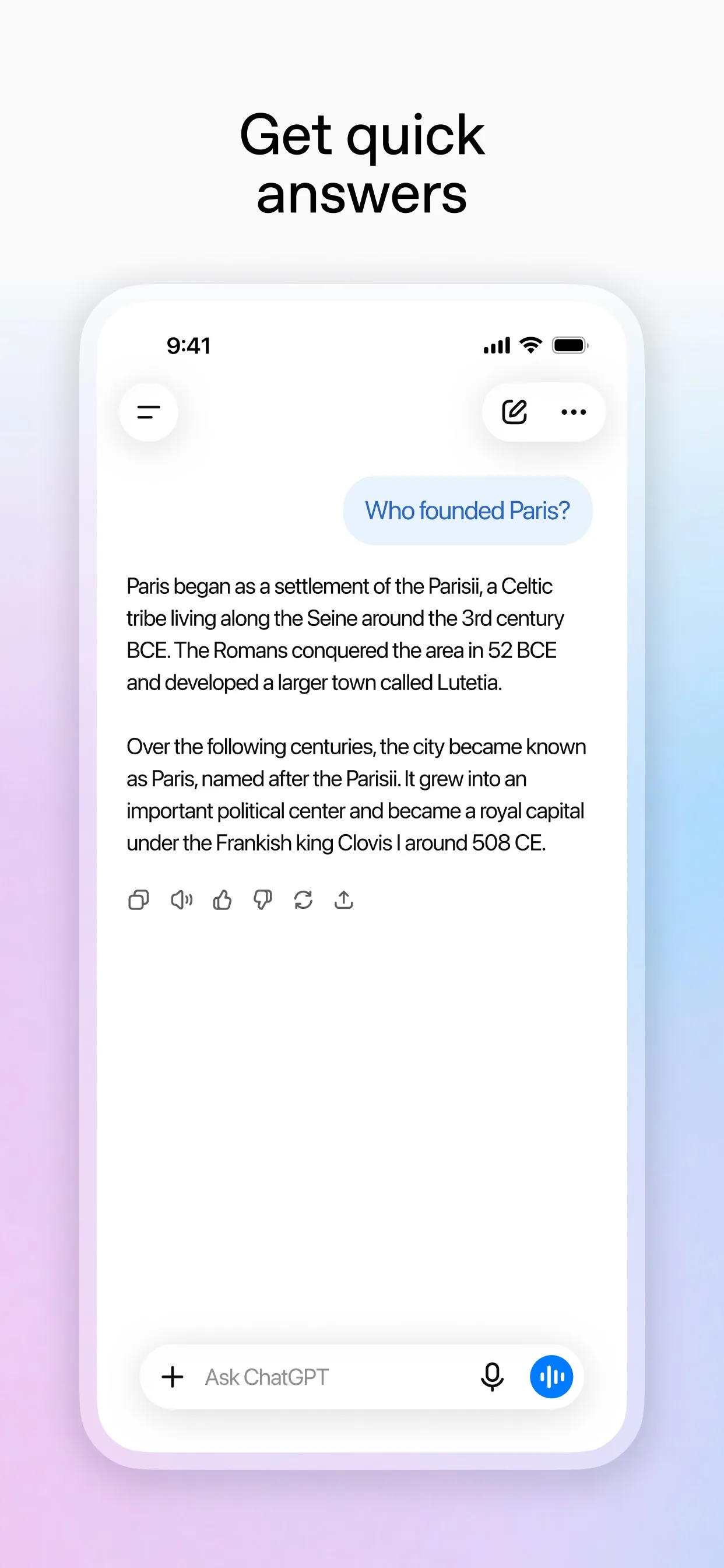
Image: OpenAI Step 2: Give it the basics and ask for themes
Say how old the child is, how many guests, where, for how long and what you can spend. Add any food allergies. Leave out surnames, addresses and the names of other children.
Prompt to copyHelp me plan a birthday party. My child is turning [7]. There will be [8] kids for [2 hours] at [our home] on [Saturday at 2pm]. Budget: [$60]. Food allergies: [none known]. Do not make up prices. Give me 3 easy, cheap theme ideas, one line each.
Tip: Ask for ideas, then choose. You stay in charge of what your child likes.
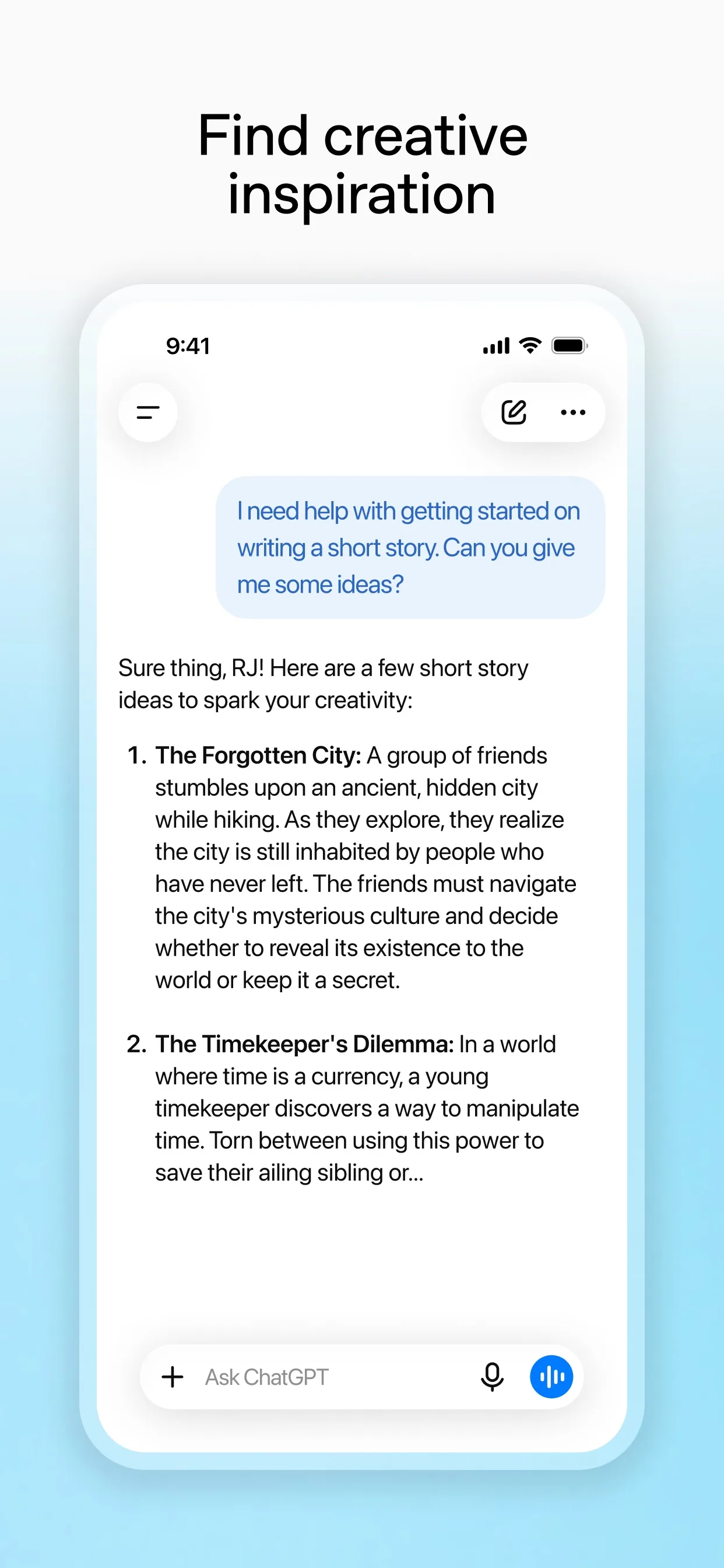
Image: OpenAI Step 3: Ask for the timeline and the shopping list
Pick a theme, then ask for a plan you can follow on the day: timings, games, a backup if it rains and a list to shop from.
Prompt to copyUse theme [2]. Make a minute-by-minute timeline for the 2 hours with 3 games and one calm backup activity in case of rain. Then give me a shopping list grouped by aisle, with the cheapest option for each item.Step 4: Check safety and allergies, then ask for the invite
Ask the AI to look for what could go wrong, then check its answer yourself. Finish with a short message for the parents.
Prompt to copyCheck this plan for safety for [7-year-olds] and for [nut allergies]. Flag anything that could go wrong or cost more than [$60]. Then write a short, friendly message I can send to the parents with the date, time and what to bring.
Step 5: Check prices and food labels, then send it yourself
The AI does not know today's prices or what is in your local shop, so check both. Read food labels for allergens, ask parents about allergies, and copy the message into your own chat app. The AI cannot send it for you.
What you get
Example answer from Claude on 1 Nov 2026, for a made-up party for 8 seven-year-olds at home, shortened to the timeline. Yours will be worded differently.
Common mistakes
- Trusting prices. The AI cannot see your local shops, so check every price before you buy.
- Skipping allergies. Ask every parent, read the labels yourself and never rely on the AI for food safety.
- Putting other children's names or addresses in the chat. Use numbers and roles, and add details when you send the invite.
- Making it too long. Plan for the length you can manage, and ask for fewer games rather than more.
Questions people ask
Is this free?
Yes. OpenAI's help page says ChatGPT is free to use, with paid plans available. Claude has a free plan with a usage limit that resets every five hours, according to Anthropic's help page. Gemini says some features work without signing in.
Which AI app is best for this?
Any of the three works, because you only type a prompt. Try the same prompt in two apps and keep the plan you like better.
Can the AI tell me what things cost?
Not reliably. It can suggest cheaper options and add up a rough budget, but you should check real prices in your shop or online.
Is the plan safe for food allergies?
Treat it as a checklist only. Ask every parent about allergies and read food labels yourself.
Can it send the invitations?
No. It writes the message, and you copy it into your own chat or email app and send it yourself.
Checked against
- OfficialOpenAI Help Center: What is ChatGPT?
- OfficialGemini Apps Help: What you need to sign in to Gemini Apps
- OfficialClaude Help Center: Where can I access Claude?
AI apps change their buttons often. If a step no longer matches what you see, email hello@openloopnews.com and we will update this guide.