How to use AI to write a hard message you keep putting off
Open ChatGPT, Gemini or Claude and tell it who the message is for, what you need to say and how you want it to feel. Ask for three short versions: warm, firm and very short. Pick one, change the details so it sounds like you, and read it aloud before you send it. Takes about 5 minutes and costs nothing.
What you need
| App | ChatGPT, Gemini or Claude, on the web or as a phone app |
|---|---|
| Cost | Free. OpenAI's help page says ChatGPT is free to use, and Claude has a free plan. Gemini lets you use some features without signing in |
| Time | About 5 minutes |
| You need | Who the message is for, what you want to say, and what you want to happen next |
Step by step
Step 1: Open a new chat in your AI app
Use ChatGPT, Gemini or Claude. Gemini's help page says you can use some features at gemini.google.com without signing in, and need a Google Account for more. Claude is at claude.ai, and its help page says there is a free plan. In ChatGPT, the message box at the bottom of a new chat says Ask ChatGPT.
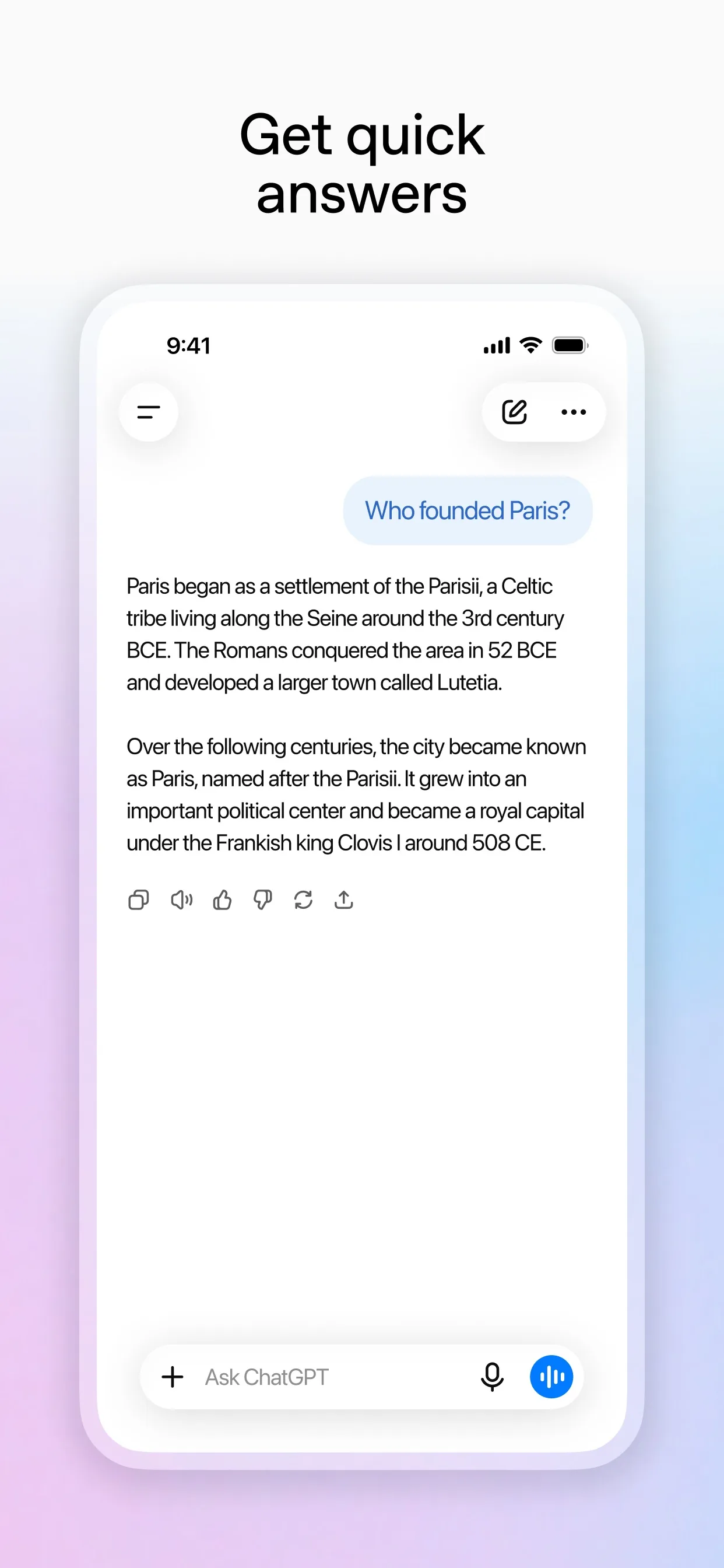
Image: OpenAI Step 2: Tell it the situation, not just the topic
Say who you are writing to, what happened, what you want to say and how you want it to feel. Leave out names, addresses and anything private you would not put in a postcard.
Prompt to copyHelp me write a message to [my landlord]. The situation: [the heating has been broken for two weeks and I have asked twice]. What I want: [a repair date this week]. I want it to sound [polite but firm]. Do not make up facts. Write three versions: one warm, one firm, one under 40 words.
Tip: Leave names and details out of the chat, and add them yourself at the end.
Step 3: Make it sound like you
Pick the version closest to how you talk, then tell the AI what to change. Short sentences and your own words make a message feel real.
Prompt to copyUse the firm version. Make it sound like a normal person wrote it, not a company. Cut anything that sounds stiff. Keep it under 80 words.
Step 4: Check it before you send
Ask the AI to read it as the person getting it. This is the step that catches a line that sounds angry or unclear.
Prompt to copyRead this message as [my landlord] would. Which line could feel rude or unclear? Suggest one fix for each. Then show the final version.Step 5: Read it aloud, then send it yourself
Read the final version out loud. If you would not say it, change it. Copy it into your own email or chat app and add the real names and dates. The AI cannot send it for you.
What you get
Example answer from Claude on 31 Oct 2026, for a made-up tenant with a broken heater, shortened to the firm version. Yours will be worded differently.
Common mistakes
- Pasting private details. Keep names, addresses and account numbers out of the chat and add them yourself at the end.
- Sending the first version unchanged. Always read it aloud and change what does not sound like you.
- Letting the AI add facts. Say "Do not make up facts" in your prompt, and check every date and number against what really happened.
- Using it to trick or pressure someone. It is for saying what you mean, clearly and kindly.
Questions people ask
Is this free?
Yes. OpenAI's help page says ChatGPT is free to use, with paid plans available. Claude has a free plan with a usage limit that resets every five hours, according to Anthropic's help page. Gemini says some features work without signing in.
Which AI app is best for this?
Any of the three works, because you only type a prompt. Try the same prompt in two apps and keep the version that sounds most like you.
Should I put real names in the chat?
It is safer not to. Use roles such as my landlord or my manager, and add the real names and details when you copy the message out.
Can the AI send the message for me?
No. You copy the final version into your own email or chat app and send it yourself.
Can I use it for serious legal or money disputes?
Use it only to help with the wording. For legal or money decisions, ask a qualified person.
Checked against
- OfficialOpenAI Help Center: What is ChatGPT?
- OfficialGemini Apps Help: What you need to sign in to Gemini Apps
- OfficialClaude Help Center: Where can I access Claude?
AI apps change their buttons often. If a step no longer matches what you see, email hello@openloopnews.com and we will update this guide.