How to use ChatGPT Study mode to learn a topic, not just get answers
Start a new ChatGPT chat and turn on Study from the + menu, or type @study on the web. Then tell it your level, your topic, what you already know and your test date. Study mode guides you with questions and explains in layers. Ask it to quiz you one question at a time. OpenAI says it is available on all ChatGPT plans.
What you need
| App | ChatGPT on the web, iOS or Android |
|---|---|
| Cost | OpenAI's help page says study mode is available across ChatGPT plans, and it uses the same limits as normal chat |
| Time | About 10 minutes for a first session |
| You need | A topic you want to learn, and optionally your notes, a PDF or a photo of the page |
Step by step
Step 1: Open a new chat and turn on Study
Start a new, regular ChatGPT chat. On the web, type @study in the message box, or select + and type study, then select Study. On iOS or Android, select +, then Study. On the web you can also go to chatgpt.com/studymode. OpenAI's page says Study is not available in Temporary Chats, GPTs or Projects.
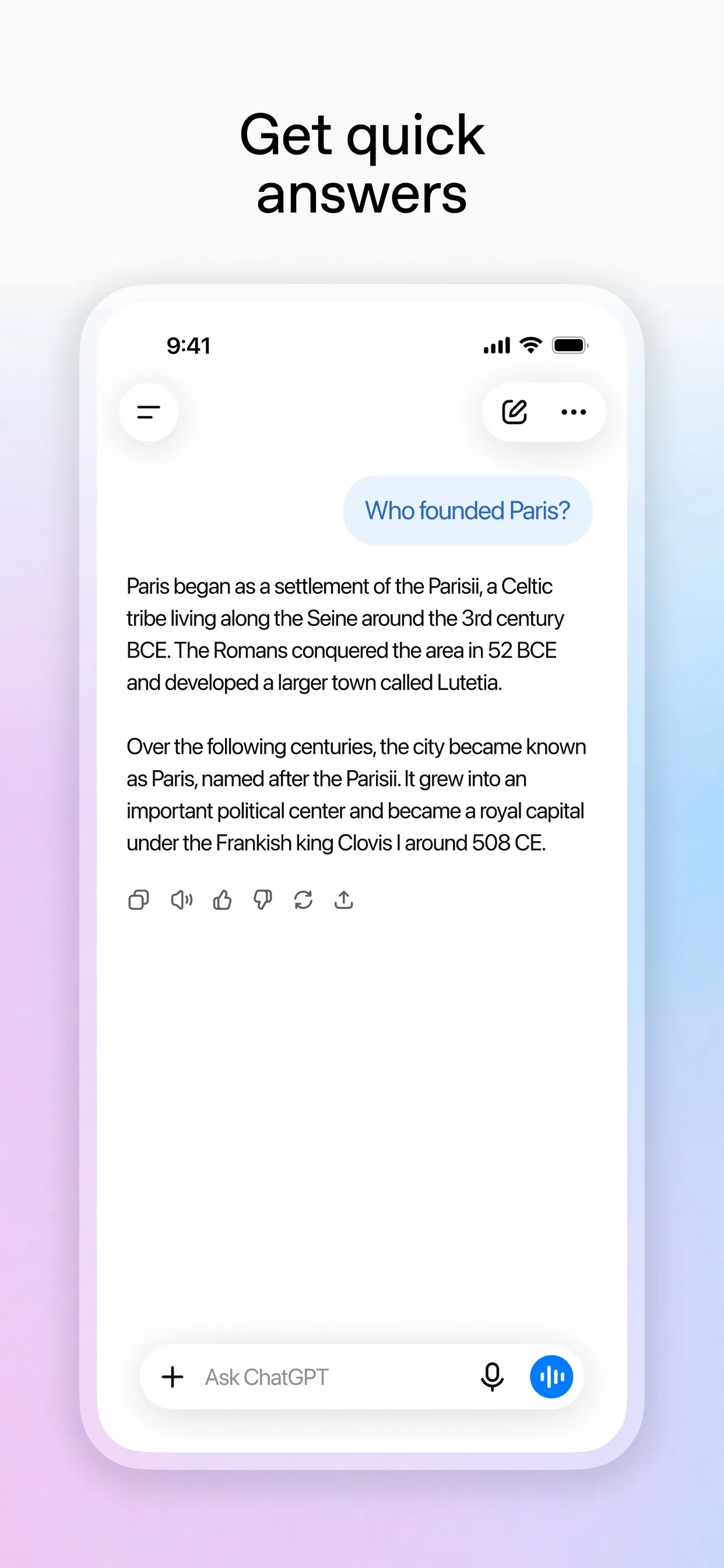
Image: OpenAI Step 2: Tell it who you are and what you need
Your first message works best with your level, the exact topic, what you already understand and any test date. You can also upload class notes, slides, a PDF or a photo of a problem.
Prompt to copyI am [a first-year college student] studying [biology]. I am working on [enzymes]. I already know [that they speed up reactions]. My test is on [Friday]. Teach me in small steps, ask me a question after each step, and check that I understand before we move on.
Tip: If it moves too fast, say: Pause after each step and ask if I understand. If it is too basic, say: Test me with harder questions.
Step 3: Answer its questions
Study mode can guide you with questions instead of handing over the answer. Reply in your own words, even if you are unsure. It can give feedback and help you correct what you got wrong. If you are stuck, ask for a hint or a simpler example.
Prompt to copyI am stuck. Give me a hint, not the answer. Then use a simpler example before we go back to the real problem.
Step 4: Ask it to quiz you
When you have covered the topic, ask for a quiz. OpenAI's page says you can ask it to quiz you one question at a time, wait for your answer and explain what to review next.
Prompt to copyQuiz me on what we just covered. Ask one question at a time, wait for my answer, then tell me what I got right and what to review next.
Step 5: Check what it told you
OpenAI says study mode can make mistakes. Check anything important against your textbook or class notes, and follow your school's rules on AI for graded work.
Tip: Using Gemini? Google's help page describes Guided Learning: on your computer, go to gemini.google.com, click Add Files, then More tools, then Guided Learning.
What you get
Example answer from Claude on 28 Oct 2026, for a made-up first-year biology student asking to learn about enzymes before a Friday test. Yours will be worded differently.
Common mistakes
- Asking for the answer straight away. Study mode works best when you try each question first, even if you get it wrong.
- Trusting every line. OpenAI says study mode can make mistakes, so check key facts against your notes or textbook.
- Using it on graded work your school does not allow. OpenAI's page says to follow the AI-use policies of your school, instructor or organization.
Questions people ask
Is ChatGPT Study mode free?
OpenAI's help page says study mode is available across ChatGPT plans globally, on web, iOS and Android. It uses the same message and rate limits as normal chat, so it does not add extra messages.
Why can't I see Study?
OpenAI's page says Study is not available in Temporary Chats, GPTs or Projects, so start a new regular chat. On the web, you can also go to chatgpt.com/studymode. Updating the app and signing out and in again can help.
Can I use my own notes?
Yes. OpenAI says you can upload class notes, a syllabus, a worksheet, slides, a textbook excerpt or a photo of a problem. If it misses something, upload a clearer version or tell it which page or section to focus on.
How do I turn Study mode off?
Remove the Study icon from the message box. On the web, place the cursor next to the Study token and press Backspace or Delete, or select the x if you see one.
Does it always refuse to give the answer?
No. OpenAI says there may be times when it gives a direct answer. You can ask it to use hints, quizzes or step-by-step guidance instead.
Checked against
- OfficialOpenAI Help Center: Using study mode in ChatGPT
- OfficialGemini Apps Help: Use learning tools in Gemini Apps
AI apps change their buttons often. If a step no longer matches what you see, email hello@openloopnews.com and we will update this guide.