How to use AI to declutter a room from a photo
Take one wide photo of the messy spot, add it to ChatGPT, Gemini or Claude, and paste the prompt below with your time limit. The AI sorts what it sees into keep, move and donate piles and puts the jobs in order, easiest first. Ask for a 15-minute version, then send a new photo to check your progress.
What you need
| App | ChatGPT, Gemini or Claude, on the web or in the phone app |
|---|---|
| Cost | OpenAI's help page says image uploads are on the free ChatGPT plan, with 3 file uploads a day for free users. Gemini and Claude have their own limits |
| Time | About 10 minutes to plan, then the tidying itself |
| You need | A photo of one spot, such as a desk, a shelf or a corner of a room |
Step by step
Step 1: Take one clear photo
Pick one small spot, not the whole house. Stand back so the whole spot is in the frame and turn the light on. Claude's help page says images of 1000 by 1000 pixels or larger work best, so avoid tiny or blurry ones. Move bills, IDs and anything private out of the frame first.
Step 2: Add the photo to your AI app
In ChatGPT, tap the + icon in the prompt area and select Add photos & files. In the Gemini web app, enter your prompt, click Add files, then Upload Files. In Claude, click the + button in the lower left corner of the chat box and select Add files or photos. You can also drag an image in or paste it.
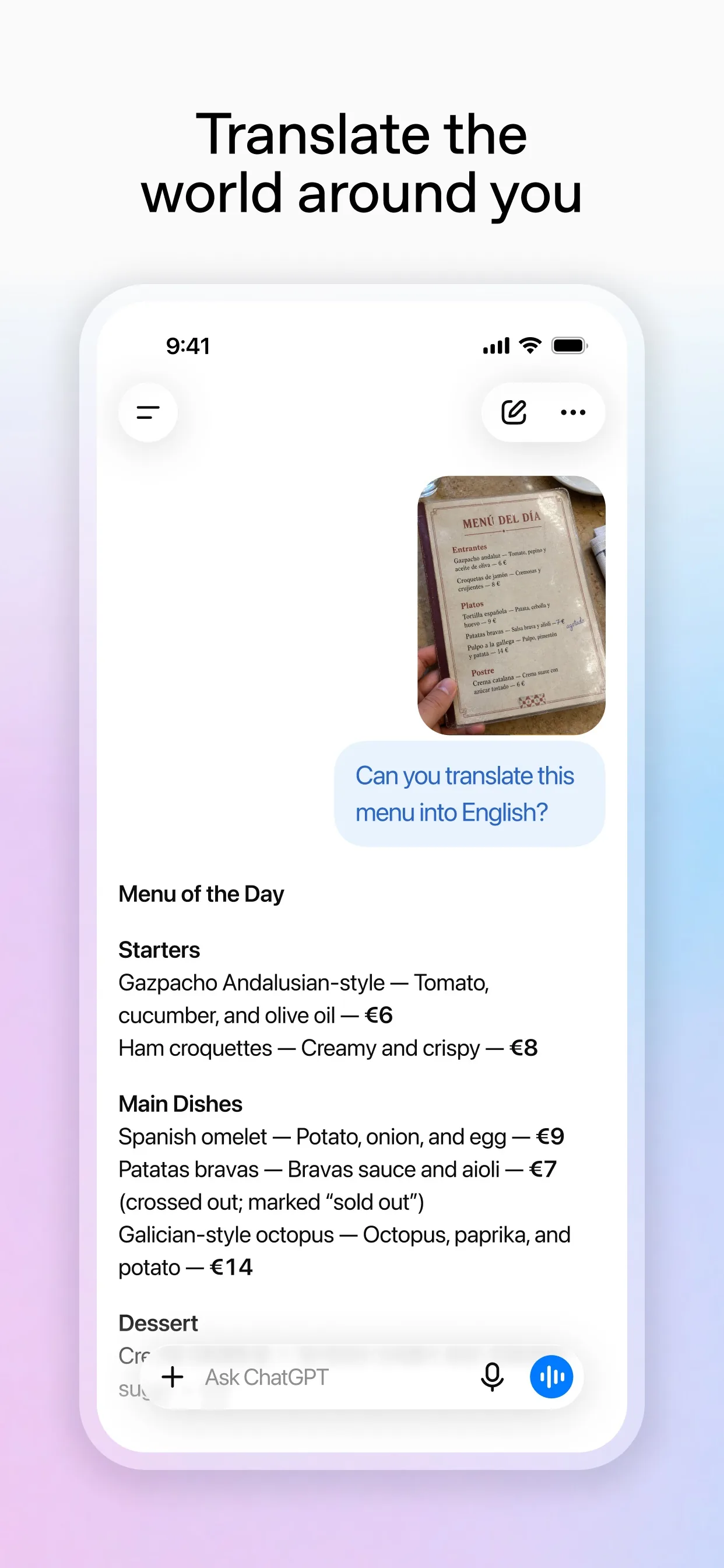
Image: OpenAI Step 3: Ask for a sorted plan
Tell it how long you have and ask it to sort what it sees. Telling it to ask when unsure stops it guessing what an object is.
Prompt to copyThis is a photo of [my home office corner]. I have [30 minutes] and no budget. List what you can see in three groups: keep here, move somewhere else, donate or bin. Then give me a step-by-step order, easiest first, with a time for each step. If you cannot tell what something is, ask me instead of guessing.
Tip: Add what matters to you, such as: I work from here every day, or: I share this room with two kids.
Step 4: Shrink it to a first pass
A long plan is easy to put off. Ask for a version you can finish tonight.
Prompt to copyMake that a 15-minute version I can do tonight. Number the steps and end with one small job for tomorrow.
Step 5: Send a new photo and keep going
When you finish the first pass, add a second photo to the same chat. This is the step people skip, and it gives you the next small job.
Prompt to copyHere is a photo after my first pass. What still looks cluttered, and what is the next small step?
Step 6: Check before you throw anything out
The AI only sees the photo. It cannot know what is sentimental, what you still need or what is worth money, so you make the final call on every item. OpenAI's page says how uploaded images may be used to improve models depends on your data settings, so keep private things out of the frame.
What you get
Example answer from Claude on 29 Oct 2026, for a made-up description of a cluttered desk corner (Claude cannot show a real photo here, so the test used a written description). Yours will be worded differently.
Common mistakes
- Photographing the whole house. One small spot gives a plan you can finish.
- Leaving private papers in the frame. Bills, IDs and letters show up in the photo, so move them first.
- Throwing things away because the AI said so. It cannot tell what is sentimental or still needed, so you decide.
- Skipping the second photo. Sending a new one after your first pass gets you the next step.
Questions people ask
Is this free?
OpenAI's help page says image uploads are available on Free and paid ChatGPT plans, and that free users are limited to 3 file uploads per day. Gemini and Claude have their own limits, which their help pages describe.
Which photo formats work?
OpenAI's page lists PNG, JPEG and non-animated GIF for ChatGPT, with a 20MB limit per image. Claude's page lists JPEG, PNG, GIF and WebP.
Can I send more than one photo?
Yes. Gemini's help page says you can add up to 10 files in the same prompt, and Claude's page says up to 20 files per chat. For ChatGPT, OpenAI says the number depends on the size of the images, so send fewer if you hit problems.
Is it safe to upload photos of my home?
OpenAI says how uploaded images may be used to improve models depends on the service and your data settings. Keep bills, IDs, faces and anything private out of the frame, and check the settings of the app you use.
What if the AI gets an object wrong?
It can. Tell it what the object is and ask it to redo the plan. The prompt above also tells it to ask you when it cannot tell.
Checked against
- OfficialOpenAI Help Center: ChatGPT Image Inputs FAQ
- OfficialOpenAI Help Center: Uploading files and audio to ChatGPT
- OfficialGemini Apps Help: Upload & analyze files in Gemini Apps
- OfficialClaude Help Center: Upload files to Claude
AI apps change their buttons often. If a step no longer matches what you see, email hello@openloopnews.com and we will update this guide.