How to use AI to make a simple monthly budget
Write down your monthly income and your main costs, then paste them into ChatGPT, Gemini or Claude with the prompt in this guide. Ask for a table of what you spend now against what it suggests, with fixed and flexible lines marked. Then have it add the table up again. About 10 minutes, free to start.
What you need
| App | ChatGPT, Gemini or Claude |
|---|---|
| Cost | Free to start. OpenAI's help page says spreadsheet uploads are available on Free and paid ChatGPT plans, within plan limits |
| Time | About 10 minutes |
| You need | Your monthly income after tax and a rough list of what you spend, from your banking app or last month's statement |
Step by step
Step 1: List your money in and out
Open your banking app or last month's statement and write down your income after tax and your main costs: rent, groceries, transport, phone, subscriptions, eating out and everything else. Round the numbers. Leave out account numbers, card numbers and your name.
Step 2: Open your AI app and paste the prompt
Open ChatGPT, Gemini or Claude, all free to start, and start a new chat. Paste the prompt with your own numbers in place of the [square brackets]. Typing the numbers is enough. You do not need to upload your statement.
Prompt to copyI want a simple monthly budget. My income after tax is [2,400] a month. My monthly costs are: rent [900], groceries [350], transport [120], phone [30], subscriptions [45], eating out [180], everything else [150]. I want to save about [300] a month. Do not ask for bank details. Put it in a table with three columns: what I spend now, what you suggest, and the difference. Mark each line fixed or flexible. Show the total and what is left. Then name the three flexible lines where a small cut would hurt least. If a number is missing, ask me first.
Tip: Say what you want to save. Without a goal the AI has nothing to aim at, and it may only list your costs back to you.
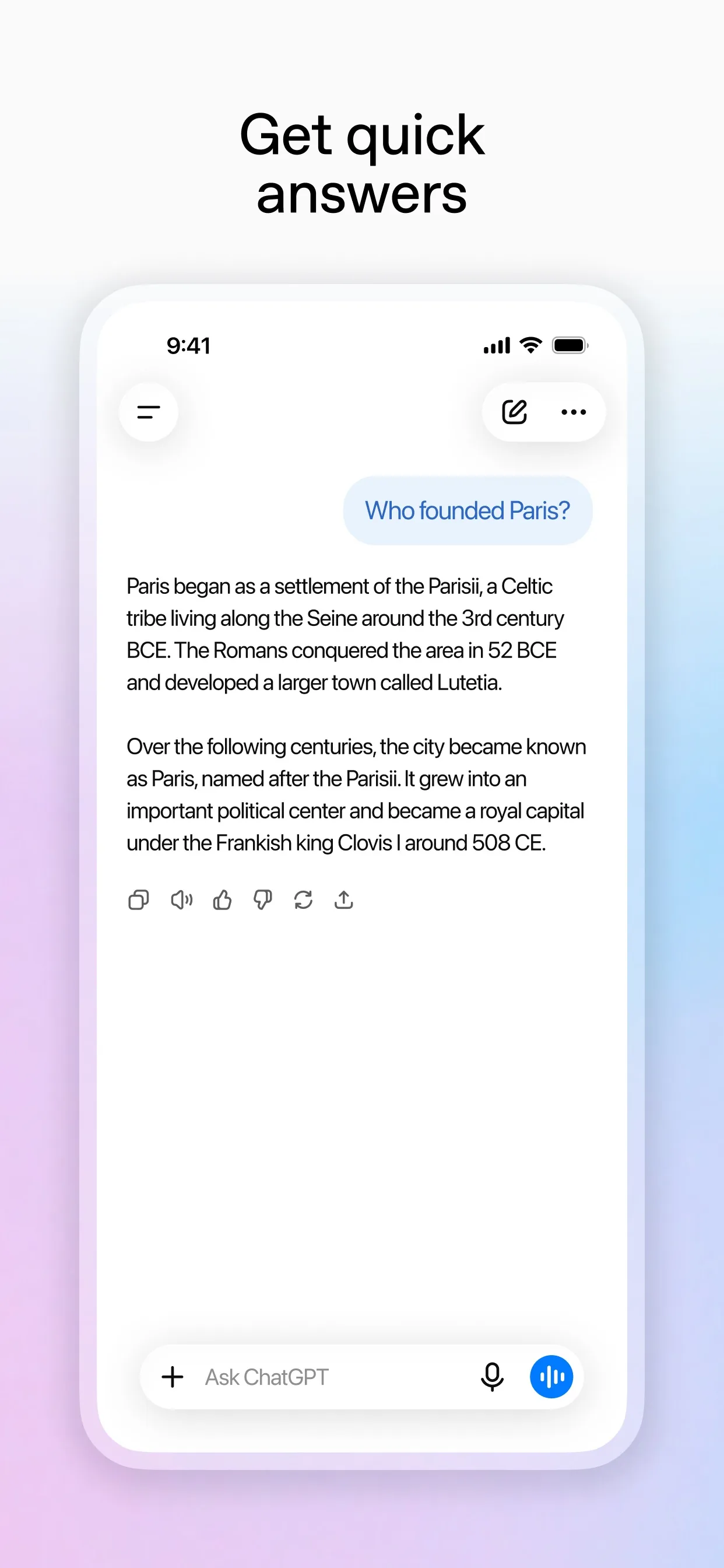
Image: OpenAI Step 3: Make the AI check its own sums
AI can get sums wrong, so ask it to add the table up again. Then add the numbers on your phone's calculator yourself. If the total does not match your income, say so and ask it to fix the table.
Prompt to copyAdd up the table again, line by line, and tell me if the total matches my income. Then change it so I keep [100] a month for bills that come once or twice a year, like insurance or a birthday present. Show the new table.Step 4: Or upload a spreadsheet
If you already keep your spending in a spreadsheet, you can attach it instead. OpenAI's help page lists XLSX, XLS, CSV and TSV for ChatGPT. In ChatGPT, tap the + icon in the prompt area and select Add photos & files. In Gemini on the web, sign in, type your prompt, click Add files, then Upload Files. In Claude, click the + button in the lower left corner of the chat box and select Add files or photos. Delete names and account numbers from the file first.

Image: Google Step 5: Turn it into a Sunday check
A budget only helps if you look at it. Ask for one short rule per flexible line that you can check in a minute each week.
Prompt to copyGive me a one-line rule for each flexible category, such as a weekly cap, that I can check in my banking app in under a minute every Sunday.
What you get
Example answer from Claude on 7 Nov 2026, for made-up numbers (income 2,400 a month, saving goal 300). Shortened. Yours will be worded differently.
Common mistakes
- Leaving out costs that come once or twice a year, like insurance. Ask for a line for them.
- Trusting the sums. Add the table up yourself on a calculator.
- Typing in account numbers or your name. Rounded amounts are all the AI needs.
- Setting a plan so tight you give up in a week. Keep some spare money in it.
- Treating the answer as financial advice. It is a draft for you to adjust.
Questions people ask
Which AI app is best for a budget?
ChatGPT, Gemini and Claude can all turn a list of numbers into a table, and the prompt works the same in each, so use the one you already have.
Is it free?
You can start free. OpenAI's help page says spreadsheet uploads are available on Free and paid ChatGPT plans, subject to plan limits. Gemini uploads need you to be signed in.
Do I need to upload my bank statement?
No. Typing rounded numbers is enough, and it keeps account details out of the chat.
Can it tell me where to invest or save?
This guide does not cover that. It only turns your own numbers into a plan. For decisions about investing or debt, ask a qualified adviser.
Does the AI remember my budget next month?
Do not count on it. Keep your table in a note or spreadsheet and paste it back next month.
Checked against
- OfficialOpenAI Help Center: Uploading files and audio to ChatGPT
- OfficialGemini Apps Help: Upload & analyze files in Gemini Apps
- OfficialClaude Help Center: Upload files to Claude
AI apps change their buttons often. If a step no longer matches what you see, email hello@openloopnews.com and we will update this guide.