How to use AI to find out how to clean a stain from a photo
Take a close photo of the stain in daylight, then attach it to ChatGPT, Gemini or Claude with the prompt in this guide. Say what the surface is and what cleaning things you own. Ask for steps in order, a hidden-spot test first and when to call a professional. About 10 minutes, free to start.
What you need
| App | ChatGPT, Gemini or Claude |
|---|---|
| Cost | Free to start. OpenAI's help page says image inputs work on Free ChatGPT plans, within usage limits |
| Time | About 10 minutes |
| You need | A photo of the stain, what the surface is made of, the care label if there is one, and the cleaning things you own |
Step by step
Step 1: Take a clear photo
Photograph the stain in daylight, close up, then once more from further back so the whole item shows. Read the care label if there is one and note what it says. Do not rub or wet the stain before you take the photo.
Step 2: Attach the photo
In ChatGPT, tap the + icon in the prompt area and select Add photos & files. In Gemini on the web, sign in, type your prompt, click Add files, then Upload Files. In Claude, click the + button in the lower left corner of the chat box and select Add files or photos. ChatGPT takes PNG, JPEG and non-animated GIF files up to 20MB each, and Claude asks for images of 1000x1000 pixels or larger.
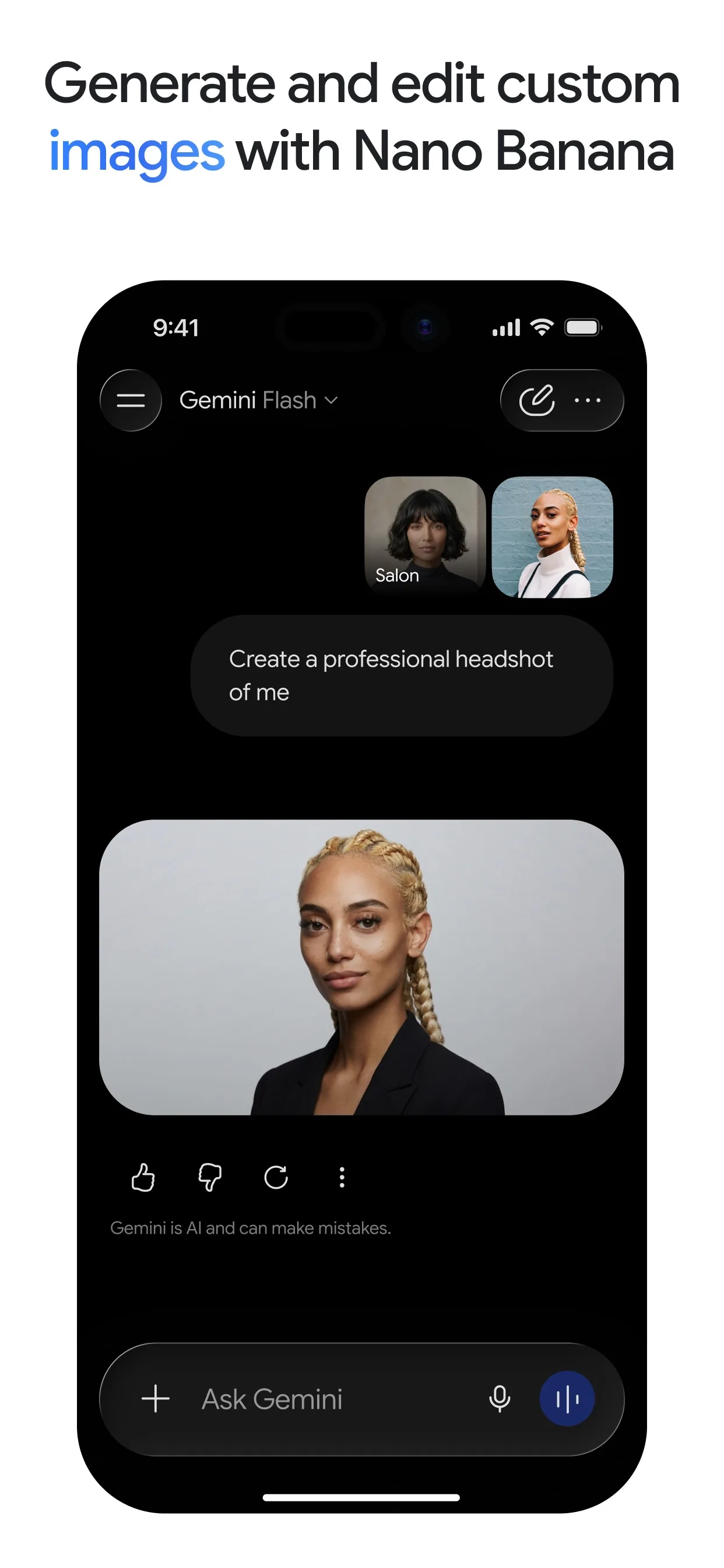
Image: Google Step 3: Paste the prompt
Paste the prompt with your own details in place of the [square brackets]. Only list cleaning things you already own, and keep your face, address and other people out of the photo.
Prompt to copyThis is a photo of a stain on [a light grey fabric sofa cushion]. I think it is [red wine], from [an hour ago], and it is still [damp]. The care label says [spot clean only]. I only have [dish soap, white vinegar, baking soda, clean white cloths and a spray bottle]. Give me numbered steps in order. Start with how to test on a hidden spot first. Tell me what NOT to do, and when I should stop and call a professional cleaner. If you need to know anything else first, ask me.
Tip: Say how old the stain is and what the surface is. A fresh stain on sofa fabric and an old one on carpet need different treatment.

Image: OpenAI Step 4: Test on a hidden spot
Before you use any cleaner on the stain, try a drop of it on a hidden spot, such as under a cushion or inside a hem, and let it dry. If the colour moves or the fabric changes, stop and ask the AI for a gentler option.
Prompt to copyI tested [the soap and water mix] on a hidden spot and [the colour looks the same]. What is the next step? If it looks wrong, tell me what to try instead.
Step 5: Follow up and know when to stop
Treat the stain one step at a time and take another photo after each. Send it back and ask what to do next. If the stain is still there after two tries, or the item is silk, velvet, leather or dry-clean only, stop and ask a professional cleaner. The AI cannot see the real fabric or colour in the room.
Prompt to copyHere is a new photo after the first try. Is the stain lighter? What should I do next, or should I stop and call a professional?
What you get
Example answer from Claude on 5 Nov 2026, for a made-up red wine stain on a light fabric cushion, described in words. Shortened. Yours will be worded differently.
Common mistakes
- Rubbing the stain. It pushes the stain deeper. Blot instead.
- Skipping the hidden-spot test. A cleaner that works on one fabric can mark another.
- Using hot water or a hairdryer. Heat can set many stains.
- Guessing the surface. Tell the AI what it is, and read the care label.
- Trusting the AI on delicate or expensive items. Ask a professional cleaner.
Questions people ask
Which AI app is best for stain advice?
ChatGPT, Gemini and Claude can all read a photo, and the prompt works the same in each, so use the one you already have.
Is it free?
You can start free. OpenAI's help page says image inputs are available on Free and paid ChatGPT plans, subject to usage limits. Gemini uploads need you to be signed in.
How do I add a photo?
In ChatGPT tap the + icon, then Add photos & files. In Gemini on the web click Add files, then Upload Files. In Claude click the + button in the lower left corner of the chat box.
Can the AI tell what the stain is?
Only roughly. Tell it what you think it is and how old it is, and treat its answer as a good first guess.
Is it safe to use the cleaners it suggests?
Check each product's own label, test on a hidden spot and never mix cleaning products. For delicate or valuable items, ask a professional cleaner.
Checked against
- OfficialOpenAI Help Center: ChatGPT Image Inputs FAQ
- OfficialGemini Apps Help: Upload & analyze files in Gemini Apps
- OfficialClaude Help Center: Upload files to Claude
AI apps change their buttons often. If a step no longer matches what you see, email hello@openloopnews.com and we will update this guide.