How to use AI to fix a spreadsheet formula that is wrong
Click the cell with the wrong result and copy its formula from the formula bar. Paste it into ChatGPT, Gemini or Claude with what you want it to do, what it shows instead and three sample rows. Ask for a plain-words explanation and a fixed formula, paste it back and test it on rows you know. About 10 minutes, free.
What you need
| App | ChatGPT, Gemini or Claude, plus Excel or Google Sheets |
|---|---|
| Cost | Free to start. OpenAI's help page says image inputs work on Free ChatGPT plans, within usage limits |
| Time | About 10 minutes |
| You need | The formula, what it should do, what it shows now, and 3 sample rows with no private data |
Step by step
Step 1: Copy the formula that is wrong
Click the cell with the wrong result. Microsoft's help page says a formula also appears in the Formula Bar when you select its cell. Copy it from there, and note what the cell should show and what it shows now. Google Sheets works the same way: the formula starts with an equal sign (=).
Step 2: Open a chat and describe the problem
Open ChatGPT, Gemini or Claude and paste the formula with your goal, the wrong result and about three example rows. Say whether you use Excel or Google Sheets. Change fake names and numbers for real ones only if they are not private.
Prompt to copyMy spreadsheet is in [Excel]. I want [the price for each product in column A, taken from the price list in F2:G10]. My formula is [=VLOOKUP(A2,F2:G10,2)] and it gives [wrong prices for some rows]. Explain in plain words what the formula does, find what is wrong, and give me a fixed formula. Here are 3 example rows: [Apples | 1.20 expected | 0.80 shown]. Do not guess about cells I have not shown you; ask me if you need more.
Tip: Three real example rows help more than a long explanation. Leave out names, account numbers and anything private.

Image: OpenAI Step 3: Or attach a screenshot instead
If typing it out is slow, attach a screenshot of the cells. In ChatGPT, tap the + icon in the prompt area and choose Add photos & files; OpenAI's help page lists PNG, JPEG and non-animated GIF files up to 20MB each. In Gemini, sign in, then click Add files and Upload Files. In Claude, click the + button in the lower left of the chat box. Hide private data first.
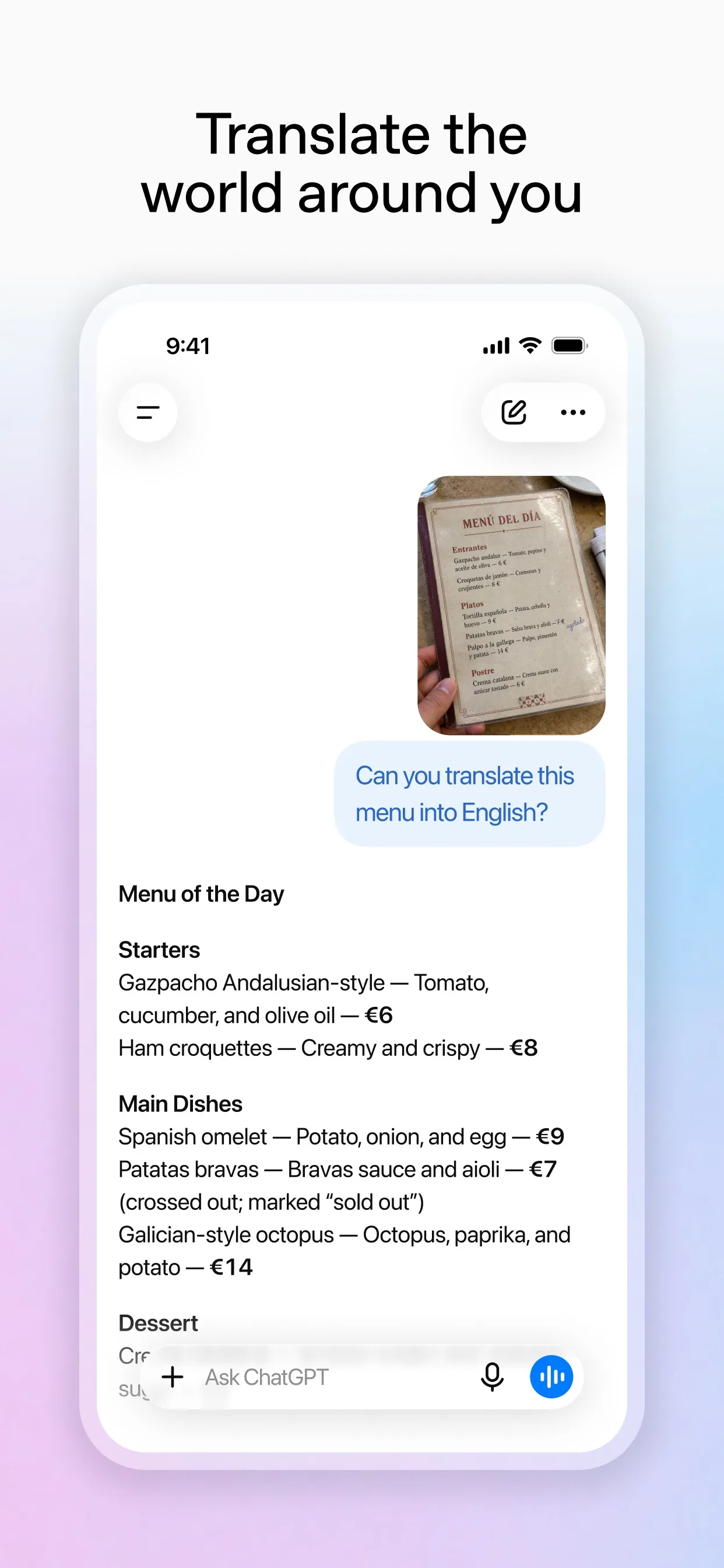
Image: OpenAI Step 4: Ask it to explain the fix
Before you paste anything back, ask the AI to explain each part in plain words and how to test it. You then understand the sheet you keep.
Prompt to copyExplain the fixed formula one piece at a time, in plain words. Then tell me how to test it on [two rows where I already know the right answer].Step 5: Paste it back and test it yourself
Select the cell, type an equal sign (=) or paste the new formula, and press Enter, as Microsoft's help page describes. Check two rows where you already know the answer. If one is wrong, tell the AI exactly which row and what you got.
What you get
Example answer from Claude on 2 Nov 2026, for a made-up price list, shortened. Yours will be worded differently.
Common mistakes
- Pasting private data. Use made-up or anonymous example rows, and never share names, account numbers or health details.
- Pasting the fix without testing it. Check two rows where you already know the right answer.
- Not saying which app you use. Excel and Google Sheets have different functions, so name yours.
- Trusting the first answer. If the result is still wrong, tell the AI which row failed and what you got.
Questions people ask
Does this work for Excel and Google Sheets?
Yes. Say which one you use in your prompt. Both start formulas with an equal sign, but some functions differ.
Is it free?
You can start free. OpenAI's help page says image inputs are available on Free and paid ChatGPT plans, subject to usage limits. Gemini uploads need you to be signed in.
Can I upload the whole spreadsheet?
You can attach files in all three apps, but Claude's help page says XLSX files need code execution and file creation turned on in your account. For most fixes, pasting the formula and three rows is enough and keeps private data out.
What if the AI's formula gives an error?
Copy the exact error text and the row it happens on back into the chat and ask what it means.
Can AI change my spreadsheet for me?
Not from a chat prompt. It gives you a formula, and you paste it into your own sheet.
Checked against
- OfficialOpenAI Help Center: ChatGPT Image Inputs FAQ
- OfficialGemini Apps Help: Upload & analyze files in Gemini Apps
- OfficialClaude Help Center: Upload files to Claude
- OfficialMicrosoft Support: Overview of formulas in Excel
- OfficialGoogle Docs Editors Help: Add formulas & functions
AI apps change their buttons often. If a step no longer matches what you see, email hello@openloopnews.com and we will update this guide.