How to use AI to time a big holiday dinner so everything is hot at once
Write down your dishes with the cooking time and temperature from each recipe, plus your dinner time and how many ovens and hob rings you have. Paste them into ChatGPT, Gemini or Claude and ask it to work backwards from dinner. You get a countdown timetable, with oven clashes fixed. About 10 minutes.
What you need
| App | ChatGPT, Gemini or Claude, on the web or as an app |
|---|---|
| Cost | Free to start. OpenAI's help page says ChatGPT is free to use, Claude's says the free plan has a session-based usage limit that resets every five hours, and Gemini's says you can use some features without signing in |
| Time | About 10 minutes |
| You need | Your recipes, your dinner time and what your kitchen has: ovens and hob rings |
Step by step
Step 1: Write down your dishes and their times
For each dish, copy the cooking time and temperature from its own recipe or packet, and note any resting time. Add your dinner time, how many people you are cooking for, and how many ovens and hob rings you have. The AI will only reorder what you give it, so these numbers must be yours.
Tip: Put each dish on its own line, so nothing gets lost.
Step 2: Ask for a countdown from dinner time
Open ChatGPT, Gemini or Claude and type the prompt into the message box, then send it. Claude's help page says to type your prompt into the chat and click the submit button. Gemini's says to enter it in the text box at the bottom and click Submit.
Prompt to copyI am cooking dinner for [number] people, to be served at [time]. I have [1 oven and 4 hob rings]. My dishes, with the time and temperature from each recipe: [dish 1: 2 h 30 at 180C, then rest 30 min]; [dish 2: 50 min at 200C]; [dish 3: boil 25 min]. Work backwards from dinner time and give me a countdown timetable, one line per time with the action. Use only the times and temperatures I gave you. Do not invent cooking times.
Tip: Use the numbers on your recipes, not the AI's memory.
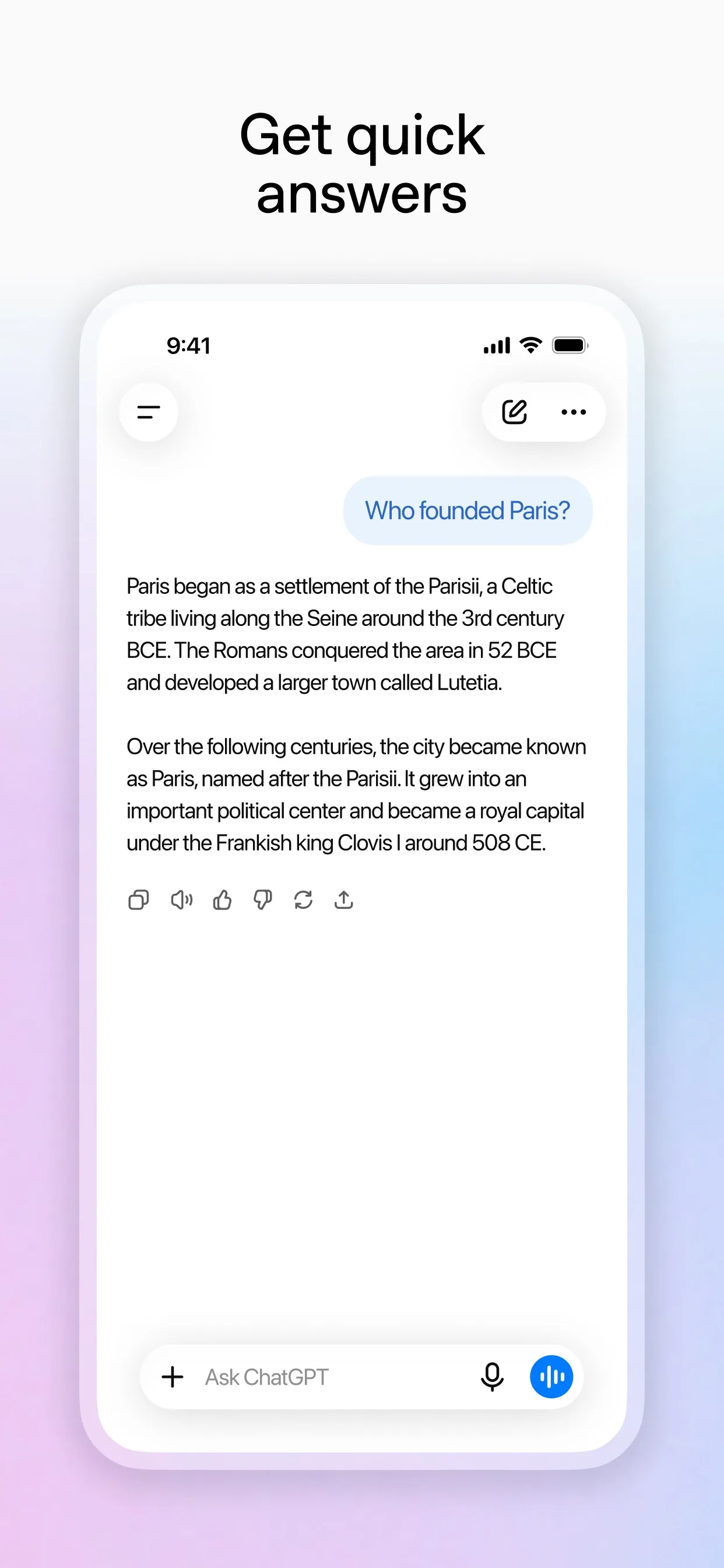
Image: OpenAI Step 3: Fix the oven clashes
Most big dinners go wrong because two dishes need the oven at once. Ask the AI to find the clashes and move things: a dish cooked earlier and reheated, or one that bakes while the main dish rests.
Prompt to copyShow me every time two dishes need the oven or the same hob ring at once. Suggest a fix for each: cook earlier and reheat, or use the resting time of the main dish. Keep my times and temperatures unchanged and tell me what you moved.
Tip: Ask for a version with a 10 minute buffer before dinner.
Step 4: Add the day before and the shopping
Ask for what can be prepared the day before, and for anything missing from your list, such as foil, a thermometer or a serving dish. This is also the moment to ask what you can make ahead.
Prompt to copyMake a short list of what I can prepare the day before, in order, and a list of anything I may have missed buying or needing for these dishes. Do not add new dishes.
Tip: Do this at least two days before, so the shops are still open.
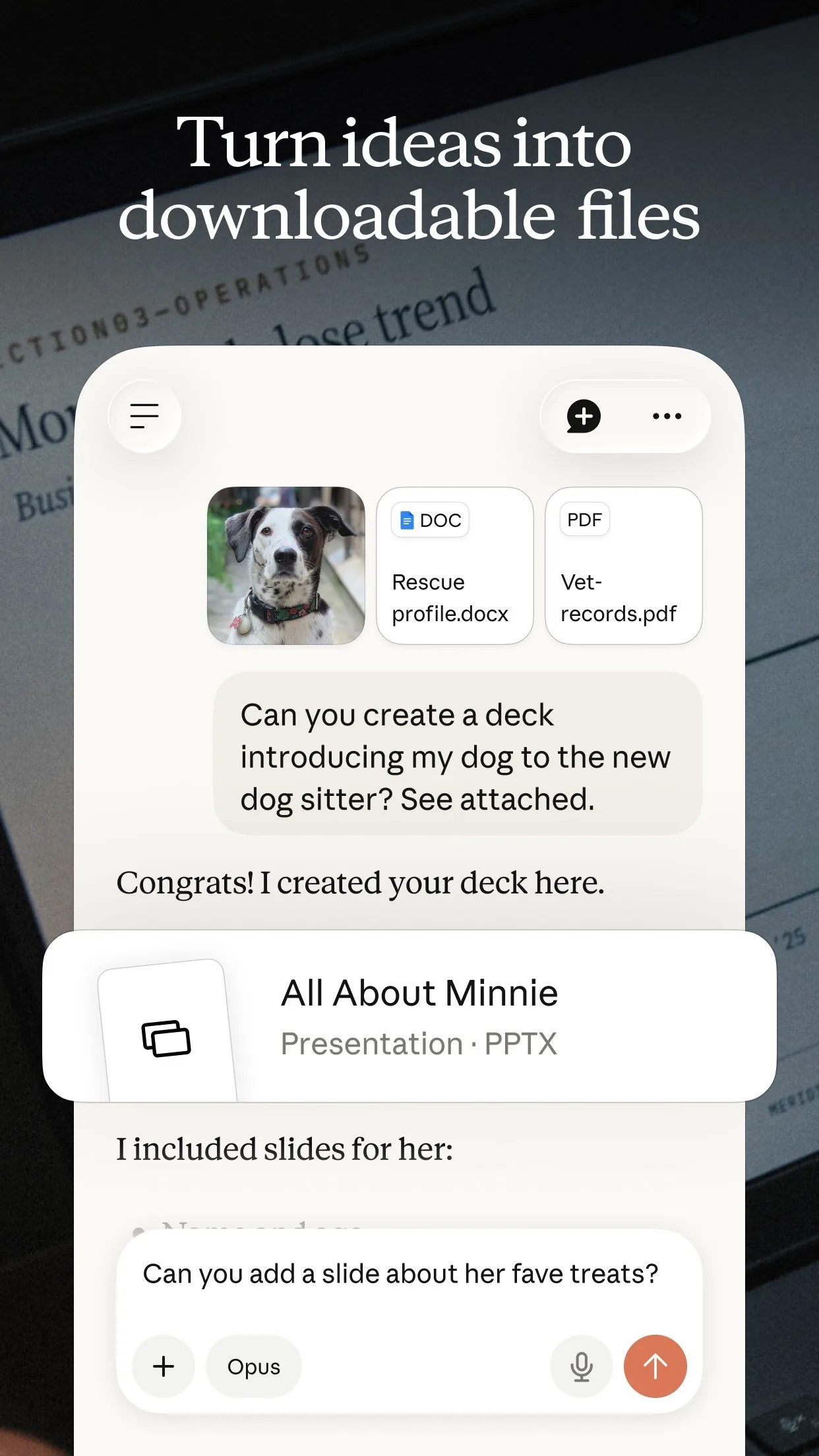
Image: Anthropic Step 5: Turn it into a checklist and check every time
Ask for a plain checklist, time first, one action per line, that you can print or keep on your phone. Then compare every time with your recipes. Gemini's help page says responses can contain mistakes and should be double-checked, and OpenAI's says to check that answers are accurate.
Prompt to copyRewrite the timetable as a printable checklist: the time first, then one action per line. Add a line at the end reminding me to check each dish is cooked through as its recipe says.
Tip: Keep a kitchen timer next to you as well as your phone.
What you get
Example answer from Claude on 23 Nov 2026, for a made-up dinner for six at 5 pm with one oven and four hob rings. The times came from the made-up recipes. Yours will be worded differently.
Common mistakes
- Letting the AI invent cooking times. Give it the time and temperature from your own recipes, and check the result against them.
- Skipping the doneness check. A timetable cannot tell when food is cooked, so follow your recipe and check each dish as it says.
- Planning to the minute. Ask for a 10 minute buffer, because ovens and guests are never exactly on time.
- Forgetting the resting time. Say in your prompt that a dish rests, or the timetable will leave it out.
- Trusting it without reading it. Read every line once, as if you were doing it, before the day.
Questions people ask
Which AI app should I use?
ChatGPT, Gemini and Claude can all do this from a typed list, and the prompts work the same in each, so use the one you already have.
Is it free?
You can start free. OpenAI's help page says ChatGPT is free to use, Claude's says its free plan has a session-based usage limit that resets every five hours, and Gemini's says you can use some features without signing in.
Does the AI know how long a turkey takes?
It may give you a time, but it should not be your source. Use the time and temperature on your recipe or packet, and tell the AI to use only those.
Can I use this for other dinners?
Yes. It works for any meal with several dishes and one kitchen, such as a birthday lunch, a family barbecue or a festival feast.
What if I have two ovens or none?
Say so in the prompt. Tell it exactly what equipment you have, including a microwave, slow cooker or air fryer, and it will plan around it.
Checked against
- OfficialOpenAI Help Center: What is ChatGPT?
- OfficialGemini Apps Help: Use Gemini Apps
- OfficialClaude Help Center: Get started with Claude
AI apps change their buttons often. If a step no longer matches what you see, email hello@openloopnews.com and we will update this guide.