How to use AI to write a handover note before you go on leave
Type everything your cover needs to know into one messy list: tasks, deadlines, names and where files live. Paste it into ChatGPT, Gemini or Claude and ask for a handover note using only your notes. You get a short note sorted into what must happen, what can wait and who to ask. About 10 minutes, free to start.
What you need
| App | ChatGPT, Gemini or Claude, on the web or as an app |
|---|---|
| Cost | Free to start. OpenAI's help page says ChatGPT is free to use, Claude's says the free plan has a session-based usage limit that resets every five hours, and Gemini's says you can use some features without signing in |
| Time | About 10 minutes |
| You need | Your leave dates, the name of the person covering, and a list of what you are working on |
Step by step
Step 1: Empty your head into one list
Write every job that will not stop while you are away: what it is, the deadline, who is involved and where the files are. Do not tidy it. Messy is fine, because the AI will sort it. Leave out passwords and anything private: your handover note will be read by other people.
Tip: Walk through your calendar and inbox for the weeks you will be away, and add what you find.
Step 2: Ask for the handover note
Open ChatGPT, Gemini or Claude and type the prompt into the message box, then send it. Claude's help page says to type your prompt into the chat and click the submit button. Gemini's says to enter it in the text box at the bottom and click Submit.
Prompt to copyTurn my notes into a handover note for [Priya], who will cover my work from [21 December] to [4 January]. Use only my notes. Do not add tasks, dates or names that are not in them. Sort it into four parts: 1. Must happen while I am away (task, deadline, what to do). 2. Can wait until I am back. 3. Who to ask, and about what. 4. Where things are. If something is unclear, put it under "Questions for me" instead of guessing. Keep it under 250 words. My notes: [paste your list]
Tip: Tell it who the reader is. A note for a new starter needs more detail than one for a close colleague.
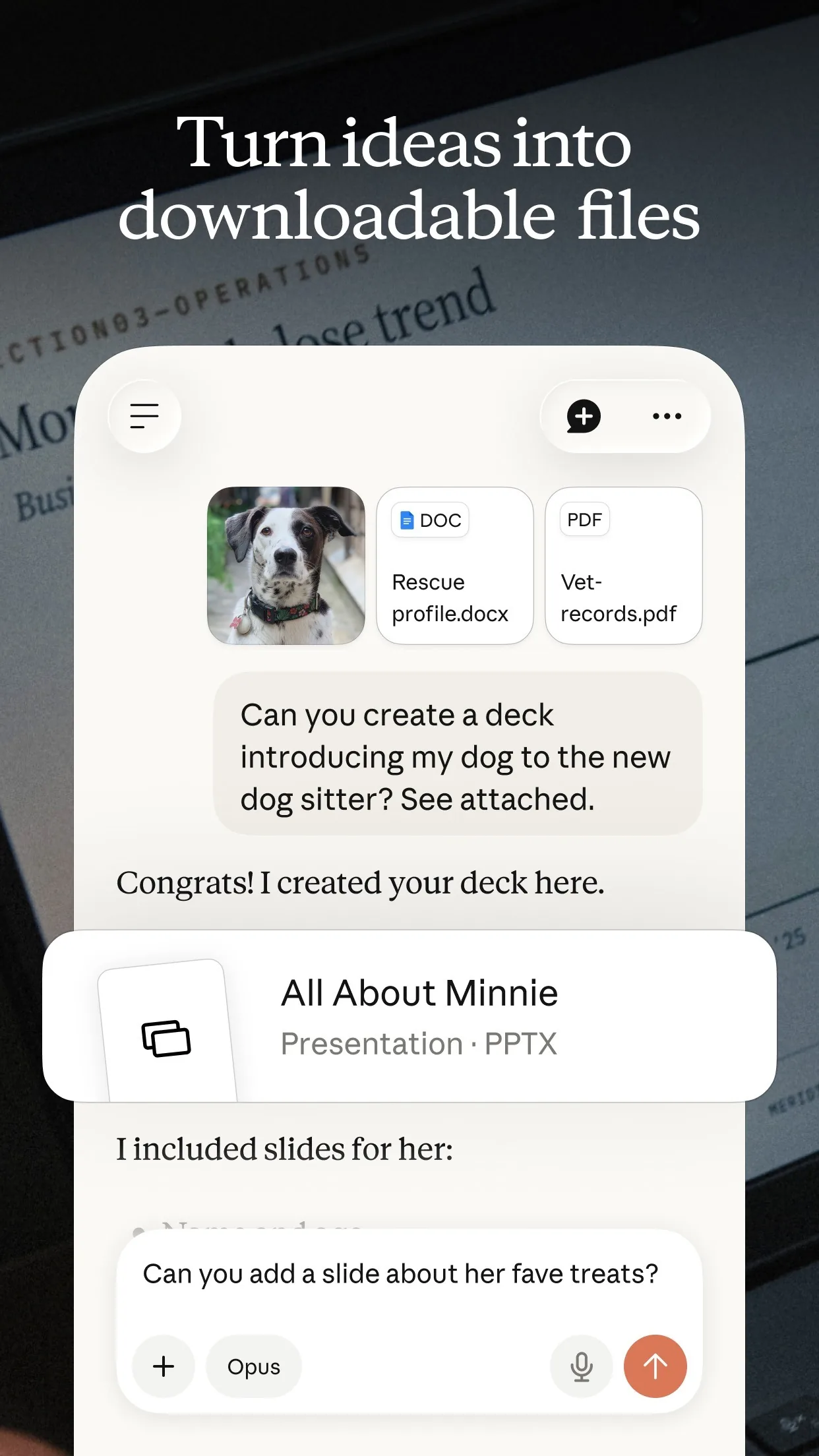
Image: Anthropic Step 3: Let it question you
The gaps in a handover are the things you forgot to say because you know them too well. Ask the AI to read the note as the person covering and tell you what they would be stuck on.
Prompt to copyRead this note as [Priya], who has never done these tasks. List the five questions she would most likely ask me, in order of how much trouble a missing answer would cause. Do not answer them yourself.Tip: Answer the questions in your notes, then run step 2 again.
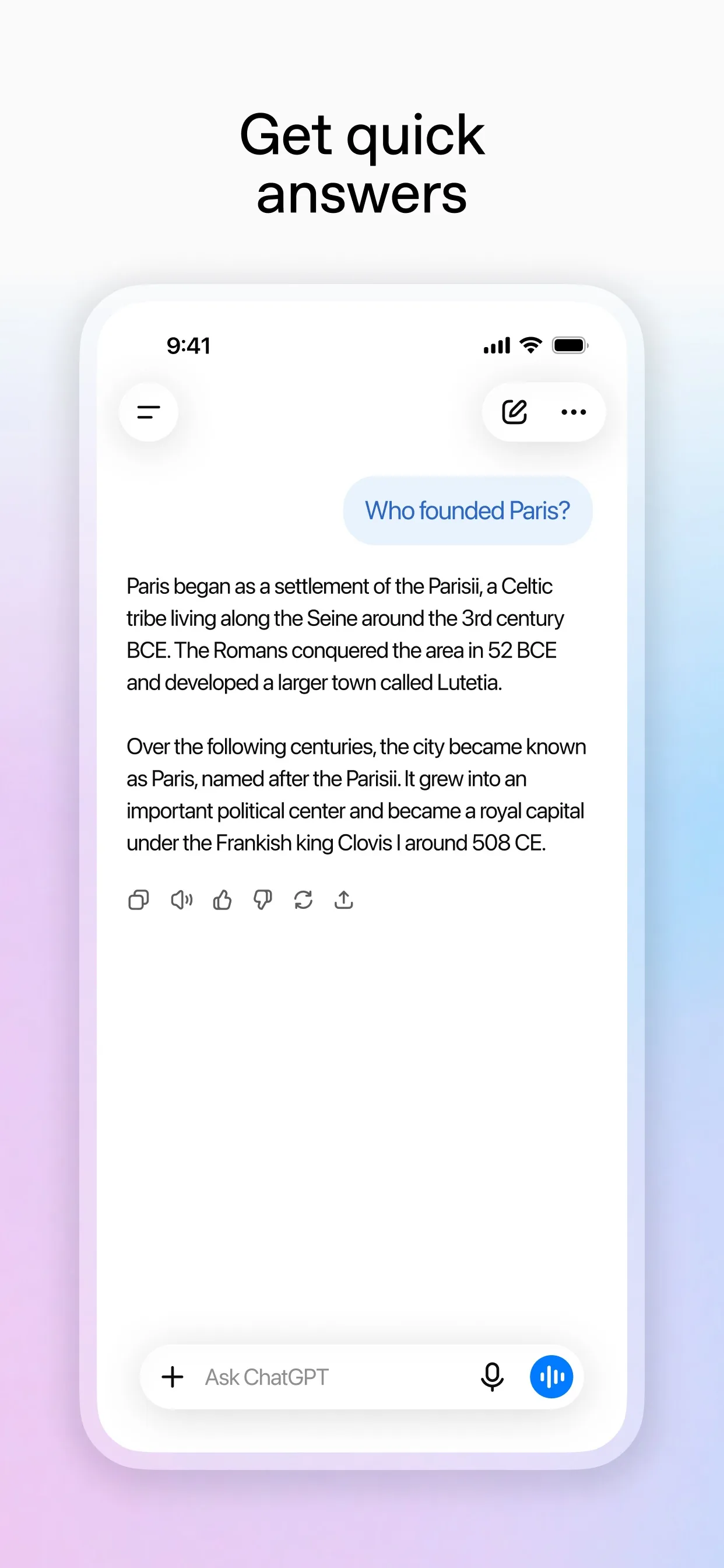
Image: OpenAI Step 4: Add a short out-of-office message
Ask for a short automatic reply that says when you are away and who to contact, using only the names and dates you give.
Prompt to copyWrite a short out-of-office reply from me. I am away from [21 December] and back on [5 January]. For urgent matters people should contact [Priya, priya@example.com]. Three sentences, polite and plain, no promises about replying while I am away.
Tip: Check the dates and the email address yourself before you save it.
Step 5: Check it, then hand it over in person
Read the finished note once as if you were the person covering. Check every date, name and file location against your own records. Gemini's help page says responses can contain mistakes and should be double-checked, and OpenAI's says to check that answers are accurate. Then send it and spend ten minutes talking it through.
Tip: Ask your cover to read it back to you in one sentence per task.
What you get
Example answer from Claude on 25 Nov 2026, for made-up notes from a marketing coordinator going on leave. Yours will be worded differently.
Common mistakes
- Letting the AI fill gaps. Tell it to use only your notes and to list unclear points as questions, or it may invent a deadline.
- Putting passwords or private details in the note. Say where a login is kept, never the login itself.
- Writing for yourself. Name the reader in your prompt, because they do not know what you know.
- Skipping the check. Read every date and name against your own records before you send it.
- Sending it on your last afternoon. Hand it over a few days early, so your cover can ask questions.
Questions people ask
Which AI app should I use?
ChatGPT, Gemini and Claude can all do this from a pasted list, and the prompts work the same in each, so use the one you already have.
Is it free?
You can start free. OpenAI's help page says ChatGPT is free to use, Claude's says its free plan has a session-based usage limit that resets every five hours, and Gemini's says you can use some features without signing in.
Is it safe to paste work details into an AI app?
Check your employer's rules first. Leave out passwords, customer data and anything confidential, and use names of tasks instead of names of clients when you can.
Does it work for a long leave, like parental leave?
Yes. Run the steps by area of work, one note per area, then ask for a short contents list at the top.
Can I use it when I come back?
Yes. Ask your cover to send their notes, paste them in, and ask the AI for a list of what changed while you were away.
Checked against
- OfficialOpenAI Help Center: What is ChatGPT?
- OfficialGemini Apps Help: Use Gemini Apps
- OfficialClaude Help Center: Get started with Claude
AI apps change their buttons often. If a step no longer matches what you see, email hello@openloopnews.com and we will update this guide.