How to use AI to turn a photo of handwritten notes into typed text
Take one straight, well-lit photo of your handwritten page, add it to ChatGPT, Gemini or Claude, and ask it to type out exactly what is written, marking any word it cannot read. Check the marked words against your page, then ask for a clean list or summary. You get typed notes you can copy anywhere. About 5 minutes.
What you need
| App | ChatGPT, Gemini or Claude, on the web or as an app |
|---|---|
| Cost | Free to start. ChatGPT's help page says image inputs work on Free and paid plans, within usage limits. Gemini's help page says you must be signed in to attach files |
| Time | About 5 minutes |
| You need | One page of handwriting and your phone's camera |
Step by step
Step 1: Take one clear photo of the page
Put the page flat, hold your phone straight above it with the writing the right way up, and use good light. ChatGPT's help page warns that rotated or upside-down text can be misread and says to enlarge the text without cropping out important details. Claude's help page says images of 1000x1000 pixels or larger work best.
Tip: One page per photo. A crowded photo of three pages gives worse results than three clear ones.
Step 2: Add the photo and ask for an exact copy
In ChatGPT, tap the + icon and choose Add photos & files. In Claude, tap the + button at the lower left of the chat box and choose Add files or photos. In Gemini, sign in first, then click Add files and Upload Files on the web. Then paste this, and the AI types out what it sees.
Prompt to copyThis is a photo of my handwritten notes. Type out exactly what is written, line by line, in the same order. If a word or number is hard to read, write your best guess followed by [?]. Do not fix, add or summarise anything.Tip: Asking for an exact copy first stops the AI from quietly rewording your notes.
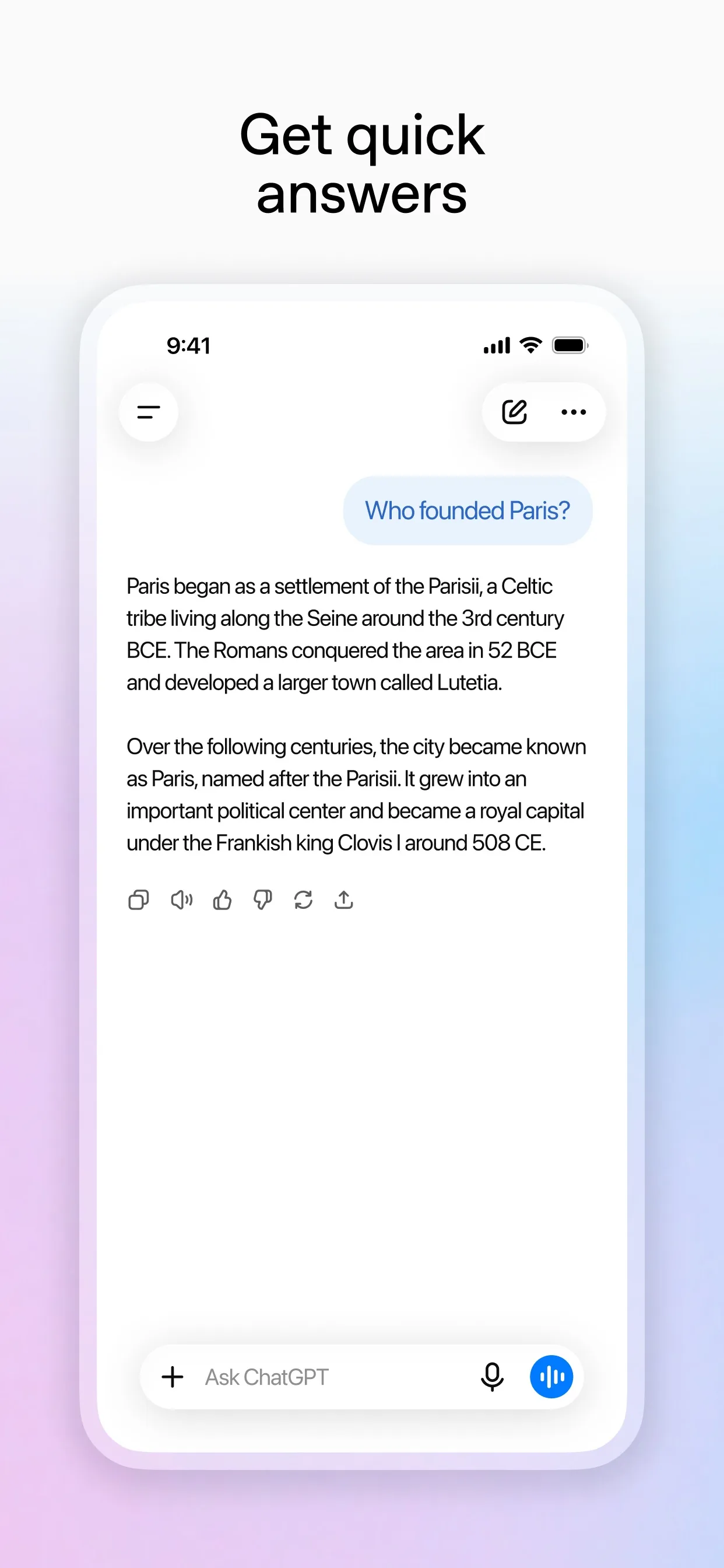
Image: OpenAI Step 3: Check the words it was unsure about
Handwriting is hard, and AI can be wrong. Ask it to list what it guessed, then look at your page and fix each one yourself. Names, dates, amounts and phone numbers matter most.
Prompt to copyList every word, name, date or number you were unsure about, and what else it could be. Do not change the text yet.
Tip: If the same word keeps coming out wrong, retake the photo closer, or type that word yourself.
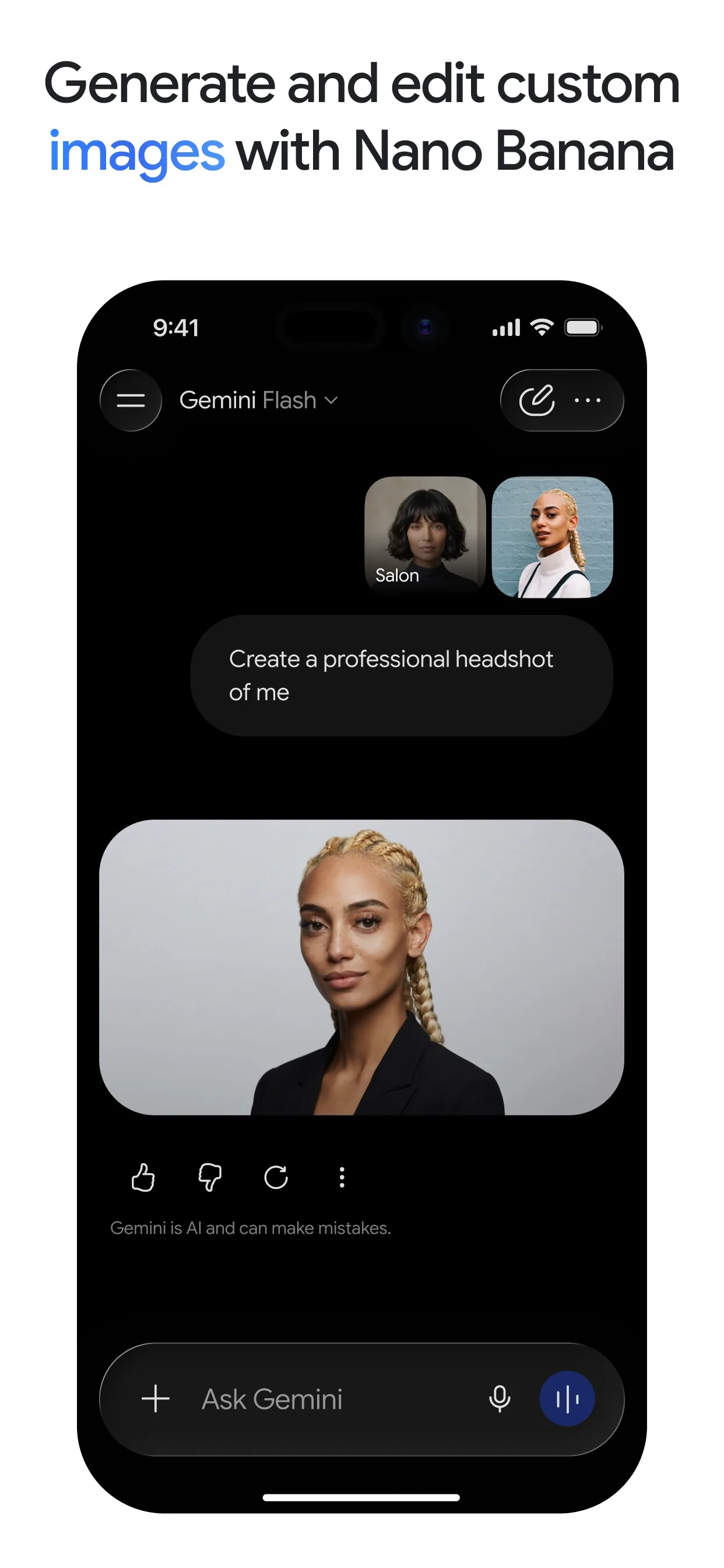
Image: Google Step 4: Turn it into something you can use
Once the text is right, ask for the shape you need: a to-do list, a summary or a tidy set of notes. Keep your own words and stop it from adding tasks you never wrote.
Prompt to copyNow turn my notes into a clean to-do list: anything with a date or deadline first, then the rest. Keep my words, fix only spelling, and do not add anything I did not write. Mark anything unclear with [CHECK].Tip: Want a different shape? Say so: a shopping list, an email, or a two-line summary.
Step 5: Copy it and keep it
Copy the final text into your notes app, a document or a message, and put the photo away. Do not upload pages with private details such as bank numbers or passwords.
Tip: Save the typed version under the date, so you can search for it later.
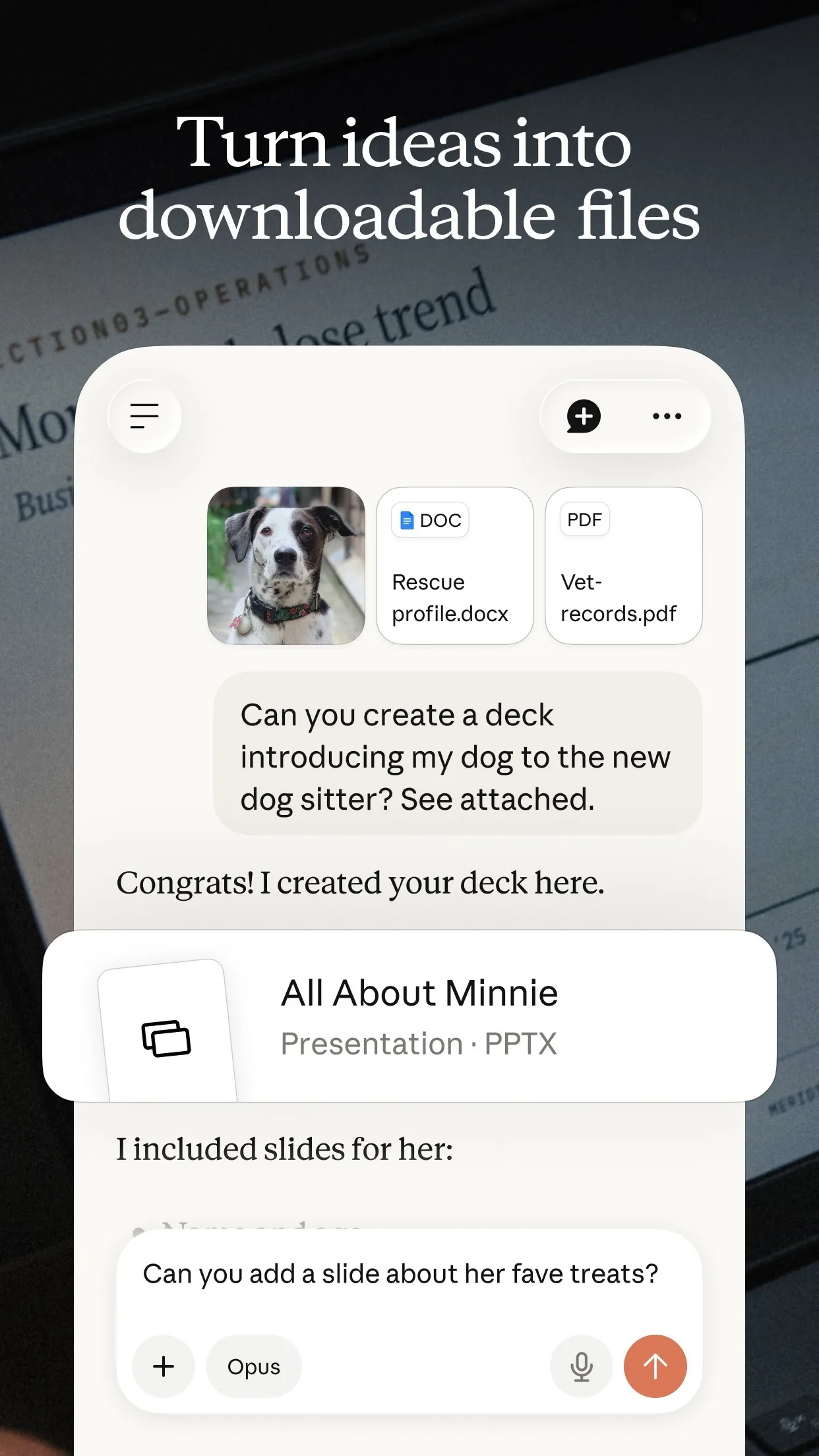
Image: Anthropic
What you get
Example answer from Claude on 21 Nov 2026, for a made-up page of notes with five lines. Yours will be worded differently.
Common mistakes
- Asking for a tidy version straight away. The AI can reword or drop things, so get an exact copy first and tidy second.
- Trusting names, dates and amounts without checking. Look at the page yourself before you act on them.
- Sending a tilted, dark or cropped photo. Rotated text and cut-off edges are the most common reasons for wrong results.
- Expecting every language to work equally well. ChatGPT's help page says it does worse with text in non-Latin alphabets such as Japanese or Korean.
- Uploading pages with private details. Leave out bank numbers, passwords and other people's personal data.
Questions people ask
Which AI app should I use?
ChatGPT, Gemini and Claude can all read a photo, and the prompts work the same in each, so use the one you already have.
Is it free?
You can start free. ChatGPT's help page says image inputs work on Free and paid plans within usage limits, and Gemini's says you must be signed in to attach files. Each app's own page lists the limits.
What kind of photo works best?
A flat, straight, well-lit page with the writing the right way up. Claude's help page suggests images of 1000x1000 pixels or larger.
Can I add more than one page?
Yes. Gemini's help page says you can attach up to 10 files in one prompt, and Claude's says up to 20 files per chat. Still, one page at a time gives the clearest results.
What if my handwriting is messy?
The AI will guess and mark the words it is unsure of. Check each marked word against your page, and retake the photo if the same ones keep failing.
Checked against
- OfficialOpenAI Help Center: ChatGPT Image Inputs FAQ
- OfficialGemini Apps Help: Attach & analyze files in Gemini Apps
- OfficialClaude Help Center: Upload files to Claude
AI apps change their buttons often. If a step no longer matches what you see, email hello@openloopnews.com and we will update this guide.