How to use AI to write a listing for something you want to sell secondhand
Take three clear photos of the item, add them to ChatGPT, Gemini or Claude, and tell it the facts only you know: age, condition, flaws and price. Ask for a title and a short honest description, then have it list everything it guessed so you can fix it. You get a listing ready to paste into any marketplace. About 5 minutes.
What you need
| App | ChatGPT, Gemini or Claude, on the web or as an app |
|---|---|
| Cost | Free to start. ChatGPT's help page says image inputs work on Free and paid plans, within usage limits. Gemini's help page says you must be signed in to attach files |
| Time | About 5 minutes |
| You need | The item, your phone's camera and the facts only you know: age, flaws, price |
Step by step
Step 1: Take three clear photos
Shoot the whole item in good light, then the brand or model label, then any scratch, stain or wear. Use a plain background. ChatGPT's help page says to rotate images upright, and Claude's says images of 1000x1000 pixels or larger work best.
Tip: Keep faces, house numbers and paperwork out of the background.
Step 2: Add the photos and tell it what only you know
In ChatGPT, tap the + icon and choose Add photos & files. In Claude, click the + button at the lower left of the chat box and choose Add files or photos. In Gemini, sign in first, then click Add files and Upload Files on the web. Then paste this prompt with your own details.
Prompt to copyThese are photos of an item I want to sell secondhand. Write a listing: a title under 60 characters, then a short, honest description. Facts: bought [year], condition [good / fair], flaws [describe], price [amount], pickup in [area]. Use only what the photos and my facts show.
Tip: The more true details you give, the less the AI has to guess.
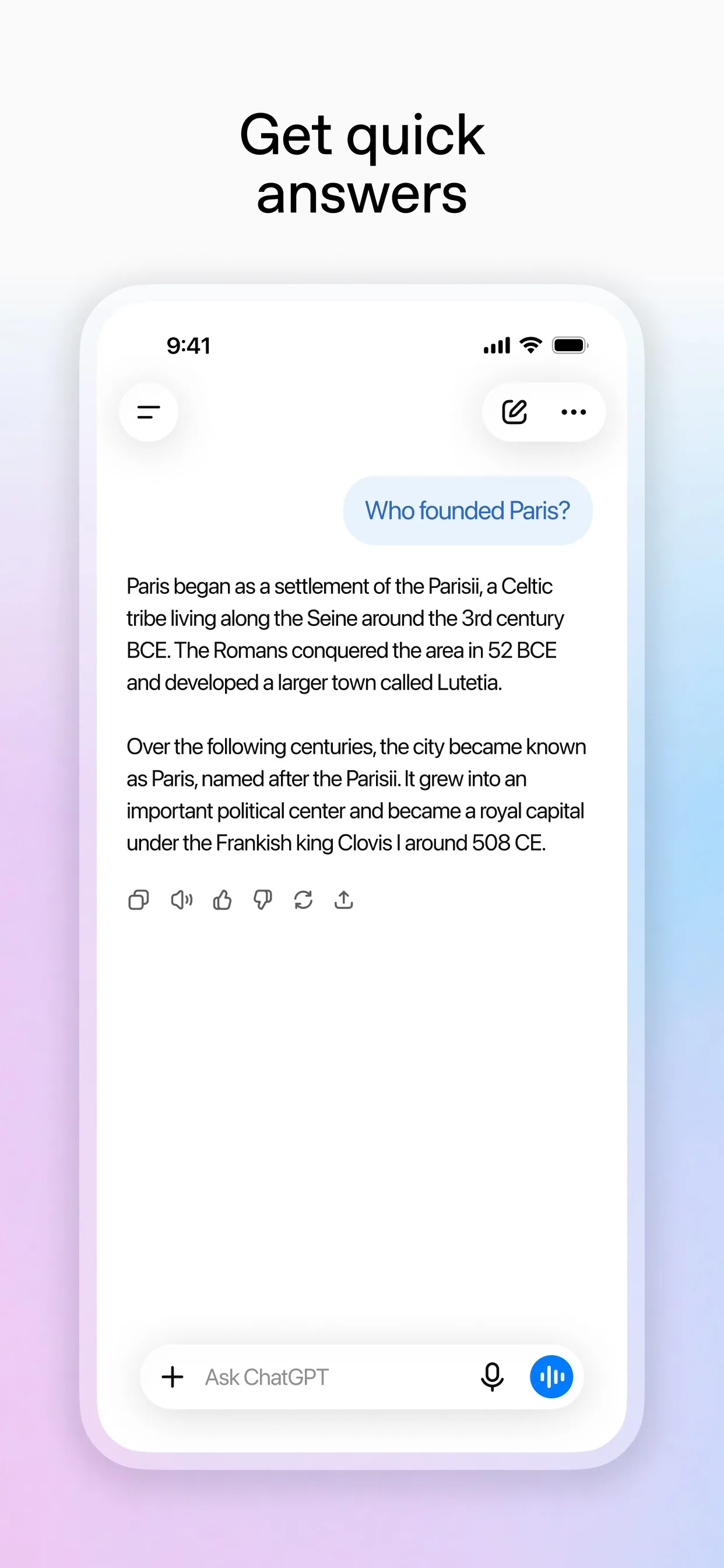
Image: OpenAI Step 3: Check what it guessed
AI can invent a model name, a size or a feature it cannot really see. Ask it to list every detail it was not sure of, then check each one against the item itself. Remove anything you cannot confirm.
Prompt to copyList every detail in the listing that came from the photos rather than from my facts, and anything you were unsure about. Do not change the listing yet.
Tip: A wrong model name or size is what causes disputes after the sale.
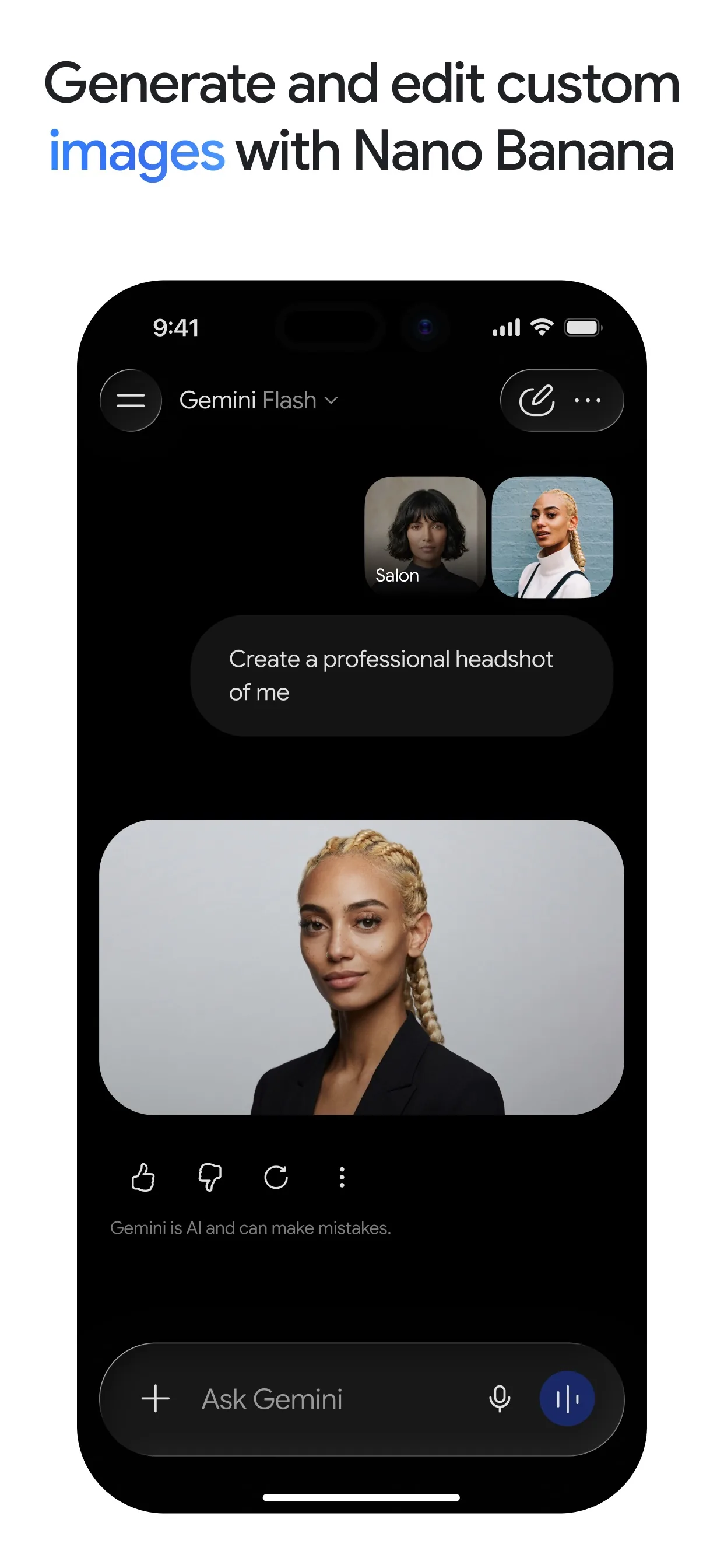
Image: Google Step 4: Make it short and easy to scan
Ask for the final version with the key facts first, in short lines a buyer can read in ten seconds. Keep your honest note about flaws in it.
Prompt to copyRewrite the listing with the confirmed facts only. Put the key facts as short lines (condition, size, age, price, pickup), then two sentences of description. Keep the flaws visible. No hype words.
Tip: Want another tone? Ask for friendlier, or shorter.
Step 5: Get ready for the questions
Ask for short, polite replies to the questions buyers always send. Check them before you send, and meet in a public place.
Prompt to copyWrite three short, polite replies I can send buyers: one for 'is it still available?', one for a lower offer, and one for 'can you post it?'. My lowest price is [amount].Tip: Keep your lowest price in your own head until a buyer makes an offer.
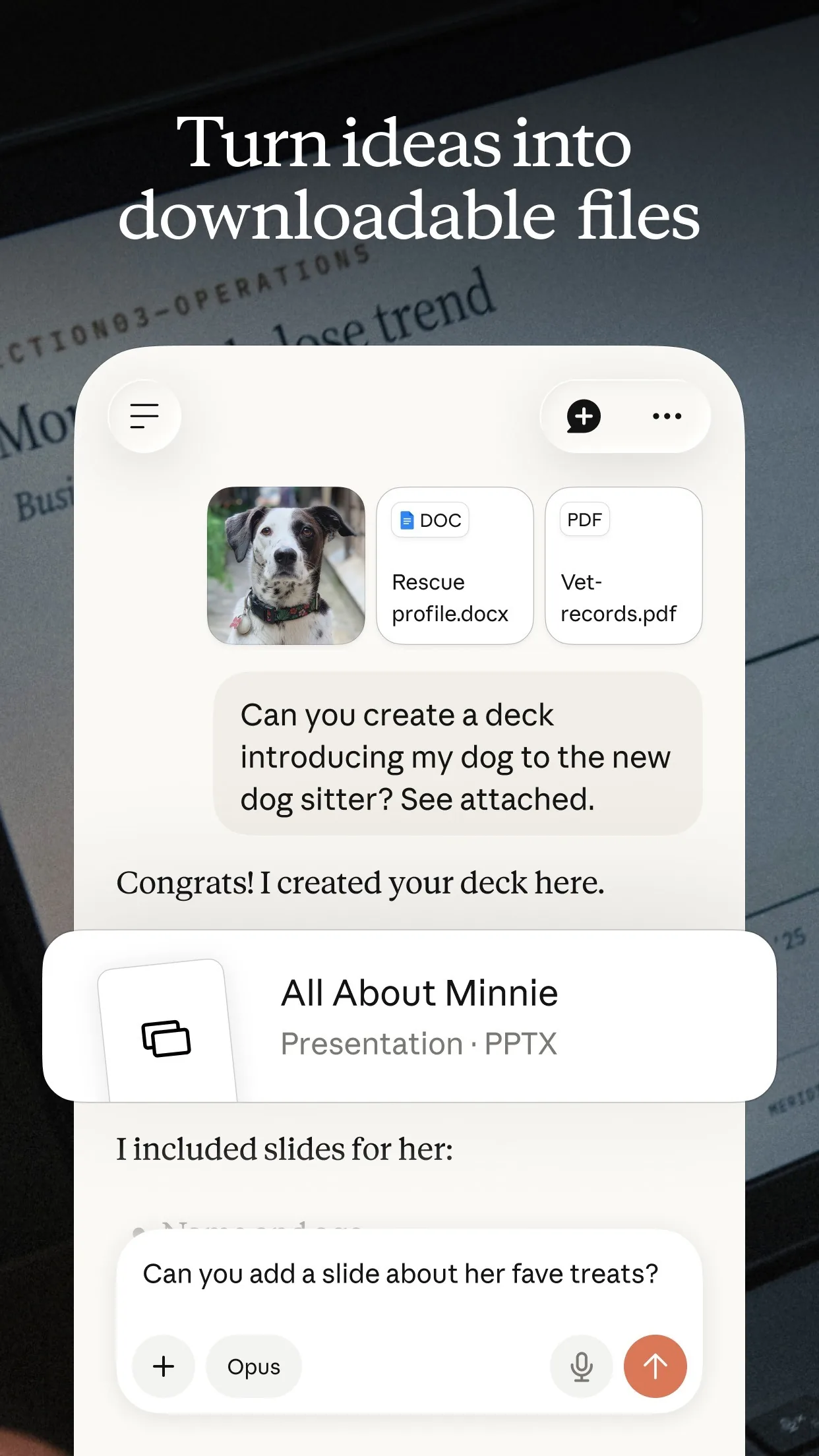
Image: Anthropic
What you get
Example answer from Claude on 22 Nov 2026, for a made-up white desk lamp. Yours will be worded differently.
Common mistakes
- Letting the AI guess. It can invent a model name, size or feature, so give your own facts and check its list of guesses.
- Hiding flaws. Name them in the listing and show them in a photo, which avoids arguments later.
- Leaving private details in the photos. Faces, house numbers, paperwork and serial numbers can show in the background.
- Sharing your address. Say the area in the listing and agree the exact meeting place in the chat, in a public place.
- Copying the text without reading it. You are the seller, so read every line before you post.
Questions people ask
Which AI app should I use?
ChatGPT, Gemini and Claude can all read a photo, and the prompts work the same in each, so use the one you already have.
Is it free?
You can start free. ChatGPT's help page says image inputs work on Free and paid plans within usage limits, and Gemini's says you must be signed in to attach files. Each app's own page lists the limits.
How many photos can I add?
Gemini's help page says you can attach up to 10 files in one prompt, and Claude's says up to 20 files per chat. Three clear photos are usually enough.
Can the AI pick my price?
It cannot see what similar items really sold for, so choose the price yourself after checking listings of the same item. Then put it in the prompt.
Will it know the model of my item?
Only if the label is readable in a photo, and even then it can be wrong. ChatGPT's help page says results are weaker in some cases, so check the model yourself.
Checked against
- OfficialOpenAI Help Center: ChatGPT Image Inputs FAQ
- OfficialGemini Apps Help: Attach & analyze files in Gemini Apps
- OfficialClaude Help Center: Upload files to Claude
AI apps change their buttons often. If a step no longer matches what you see, email hello@openloopnews.com and we will update this guide.