How to chat with ChatGPT, Gemini and Claude without saving the chat
ChatGPT, Gemini and Claude can all start a chat that stays out of your history. In ChatGPT, open a new chat and select Temporary. In Gemini, click Temporary chat next to New chat. In Claude, click the ghost icon in the upper right of a new chat. Each path is checked on the company's help page. None of them means the chat is gone at once.
What you need
| App | ChatGPT, Gemini or Claude, signed in |
|---|---|
| Cost | Free. Claude's page says incognito chats are on every plan |
| Time | About a minute per app |
| Good to know | Gemini's temporary chat needs a personal Google Account, not a work or school one |
Step by step
Step 1: ChatGPT: New chat > Temporary
OpenAI's help page says to open a new chat, select Temporary, choose Personalized or Unpersonalized before you send your first message, then type. Unpersonalized does not use memory, custom instructions or plugins. You cannot change that choice once the chat starts. The page says a temporary chat stays out of your history and is not used to improve OpenAI models while it remains temporary.
Prompt to copyThis is private. I want to ask my manager for a raise next month. Ask me one question at a time to work out my case, then give me a three-sentence script.
Tip: OpenAI's page says you can still save a temporary chat later, and it then becomes a regular chat that follows your account settings.
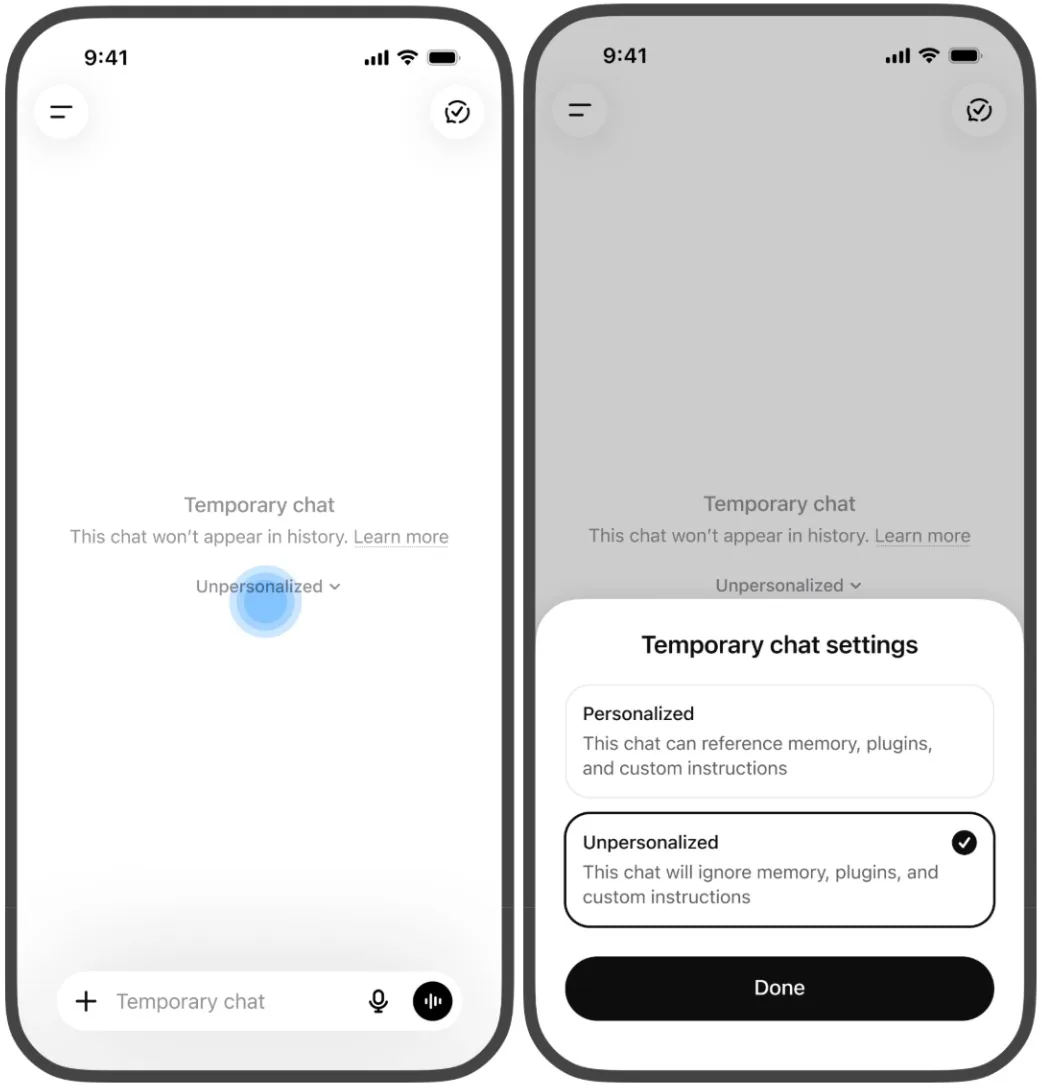
Image: OpenAI Step 2: Gemini: New chat > Temporary chat
Google's help page says to go to gemini.google.com, click Temporary chat next to New chat, then type your prompt and click Submit. On a phone, tap Temporary chat next to New chat. The chat won't appear in your Gemini Apps Activity or your recent chats, and once you leave it you cannot get back to it. The page says temporary chats cannot use Gems or Connected Apps that need the history setting, and give no personalized responses.
Prompt to copyThis is private. I want to ask my manager for a raise next month. Ask me one question at a time to work out my case, then give me a three-sentence script.
Tip: Google's page says this is only for personal Google Accounts, and not for Gemini in Chrome or Gemini in Google Messages.
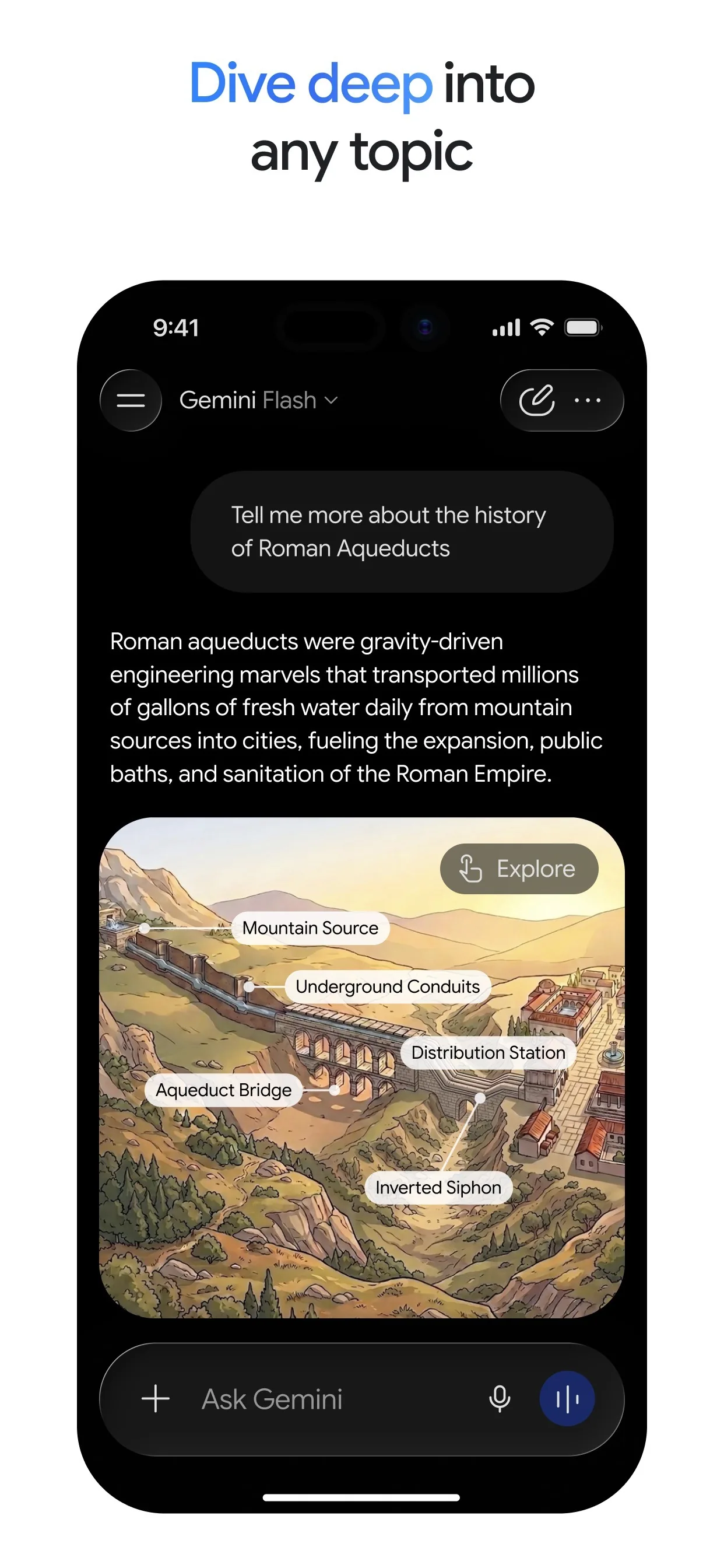
Image: Google Step 3: Claude: Ghost icon > Incognito chat
Anthropic's help page says that when you start a new chat outside a project, you will see a ghost icon in the upper right corner. Click it to turn on incognito mode. The screen shows a black border and an Incognito chat label. When you finish, click the x in the upper right corner to close it. Incognito chats are not saved to your history or to Claude's memory, and the page says they are not used for training.
Prompt to copyThis is private. I want to ask my manager for a raise next month. Ask me one question at a time to work out my case, then give me a three-sentence script.
Tip: Anthropic's page says a closed incognito chat cannot be reopened, and it cannot be turned into a regular chat.
Image: Anthropic
What you get
Example answer from Claude on 24 Nov 2026, for a made-up raise request. Yours will be worded differently.
Common mistakes
- Thinking the chat vanishes at once. OpenAI's page says it may keep a copy for up to 30 days for safety, and Anthropic's says incognito chats are retained for 30 days by default.
- Expecting it to hide you from your employer or school. Anthropic's page says Team and Enterprise incognito chats are included in organizational data exports, and Google says work and school accounts cannot start a temporary chat in Gemini.
- Closing the tab too early. Claude's page says an incognito chat cannot be reopened, and Google's says you lose access when you leave a temporary chat. Copy what you need first.
- Typing passwords or ID numbers. A chat that is not saved is still a chat on someone's servers.
Questions people ask
Is a temporary chat really private?
It is private from your own history, not from the company. OpenAI's page says it may keep a copy of a temporary chat for up to 30 days for safety. Anthropic's says incognito chats are retained for 30 days by default.
Are temporary chats used to train the AI?
OpenAI's page says a temporary chat is not used to improve its models while it remains temporary. Anthropic's says incognito chats are not used for training. For Gemini, read the data-handling link on Google's help page.
Can I save a temporary chat?
In ChatGPT, yes: OpenAI's page says you can save it as a regular chat. In Claude, no: Anthropic's page says an incognito chat cannot be converted or saved. Google's says you cannot get back to a Gemini temporary chat after you leave.
Does a temporary chat know about me?
In ChatGPT you choose Personalized or Unpersonalized before you start. Claude's page says it does not use existing memory but can see your profile preferences. Google's says temporary chats give no personalized responses.
Checked against
- OfficialOpenAI Help Center: Temporary chat in ChatGPT
- OfficialGemini Apps Help: Use Gemini Apps
- OfficialClaude Help Center: Use incognito chats
AI apps change their buttons often. If a step no longer matches what you see, email hello@openloopnews.com and we will update this guide.