How to use AI to practise for a job interview
Open a new chat in ChatGPT, Gemini or Claude and paste our prompt with the job and two lines about you. The AI asks one interview question at a time, waits for your answer, then says what worked, what to fix and how to say it better using only your facts. Six questions take about ten minutes on a free account.
What you need
| App | ChatGPT, Gemini or Claude, on your phone or computer |
|---|---|
| Cost | Free to start. ChatGPT's help page says it is free to use |
| Time | About 10 minutes for 6 questions |
| You need | The job title, and two or three lines about your experience |
Step by step
Step 1: Write down the job and two lines about you
Note the job title and the kind of place (for example front desk coordinator, dental clinic). Add two or three true lines about your work or studies. Leave out your phone number, address and ID numbers: the AI does not need them.
Step 2: Open a new chat
In ChatGPT, go to chatgpt.com. In Gemini, go to gemini.google.com, and to start fresh click New chat at the top left (if it is not there, click Menu first). Gemini's help page says a personal Google Account can use a temporary chat that will not appear in your recent chats: click Temporary chat next to New chat. In Claude, type your prompt in the chat and click the submit button.
Step 3: Paste the prompt
Change the words in [brackets], then send. In Gemini, enter it in the text box at the bottom and click Submit.
Prompt to copyAct as a friendly interviewer for the job below. Ask me one question at a time and wait for my answer. Use these 6 questions in order: tell me about yourself, two about my experience, two "what would you do if" questions, and why I want this job. After each answer, give me three things: one thing I did well, one thing to fix, and a stronger version of my answer. Use only the facts I told you. Do not invent jobs, numbers or skills. If a fact is missing, ask me. After question 6, list my 2 strongest points and the 2 things to practise most. Job: [job title and kind of place] About me: [2 or 3 true lines]
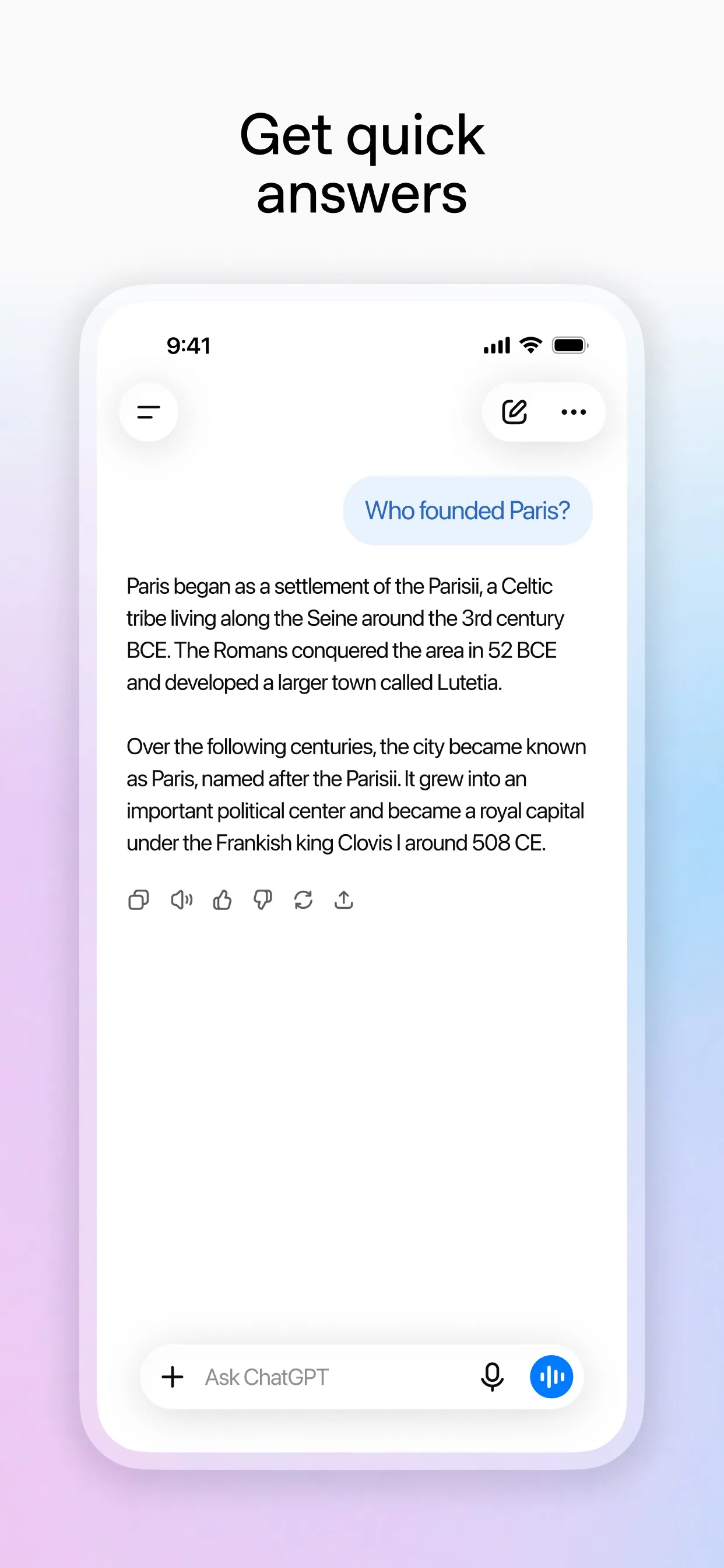
Image: OpenAI Step 4: Answer out loud if you can
Interviews are spoken, so say your answers if you can. In ChatGPT, select the Voice icon in the message bar (on the web, in the prompt window) and allow the microphone when asked; ChatGPT's help page says Voice works within a chat. On an Android phone, Gemini's help page says to open the Gemini app and tap Live at the bottom, and lists "Practice aloud" as one of its uses. Gemini Live is not in the Gemini web app. No microphone? Type your answers instead.
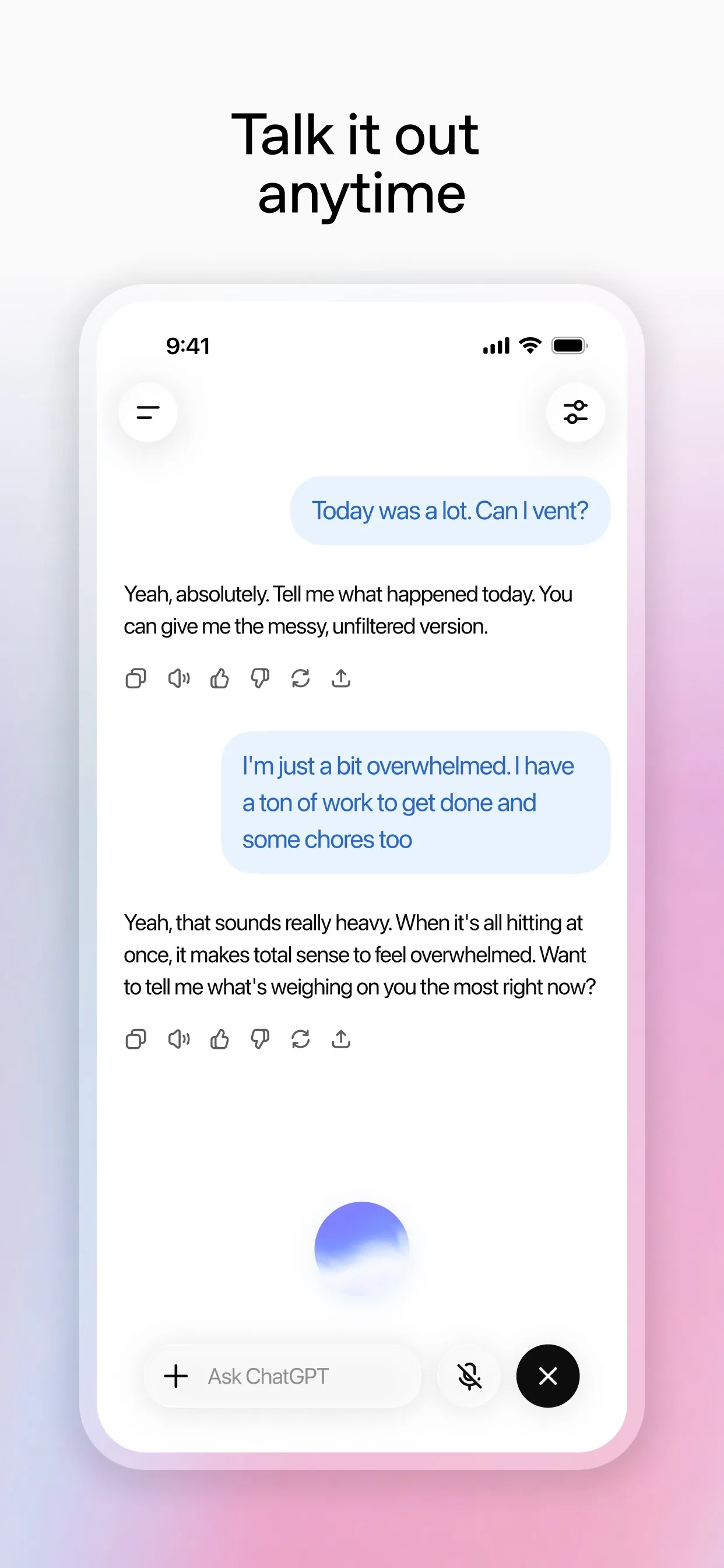
Image: OpenAI Step 5: Check the stronger answers, then say them your way
Gemini's and ChatGPT's help pages both say the AI can make mistakes. Read each "stronger version" and ask: is this true about me? Cross out anything you did not do. Then say the answer again in your own words, because an interviewer wants to hear you.
Tip: Ask: "Now ask me the 3 hardest questions for this job, one at a time." Run the prompt again for every new interview.
What you get
Example answer from Claude on 25 Oct 2026, for a made-up café assistant manager practising for a dental clinic front desk job. Shortened. Yours will be worded differently.
Common mistakes
- Letting the AI add skills, jobs or numbers you do not have. The prompt says "use only the facts I told you": still check every line in step 5.
- Reading its stronger version word for word in the interview. Say it your way, out loud, a few times.
- Giving away private details. Leave out your phone number, address and ID numbers, and use a temporary chat in Gemini if you want one that does not stay in your recent chats.
- Stopping after one run. Ask for the hardest questions next, and run the prompt again for each new job.
Questions people ask
Which AI app is best for this?
Any of them. ChatGPT, Gemini and Claude can all hold a back-and-forth chat. Our steps were checked on their own help pages.
Is it free?
To start, yes. ChatGPT's help page says it is free to use, and Claude's says the free plan has a session-based usage limit that resets every five hours. ChatGPT's page also says free Voice access is limited. Check your own app.
Can I practise by talking instead of typing?
Yes in some apps. ChatGPT has a Voice icon in its message bar, and Gemini's help page describes Gemini Live in its Android app, with practising aloud as one use. Typing works everywhere.
Will it tell me if I will get the job?
No. It only helps you practise. Gemini's help page says to double-check responses and not to rely on them for professional advice.
Checked against
- OfficialGemini Apps Help: Use Gemini Apps
- OfficialGemini Apps Help: Talk naturally with Gemini Live
- OfficialClaude Help Center: Get started with Claude
- OfficialOpenAI Help Center: What is ChatGPT?
- OfficialOpenAI Help Center: ChatGPT Voice
AI apps change their buttons often. If a step no longer matches what you see, email hello@openloopnews.com and we will update this guide.