How to use AI to understand a confusing letter from a photo
Take a flat, well-lit photo of the letter with names, account numbers and addresses covered, then attach it to ChatGPT, Gemini or Claude with the prompt in this guide. Ask who it is from, what it wants, the dates and amounts exactly as written, and what the letter does not say. Then check each date on the paper. About 10 minutes, free to start.
What you need
| App | ChatGPT, Gemini or Claude |
|---|---|
| Cost | Free to start. OpenAI's help page says image uploads are available on Free and paid ChatGPT plans, within plan limits |
| Time | About 10 minutes |
| You need | The letter, a phone camera, and a pen or sticky notes to cover your name, address and account numbers |
Step by step
Step 1: Cover the private parts and take a photo
Put the letter flat in good light. Cover your name, address, account and reference numbers with sticky notes, then photograph each page straight on so every line is sharp. Claude's help page asks for images of 1000x1000 pixels or larger, and ChatGPT takes images up to 20 MB each.
Step 2: Attach the photo
In ChatGPT, select + in the prompt area, then Add photos & files. In Gemini on the web, sign in, type your prompt, click Add files, then Upload Files, then Submit. In Claude, click the + button in the lower left corner of the chat box and select Add files or photos.
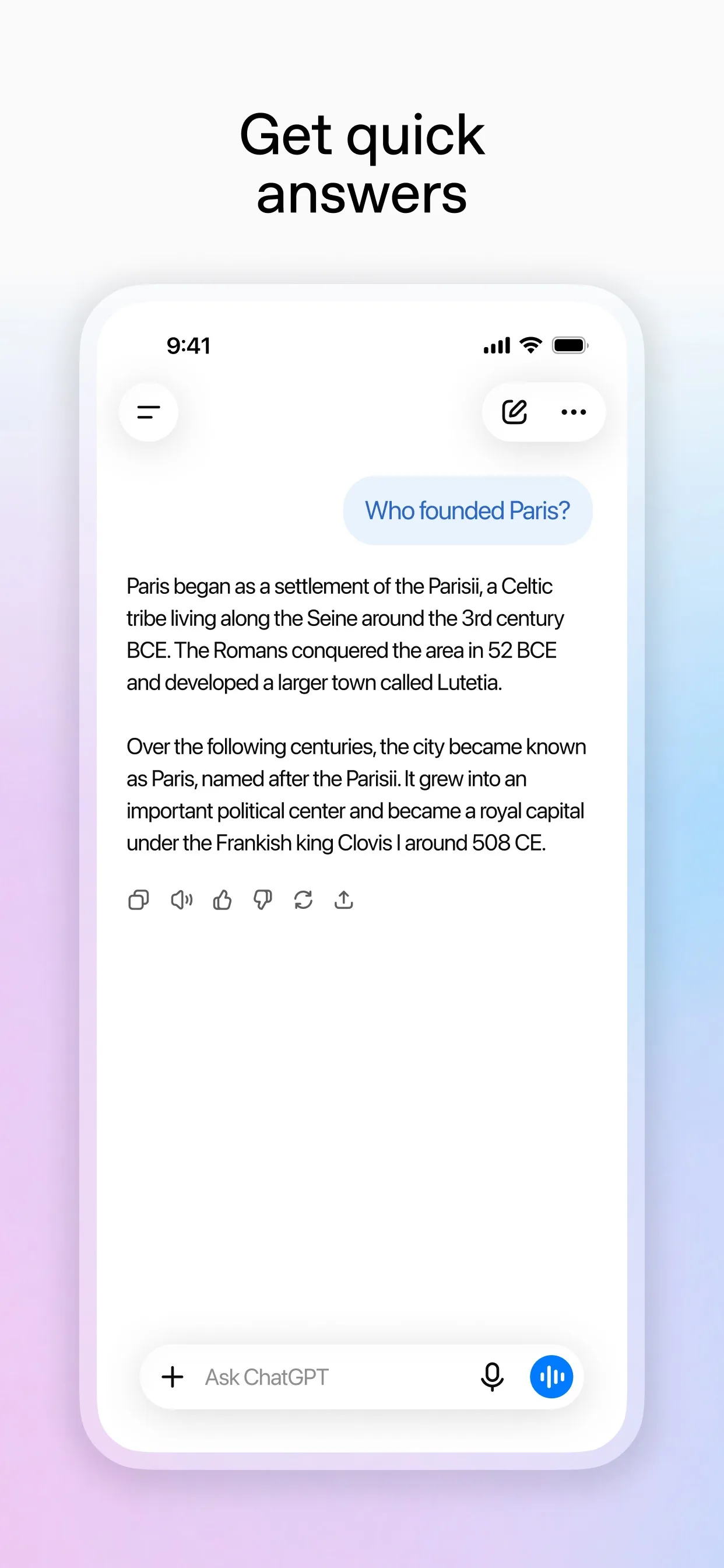
Image: OpenAI Step 3: Paste the prompt
Paste the prompt with your own details in place of the [square brackets]. It asks the AI to say when it cannot read something, instead of guessing.
Prompt to copyThis is a photo of a letter I received from [my energy company]. Explain it in plain English. Tell me: 1) who it is from and what they want, 2) every date and amount, exactly as written, 3) what I need to do and by when, if anything, 4) what the letter does not say. If any part of the photo is hard to read, tell me instead of guessing. Do not give legal advice.Tip: Add one line about you, such as "I am a customer on a fixed deal", so it can say what applies to you.
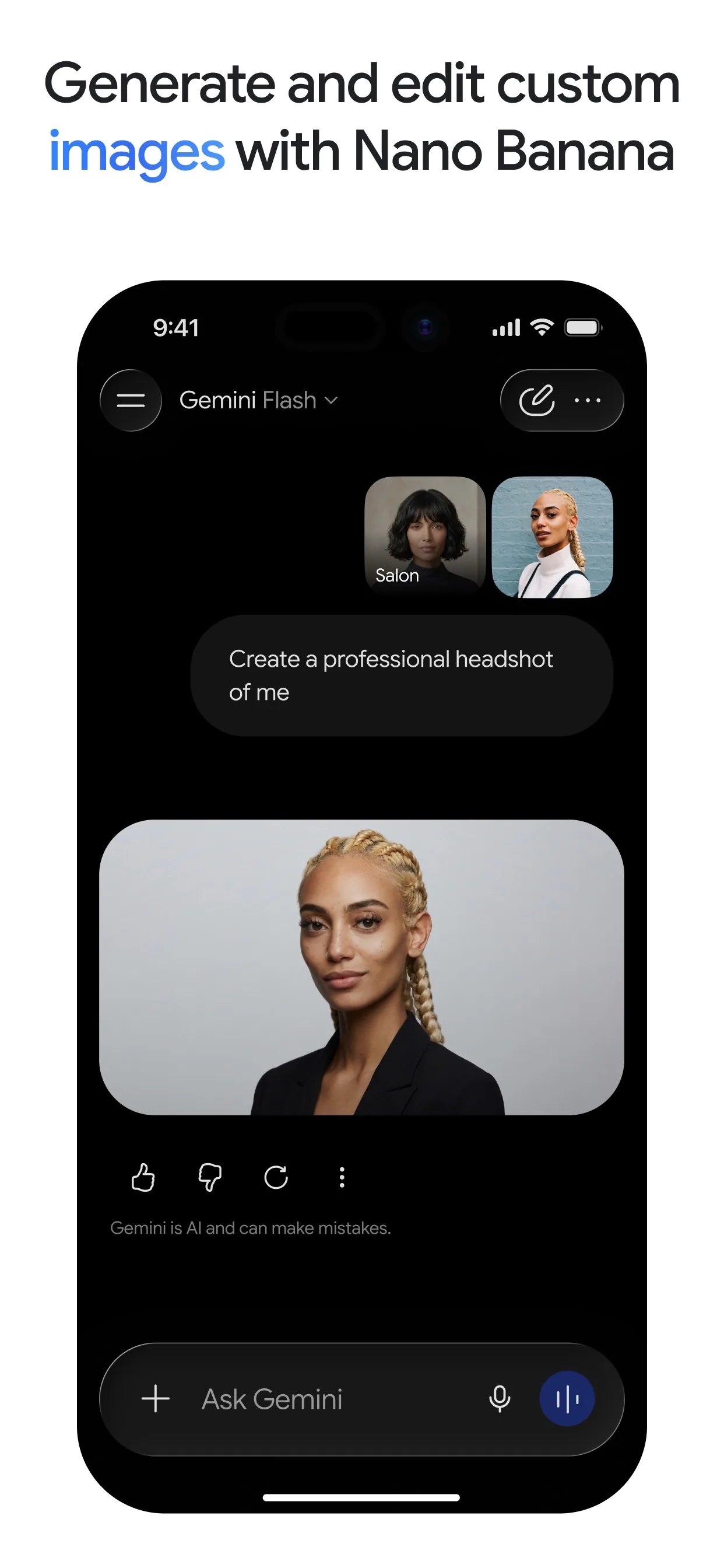
Image: Google Step 4: Check every date and amount on the paper
AI can misread a photo. Compare each date and amount in the answer with the letter itself before you act on it.
Prompt to copyList every date and amount you found, with the exact words around each one, so I can check them against the paper.
Step 5: Ask for a short reply, if you need one
If the letter needs an answer, ask for a short draft, then read it and change it before you send anything.
Prompt to copyDraft a short, polite reply asking [them to confirm the new price in writing and whether I can leave without a fee]. Keep it under 100 words.
What you get
Example answer from Claude on 8 Nov 2026, for a made-up letter about an energy price change. Shortened. Yours will be worded differently.
Common mistakes
- Uploading your name, address or account numbers. Cover them first.
- Trusting a date or amount without checking the paper. AI can misread a photo.
- Treating the answer as legal or financial advice. It explains the letter, it does not tell you your rights.
- Skipping a deadline because the answer sounded calm. Phone the sender if a date matters.
- Photographing a slanted, shadowed page. Flat and well lit works best.
Questions people ask
Which AI app is best for a letter?
ChatGPT, Gemini and Claude can all read a photo of a page, and the prompt works the same in each, so use the one you already have.
Is it free?
You can start free. OpenAI's help page says image uploads are available on Free and paid ChatGPT plans, subject to plan limits. Gemini needs you to be signed in.
Is it safe to upload a letter?
Cover your name, address and account numbers first. OpenAI's help page points to its data controls for how uploads may be used to improve models, so check those settings.
Can it tell me my legal rights?
This guide does not cover that. It only explains what the letter says. For rights, disputes or large sums, ask the sender or a qualified adviser.
What if the photo is blurry?
The prompt asks the AI to say what it cannot read. Retake the photo flat and in daylight, or type the unclear lines in yourself.
Checked against
- OfficialOpenAI Help Center: Uploading files and audio to ChatGPT
- OfficialGemini Apps Help: Upload & analyze files in Gemini Apps
- OfficialClaude Help Center: Upload files to Claude
AI apps change their buttons often. If a step no longer matches what you see, email hello@openloopnews.com and we will update this guide.