How to use AI to think through a tough decision, without letting it decide for you
Write down the decision and your options, then ask ChatGPT, Gemini or Claude to interview you with a few questions, one at a time. Next ask for pros and cons based on your own answers, and ask it to argue against your favourite. You get a clear picture of what matters most to you. You make the final choice. About 10 minutes.
What you need
| App | ChatGPT, Gemini or Claude, on the web or as an app |
|---|---|
| Cost | Free to start. OpenAI's help page says ChatGPT is free to use, Gemini's says you can use some features without signing in, and Claude's says you must be at least 18 |
| Time | About 10 minutes |
| You need | One decision you keep going back and forth on, and your honest options |
Step by step
Step 1: Write the decision in plain words
Open a new chat (in Gemini on the web, click New chat at the top left). Write what you are deciding, your options, any deadline and what is at stake. Rough notes are fine. Do not include other people's private details.
Step 2: Ask the AI to interview you first
Paste this prompt with your notes. The AI asks you questions one at a time, so your answers, not its guesses, shape the result. Answer each in a line or two. Claude's help page says to talk to it like a coworker or friend, naturally and conversationally.
Prompt to copyI am deciding: [your decision]. My options are: [option A], [option B]. My deadline is [date or none]. Before you give any opinion, interview me. Ask me up to 6 questions, one at a time, about what matters most to me, what I am afraid of and what I would regret. Wait for my answer each time. Do not give advice yet.
Tip: Short, honest answers beat long, tidy ones.
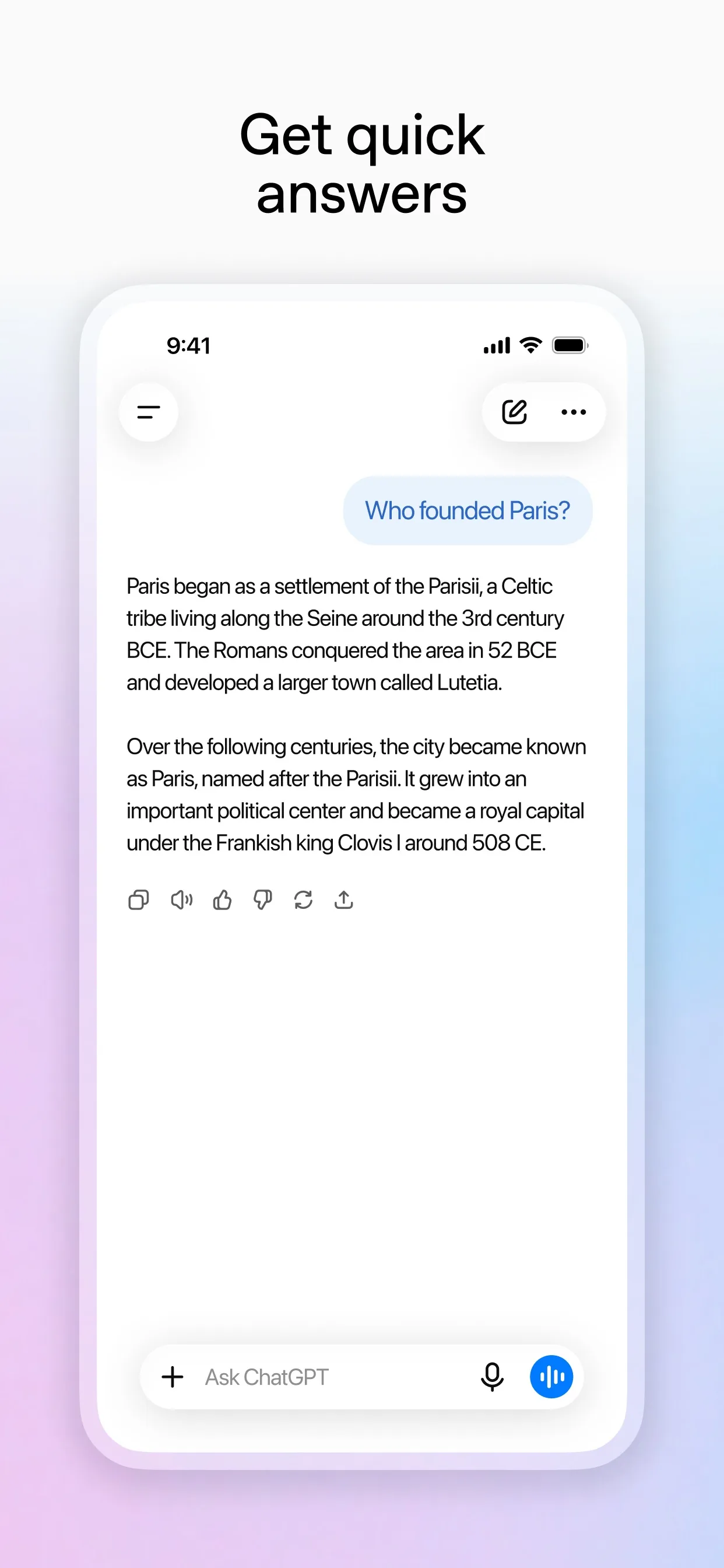
Image: OpenAI Step 3: Get pros and cons from your own answers
When the questions end, ask for a pros and cons list built only from what you said. This is the step that makes it about you, not a generic list from the internet.
Prompt to copyNow, using only what I told you, list the pros and cons of each option in two short columns. Put what matters most to me first. Mark anything you are guessing with [GUESS]. Do not tell me what to choose.Tip: Anything marked [GUESS] is not a fact. Fix it or ignore it.

Image: Google Step 4: Make it argue against your favourite
Say which option you are leaning towards, then ask for the strongest honest case against it. If the case worries you, good: better now than later. If it does not, you can feel more settled.
Prompt to copyI am leaning towards [option]. Give me the three strongest honest reasons against it, and one question I should answer before I commit. Be fair, not scary, and use only my situation.Tip: Ask for the case against, never for a verdict.
Step 5: Decide, and write the next step
The AI can organise your thinking, but it does not know your life, and ChatGPT's help page says its answers can be wrong. Take a day if you can. Then pick, and ask for one small next step you can do today.
Prompt to copyI have decided on [option]. Give me one small step I can do in the next 24 hours, and one date to check back and see if it is working.Tip: For health, money or legal decisions, check with a professional, not just an AI.
Image: Anthropic
What you get
Example answer from Claude on 28 Nov 2026, for a made-up choice between staying in a job and taking one in another city. Yours will be worded differently.
Common mistakes
- Asking "what should I do?" straight away. The AI does not know your life, so make it ask you questions first.
- Treating the AI's answer as the decision. Use it to organise your thinking, then choose yourself.
- Leaving out the real fear. If the honest worry is not in your notes, the pros and cons will miss it.
- Using it for health, money or legal choices on its own. ChatGPT's help page says responses should be checked, and a professional can see what an AI cannot.
- Sharing other people's private details. Say "my sister" or "a friend", not names, numbers or addresses.
Questions people ask
Which AI app should I use?
ChatGPT, Gemini and Claude can all do this, and the prompts work the same in each, so use the one you already have.
Is it free?
You can start free. OpenAI's help page says ChatGPT is free to use, and Gemini's says you can use some features without signing in, with a Google Account needed to save your history.
Can AI make the decision for me?
It can help you see your options and what matters to you, but it does not know your whole life. Gemini's help page says to double-check responses and not rely on them for professional advice.
Why ask it to interview me first?
Because the questions pull out what you care about. A list built from your own answers is more useful than a generic one.
Should I trust what it says about facts, like salaries or costs?
Check them yourself. ChatGPT's help page says it can occasionally produce incorrect answers and recommends checking responses.
Is it safe to type a private decision into AI?
Keep names, numbers and addresses out. OpenAI's help page says that for individual accounts it may use your content to train models unless you opt out in settings.
Checked against
- OfficialOpenAI Help Center: What is ChatGPT?
- OfficialGemini Apps Help: Use Gemini Apps
- OfficialClaude Help Center: Get started with Claude
AI apps change their buttons often. If a step no longer matches what you see, email hello@openloopnews.com and we will update this guide.