How to share a ChatGPT, Gemini or Claude chat with a link, and stop sharing it
ChatGPT, Gemini and Claude can each turn a chat into a link you send to anyone. In ChatGPT, open the chat and select Share. In Gemini, click Share below a response, then Share conversation. In Claude, click Share in the upper right of the chat. Each company's help page says anyone with the link can read the chat, and each tells you how to delete the link.
What you need
| App | ChatGPT, Gemini or Claude, signed in |
|---|---|
| Cost | Free. Claude's page says free plans can share chats |
| Time | About a minute per app |
| Good to know | Claude's Team and Enterprise plans cannot share chats publicly |
Step by step
Step 1: ChatGPT: open the chat > Share
OpenAI's help page says to open the conversation, select Share, review the conversation, then select Create link or Copy link, and send the link. A personal-account link shows the chat as it was when the link was created. To add newer messages, open the chat, select Share, then Update link. The page says shared links are anonymous by default, but review the preview before you send it.
Prompt to copyMake a simple packing list for a two-night city trip in December. Group it into clothes, toiletries, documents and tech, and keep it under 20 items.
Tip: OpenAI's page says you can also share just one response, and that the link then shows only that response.
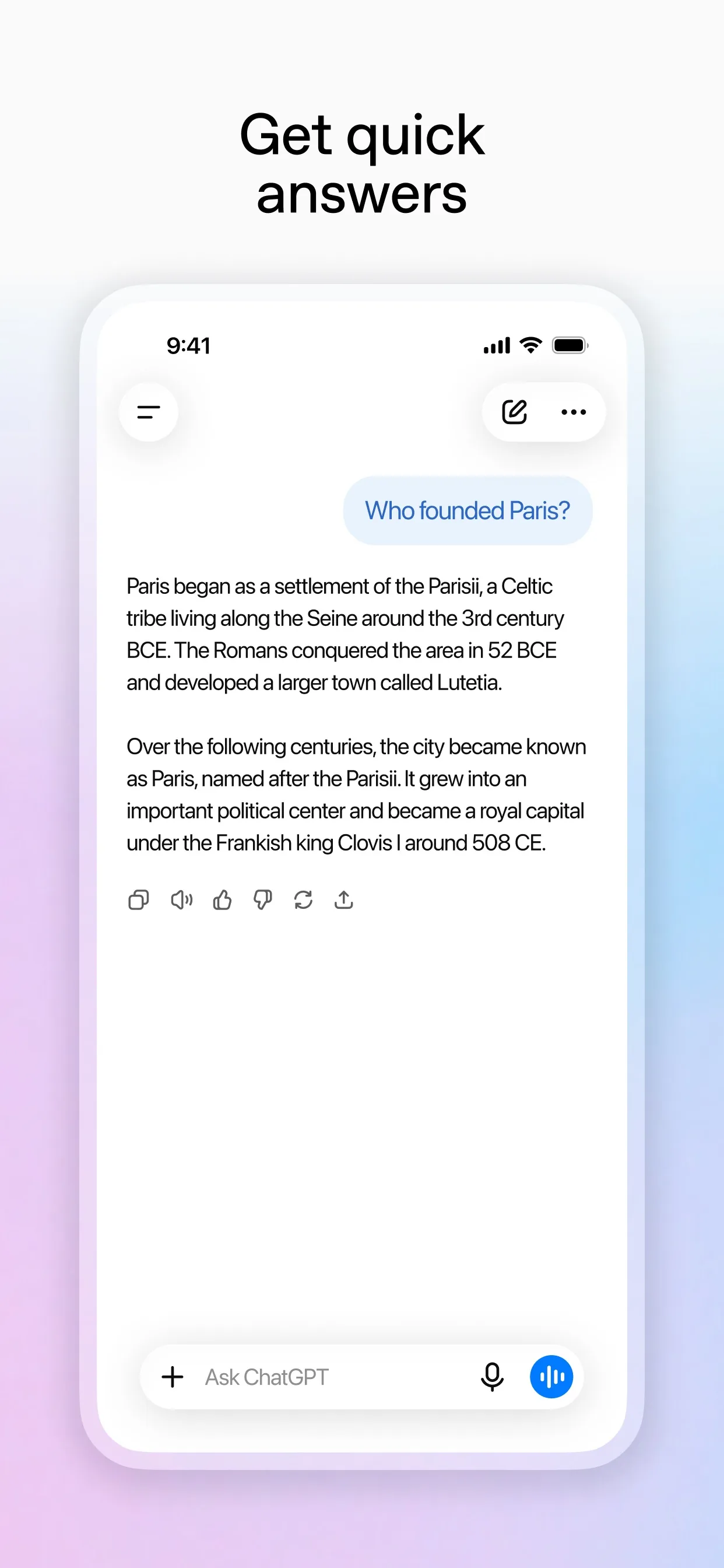
Image: OpenAI Step 2: Gemini: Share > Share conversation
Google's help page says to go to gemini.google.com, and below a response you want to share, click Share, then Share conversation. The g.co/gemini/share link is copied for you; paste it into a message or an email. The page says the link shares the whole conversation, and the shared page does not change if you carry on chatting afterwards.
Prompt to copyMake a simple packing list for a two-night city trip in December. Group it into clothes, toiletries, documents and tech, and keep it under 20 items.
Tip: Google's page says an image you uploaded to the chat can be downloaded from the shared chat.
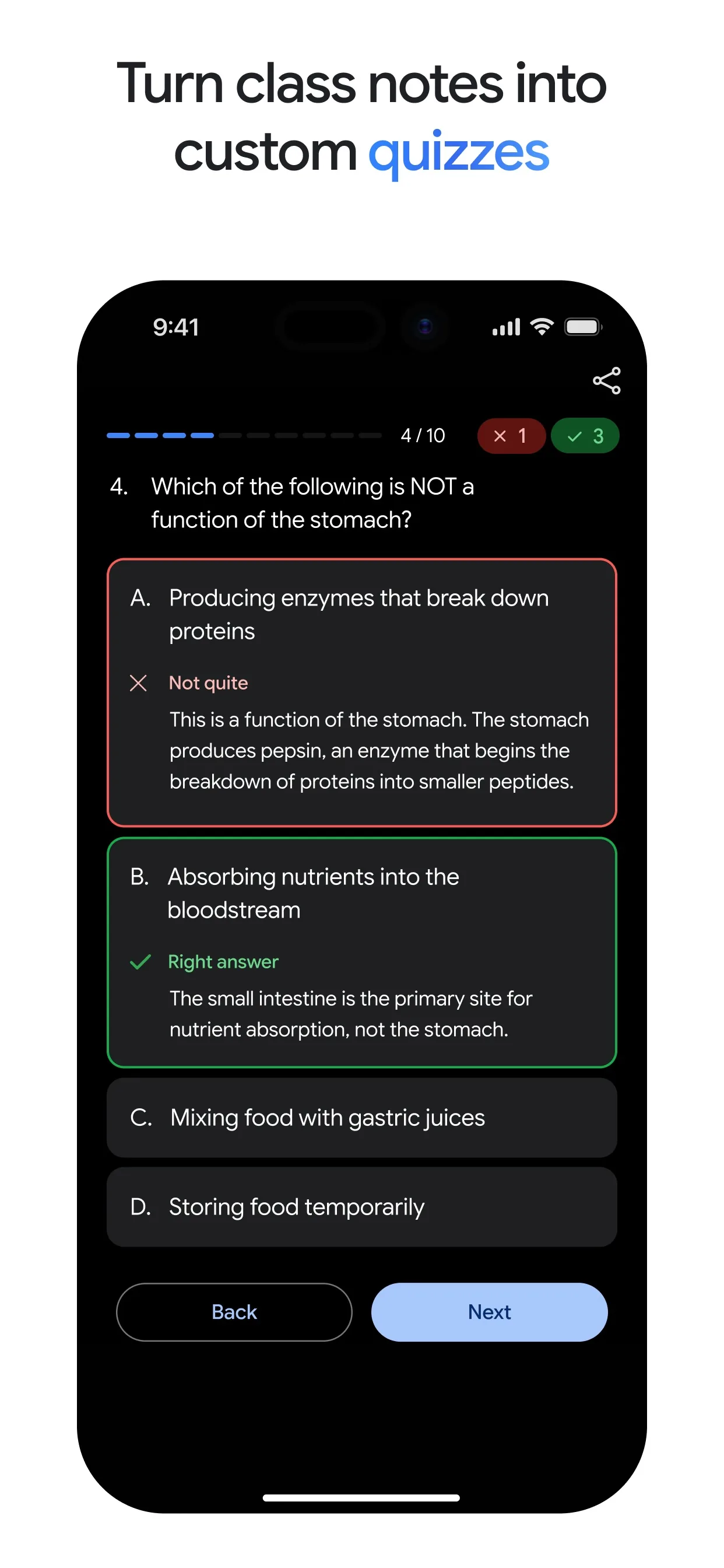
Image: Google Step 3: Claude: Share > Share
Anthropic's help page says to click the Share button in the upper right corner of your chat, then click the Share button in the pop out to create a shareable link. The link shows a snapshot of all messages sent before you shared. Messages you send afterwards stay private. If you unshare the chat and share it again, the snapshot is updated.
Prompt to copyMake a simple packing list for a two-night city trip in December. Group it into clothes, toiletries, documents and tech, and keep it under 20 items.
Tip: Anthropic's page says an attached file is not included in the snapshot, and stays private.
Step 4: Delete the link when you are done
ChatGPT: Settings, then Data controls, then next to Shared links select Manage, and Delete shared link. Gemini: at the bottom, Settings, then Your public links, then Delete public link. Claude: Settings, then Privacy, then next to Shared chats click Manage, then Unshare. Claude's Share menu also lets you change Public to Private.
Tip: Google's page says deleting a link does not delete a post you made elsewhere that contains it.
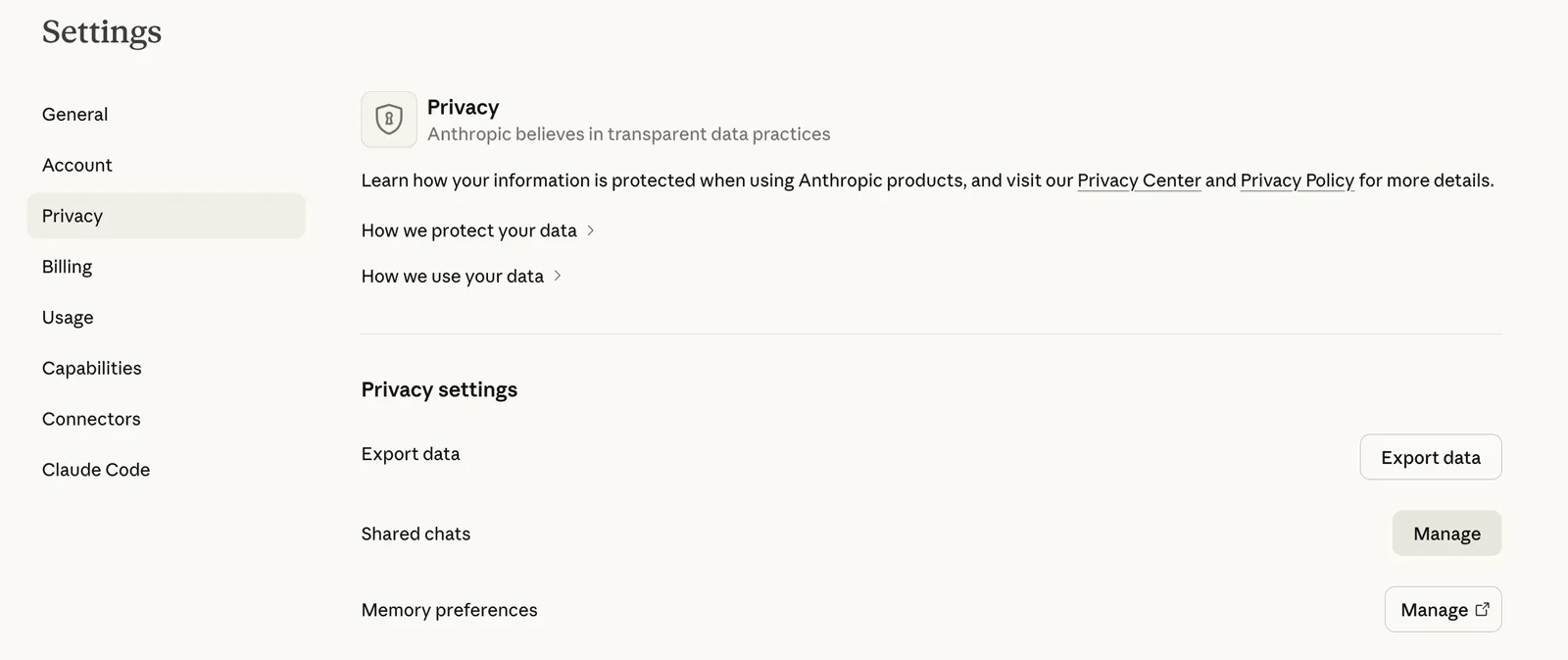
Image: Anthropic
What you get
Example answer from Claude on 27 Nov 2026, for a made-up two-night city trip. Yours will be worded differently.
Common mistakes
- Sharing a chat that has private details in it. OpenAI's page says not to include health information, financial details, passwords or account numbers in shared content, and Google's says anyone with the link can read the chat.
- Thinking a link is only for the person you sent it to. Google's page says anyone who has the link can read it and reshare it.
- Expecting new messages to show up. For a ChatGPT personal-account link and a Gemini link, the page shows the chat as it was when you made the link.
- Forgetting old links. ChatGPT, Gemini and Claude each list your shared links in Settings, so you can delete the ones you no longer want.
Questions people ask
Can anyone with the link see my chat?
Yes. Google's page says anyone with the link can read the chat, even if you did not send the link to them directly. OpenAI's says anyone who has a link made from a personal account can view it.
Does the link show my name?
OpenAI's page says shared conversation links are anonymous by default, but older sharing experiences may show the creator's name. Google's says it does not add your name or account to the shared page. Check the preview before you send it.
Can the person I share with carry on the chat?
In ChatGPT, OpenAI's page says continuing a shared chat creates a separate, private conversation in their account. In Gemini, the page says people can continue the chat on their own, with exceptions such as chats made with Gems.
How do I stop sharing a chat?
Delete the link in settings. In ChatGPT, it is under Data controls. In Gemini, it is under Your public links. In Claude, it is under Privacy, or you can switch the chat from Public to Private in its Share menu.
Checked against
- OfficialOpenAI Help Center: Sharing conversations and scheduled tasks in ChatGPT
- OfficialGemini Apps Help: Share your chats from Gemini Apps
- OfficialClaude Help Center: Share and unshare chats
AI apps change their buttons often. If a step no longer matches what you see, email hello@openloopnews.com and we will update this guide.