How to use AI to compare two products before you buy
Copy the price and specs of both products from their shop pages, then paste them into ChatGPT, Gemini or Claude with our prompt. The AI builds a table for what matters to you, marks anything the pages do not say, and gives a short pick. Then ask it to check its own facts. It takes about five minutes.
What you need
| App | ChatGPT, Gemini or Claude, on your phone or computer |
|---|---|
| Cost | Free. This is plain text, so a free account is enough |
| Time | About 5 minutes |
| You need | Both product pages open, and a note of your budget and what matters to you |
Step by step
Step 1: Copy the details from both shop pages
Open both products and copy the name, price and the list of specs from each page into a note. Copy it from the page instead of typing it from memory. The AI can only compare what you give it.
Tip: Also copy the warranty and the return policy. They are the details people forget to compare.
Step 2: Write what matters to you
Add your budget and two to four things that matter, such as 'quiet', 'small flat' or 'lasts years'. This is what turns a spec list into an answer for you.
Step 3: Paste the prompt into your AI app
Open ChatGPT, Gemini or Claude and start a new chat. Change the words in [brackets], then send. Gemini's help page says you must be signed in to use its file upload, so sign in if you also want to add a file in step 4.
Prompt to copyI am choosing between two [vacuum cleaners]. Below are the details I copied from each shop page. Use only these details. Do not add facts from memory. Product A: [paste the name, price and specs] Product B: [paste the name, price and specs] What matters to me: [a small flat, a cat that sheds, a budget of $250, quiet]. Make a table with one row for each thing that matters to me and one column for each product. If the details do not say something, write 'not stated'. Then give me a pick in two sentences, and list three questions I should check before buying.
Step 4: Add a manual or spec sheet if you have one
If a product page links to a PDF manual or spec sheet, you can add the file instead of pasting. In ChatGPT, attach a supported file (documents, spreadsheets and images work on free plans, with limits) and say what to do with it, for example compare two files. In Gemini, click Add files, then Upload Files, then Submit. In Claude, click the + button in the lower left corner of the chat box, then Add files or photos.
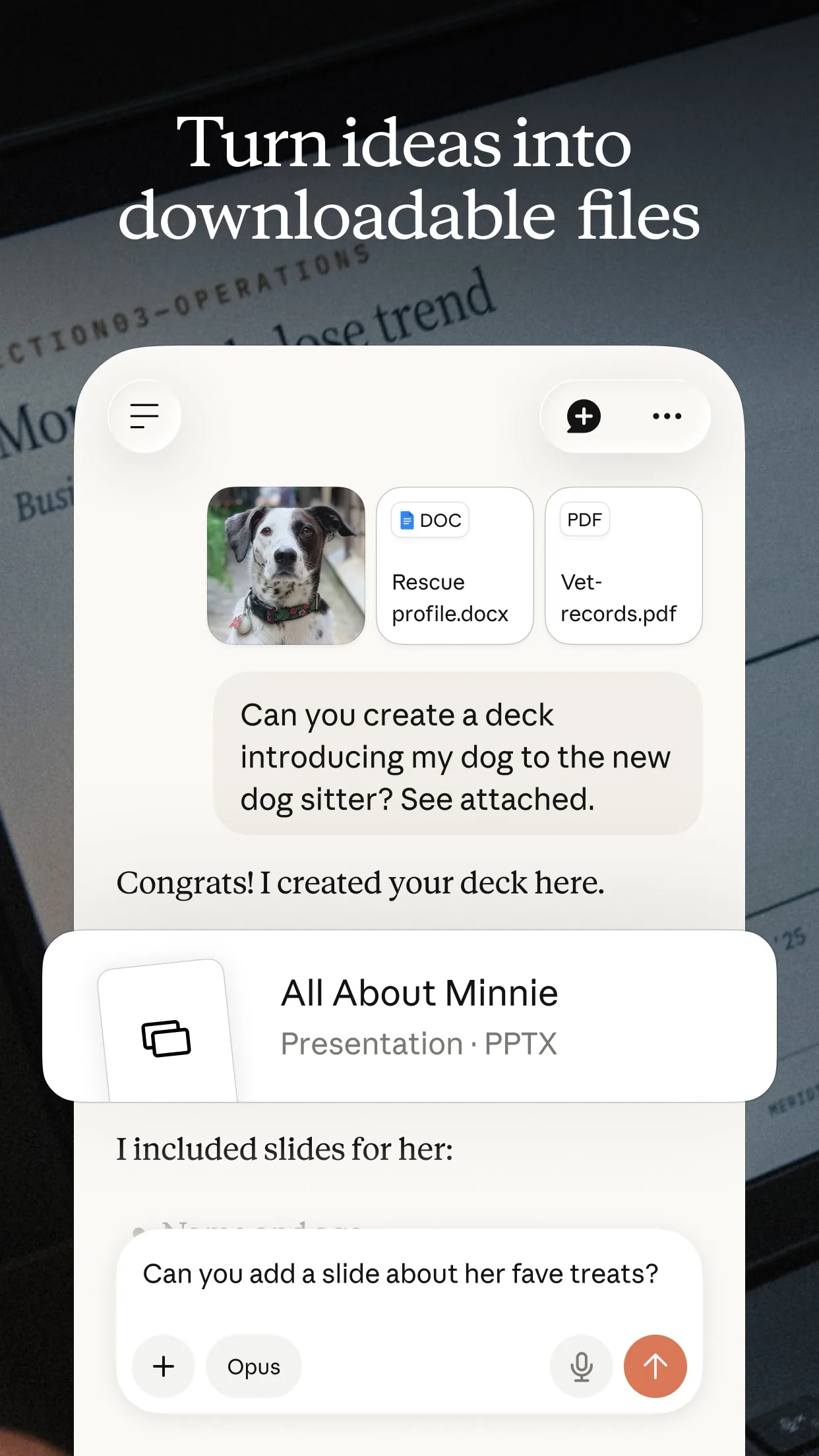
Image: Anthropic Step 5: Ask it to check its own table
AI can slip in a fact you never pasted. Ask it to find those, then look up anything it marks 'not stated' on the shop page or in reviews.
Prompt to copyCheck your table against the details I pasted. List every cell where you used a fact I did not paste. Then write the exact questions I could ask the seller about everything marked 'not stated'.
Step 6: Decide, then check the price yourself
Use the pick as a starting point. Open both shop pages again and confirm the price, the warranty and the return policy before you pay.
What you get
Example answer from Claude on 15 Oct 2026, for two made-up vacuum cleaners. Shortened. Yours will be worded differently.
Common mistakes
- Letting the AI use what it remembers. Say 'use only these details', or it may add specs that are out of date or wrong.
- Skipping your own needs. Without them you get a generic table, not a pick that fits you.
- Treating 'not stated' as a no. It means the page did not say, so look it up before you decide.
- Paying without opening the shop page again. Prices and return rules change, so confirm them there.
Questions people ask
Which AI app is best for comparing products?
Any of them. ChatGPT, Gemini and Claude can all turn pasted text into a table. ChatGPT's help page lists comparing information and comparing two files among the things it can do with attachments.
Do I need to pay?
No. ChatGPT's help page says document, spreadsheet, presentation, text and image uploads are available on Free and paid plans, with plan limits. Gemini's help page says you must be signed in to upload files, and a paid plan raises the limits. Pasting text works without uploads.
How many files can I add?
Gemini's help page says up to 10 files in the same prompt. Claude's help page says up to 20 files per chat. Check your app's own page for your plan.
Can I trust the pick?
Treat it as a starting point. The AI only knows what you pasted, so check the price, warranty and return policy on the shop page before you buy.
Checked against
- OfficialOpenAI Help Center: Uploading files and audio to ChatGPT
- OfficialGemini Apps Help: Upload & analyze files in Gemini Apps
- OfficialClaude Help Center: Upload files to Claude
AI apps change their buttons often. If a step no longer matches what you see, email hello@openloopnews.com and we will update this guide.