How to use AI to turn a photo of handwriting into typed text
Take a clear photo of the handwriting, add it to Gemini or Claude, and paste our prompt. It asks the AI to type out exactly what it reads and to mark any word it cannot read instead of guessing. You get typed text in about five minutes. Then you check it against the original page.
What you need
| App | Gemini or Claude. We checked both on their help pages; any AI app that accepts photos can take the same prompt |
|---|---|
| Cost | Free to start. Gemini's help page says you must be signed in and that paid plans raise the limits |
| Time | About 5 minutes |
| You need | A phone or computer, and a clear photo of the handwritten page |
Step by step
Step 1: Take a clear photo
Lay the page flat in good light and fit the whole page in the picture. Hold the phone straight above it so the lines are not slanted. Claude's help page says to use images that are 1000x1000 pixels or larger and to avoid small, low-resolution ones. Keep names, addresses and card numbers out of the picture if you can.
Step 2: Open Gemini or Claude
For Gemini, go to gemini.google.com and sign in; its help page says you must be signed in to upload files. For Claude, open the Claude app or website. Start a new chat in either app.
Step 3: Add the photo
In Gemini on the web, go to the text box at the bottom, click Add files, then Upload Files, and choose the photo. Add your prompt from the next step, then click Submit. In Claude, click the "+" button at the lower left of the chat box, select "Add files or photos", then choose the photo. Claude's help page says you can also copy an image and paste it into the chat.
Tip: Gemini's help page says an upload can fail. If you get an error that it failed to analyze your file, re-upload it.
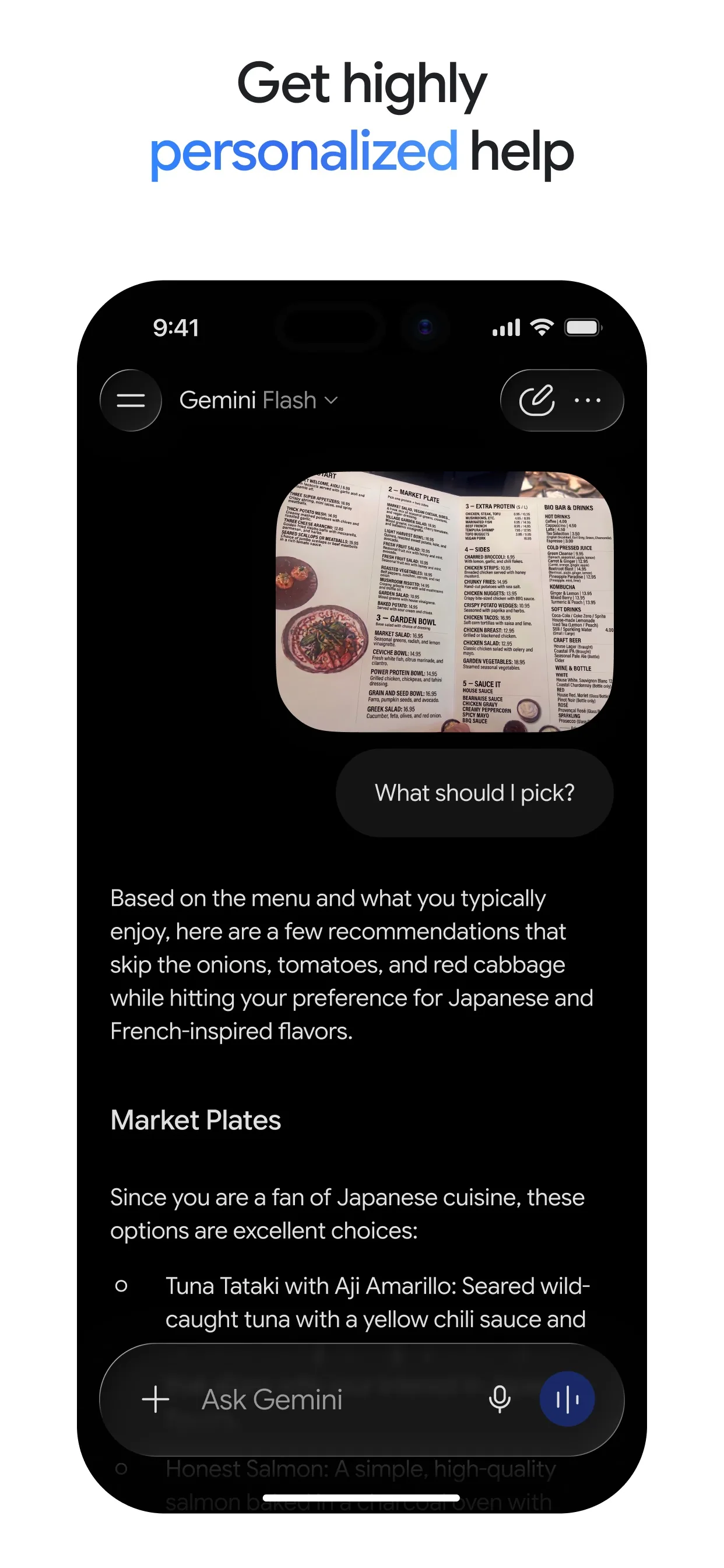
Image: Google Step 4: Paste the prompt
Change the words in [brackets], paste the prompt under the photo and send it. Asking for [unclear] marks stops the AI from guessing at a word and getting it wrong without telling you.
Prompt to copyThis is a photo of a handwritten [recipe card]. Type out exactly what it says, line by line. If a word is hard to read, write [unclear] instead of guessing. Do not fix spelling, change amounts or add anything. At the end, list every [unclear] word and say where it is.
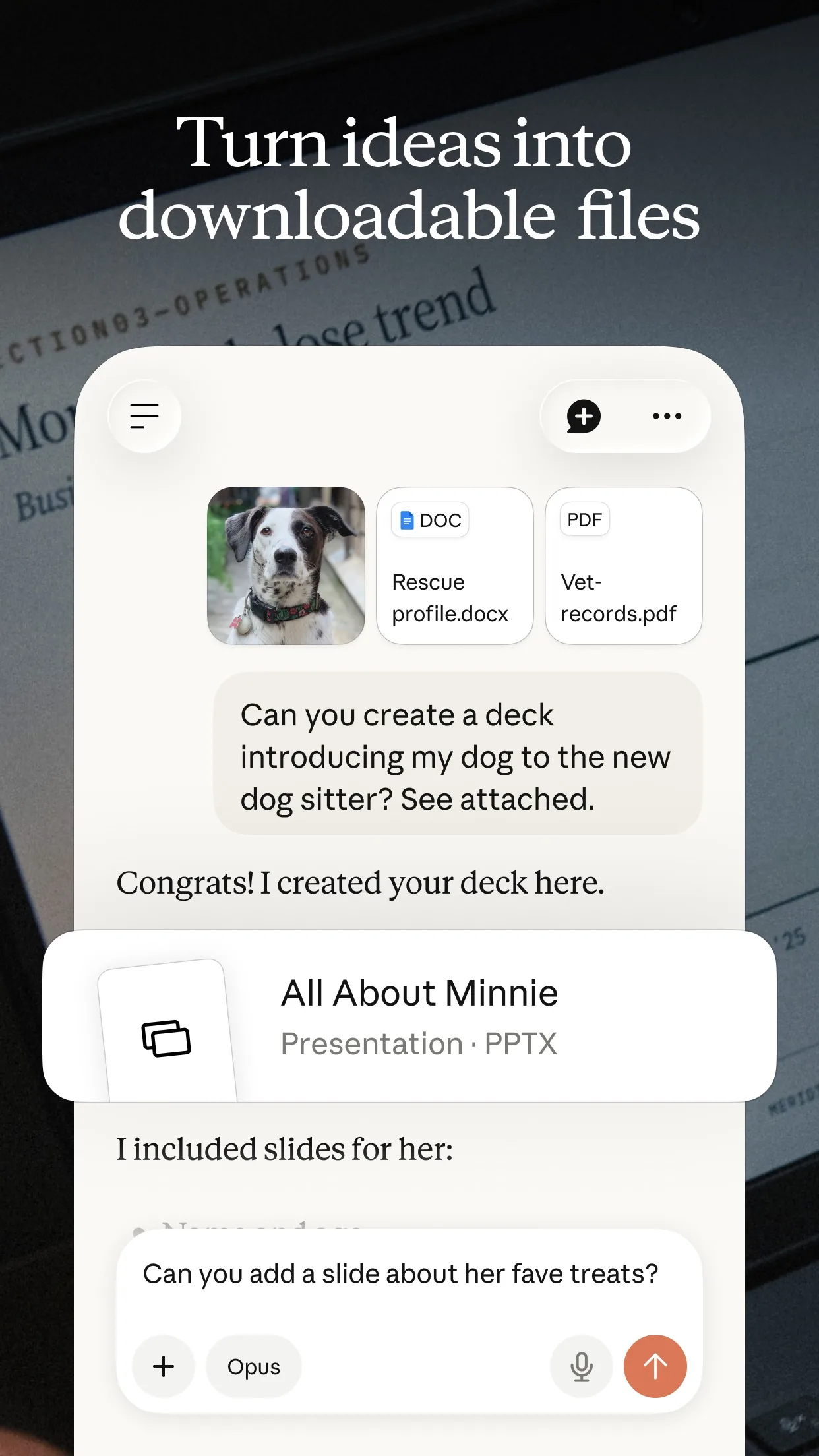
Image: Anthropic Step 5: Check it, then tidy it
Read the typed text next to your photo, line by line, and fix any word, number or name it got wrong. Look hardest at amounts and dates. When it is right, ask for a cleaner layout. Then copy the text into your notes app or a document.
Prompt to copyNow tidy it into a clean list with a title, the ingredients and the steps. Keep every amount and name exactly as written, and tell me about anything you changed.
What you get
Example answer from Claude on 12 Oct 2026, for a made-up handwritten pancake recipe card, shown here as typed text. Yours will be worded differently.
Common mistakes
- Trusting it without a check. AI can misread a word, a number or a name, so compare the typed text with your photo.
- A blurry or slanted photo. Take it again in good light, with the page flat and filling the picture.
- Letting it guess. Our prompt asks for [unclear] instead, so you can see where to look.
- Sharing private pages. Leave out letters with addresses, bank details or other people's private information.
Questions people ask
Does this work in ChatGPT too?
Yes, because you only add a photo and paste a prompt. We checked the steps on the help pages of Gemini and Claude. We could not open ChatGPT's help page today, so we do not describe its menus.
Do I need a paid plan?
No. Gemini's help page says you must be signed in to upload files and that paid Google AI plans give higher limits. Claude's help page lists the file limits for chat uploads.
What photo types can I use?
Claude's help page lists JPEG, PNG, GIF and WebP for images. Gemini's help page says it supports most file types, with up to 10 files in one prompt and 100 MB for each file other than video.
Can it read very messy handwriting?
Sometimes not. That is why the prompt asks it to mark words it cannot read. Try a sharper photo, or ask it for its best guess for just those words and check them yourself.
Checked against
- OfficialGemini Apps Help: Upload & analyze files in Gemini Apps
- OfficialClaude Help Center: Upload files to Claude
AI apps change their buttons often. If a step no longer matches what you see, email hello@openloopnews.com and we will update this guide.