How to use AI to find subscriptions you forgot you pay for
Copy a few months of card transactions from your bank, remove account numbers, and give them to a free AI app with our prompt. It lists every payment that repeats, what it probably is, and what you pay a month and a year. Then you check each one yourself and cancel what you do not use. It takes about eight minutes.
What you need
| App | ChatGPT, Claude or Gemini, on your phone or computer |
|---|---|
| Cost | Free. Text and CSV files work on free plans, within each app's upload limits |
| Time | About 8 minutes |
| You need | 3 months of card or bank transactions from your bank's app or website |
Step by step
Step 1: Get your transactions and clean them
In your bank's app or website, copy or download the last 3 months of transactions. Delete account numbers, card numbers and your full name before you go further. Only the date, the shop name and the amount are needed.
Step 2: Open a new chat and add your list
The simplest way is to paste the lines into the chat. Or attach a file: ChatGPT's help page says CSV and spreadsheet uploads are available on the Free plan, with 3 file uploads a day. In Claude, click the "+" button in the lower left corner and select "Add files or photos". In Gemini, click "Add files", then "Upload Files". Claude and ChatGPT both list CSV among the files they accept.
Tip: Check your app's data settings first, because bank lines are private.
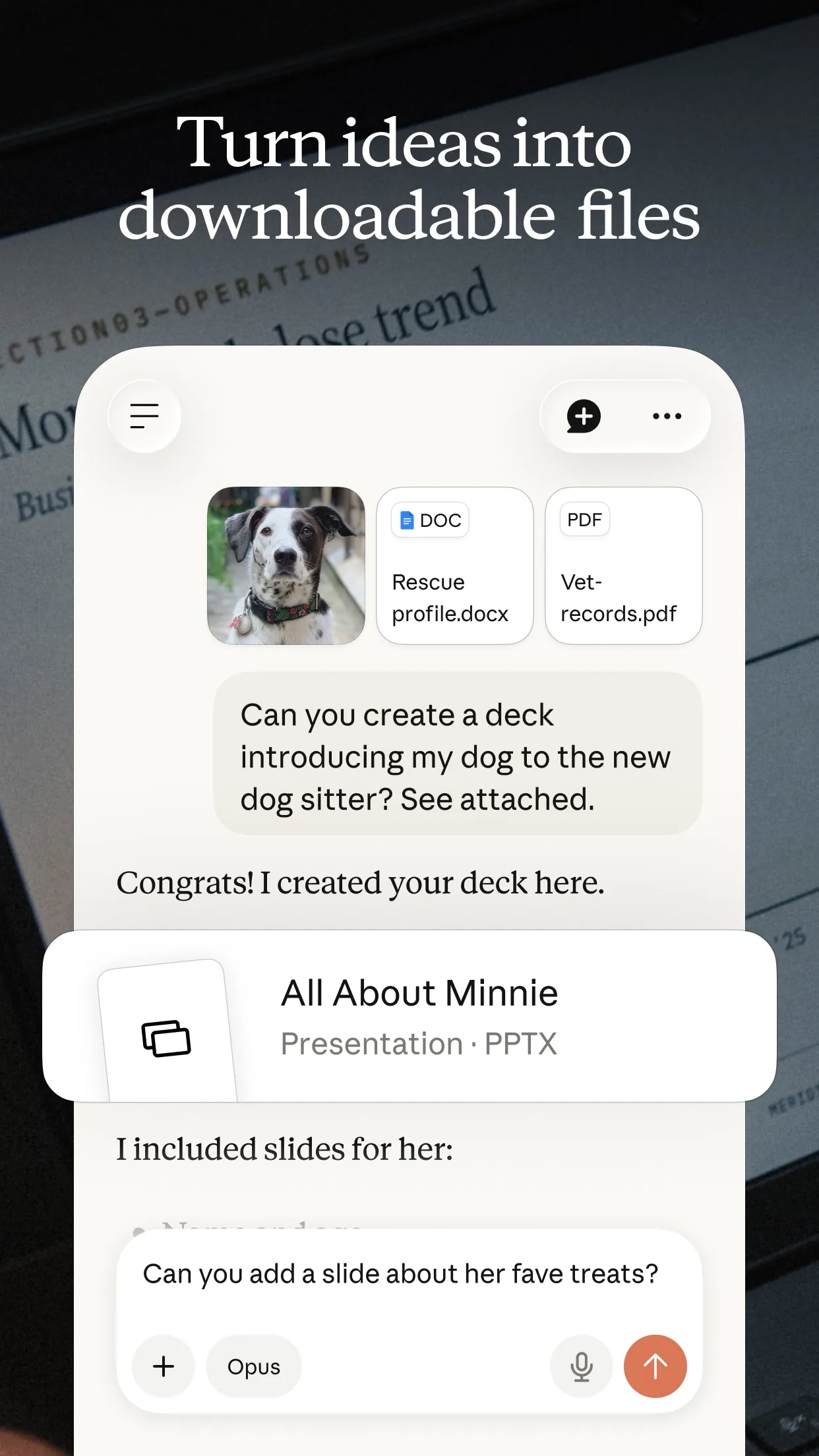
Image: Anthropic Step 3: Paste the prompt and change the [brackets]
Add the prompt under or above your transaction lines, then send.
Prompt to copyBelow are my card transactions for the last [3] months. I removed my account numbers. 1. Find every payment that repeats on a regular schedule (weekly, monthly or yearly), even if the amount changes a little. 2. Show them as a list: name as it appears, how often, usual amount, last date charged, and what it probably is. 3. Add up what these cost me in a month and in a year. 4. Point out anything that looks like a free trial that became a paid plan, and any two services that seem to do the same job. 5. If a line is unclear, put it under "Not sure" instead of guessing. Do not tell me what to cancel. Just list what I should check. [paste your transactions here]
Image: OpenAI Step 4: Check every line against your bank
Claude's help page says to refine your prompt or ask follow-up questions, and Gemini's says Gemini can make mistakes, so double-check responses. Open your bank's list and tick off each item the AI found. Ask: "Did you miss any payment that looks like a yearly charge?" Only 3 months of data will not show a yearly payment more than once, so use 12 months if your bank lets you.
Step 5: Cancel what you do not use, yourself
The AI cannot cancel anything. For each service you no longer use, open that service's own account page or your phone's subscription settings and cancel there. Keep the list and ask the AI to rebuild the total afterwards.
What you get
Example answer from Claude on 24 Oct 2026, for 3 months of made-up transactions with invented company names. Shortened. Yours will be worded differently.
Common mistakes
- Pasting your full bank details. Delete account numbers, card numbers and your name first. Only the date, the shop name and the amount are needed.
- Trusting the list without checking. The AI can miss a payment or guess a service wrong, so tick off every line against your bank.
- Using only 3 months of data. A yearly charge shows up once, so ask your bank for 12 months if you can.
- Expecting the AI to cancel for you. It only reads your list. You cancel in each service's own settings.
Questions people ask
Which AI app is best for this?
Any of the three can do it. Pasting text works everywhere, and the help pages we checked say CSV files can be uploaded to ChatGPT and Claude, and files to Gemini.
Is it safe to give an AI my bank transactions?
Share as little as you can. Remove account and card numbers and your name, and check your app's data settings first. Never paste a password or a security code.
Is it free?
Yes to start. ChatGPT's help page says free users are limited to 3 file uploads a day, and Claude's says its free plan has a usage limit that resets every five hours. Pasting text avoids file limits.
Does the AI cancel the subscriptions?
No. It only finds and lists them. You cancel each one in the service's own account settings.
What if my bank only gives me a PDF?
ChatGPT's help page lists PDF among the files it accepts, and Claude's does too. If it reads badly, copy the lines and paste them as text.
Checked against
- OfficialOpenAI Help Center: Uploading files and audio to ChatGPT
- OfficialClaude Help Center: Upload files to Claude
- OfficialGemini Apps Help: Upload & analyze files in Gemini Apps
- OfficialClaude Help Center: Get started with Claude
AI apps change their buttons often. If a step no longer matches what you see, email hello@openloopnews.com and we will update this guide.