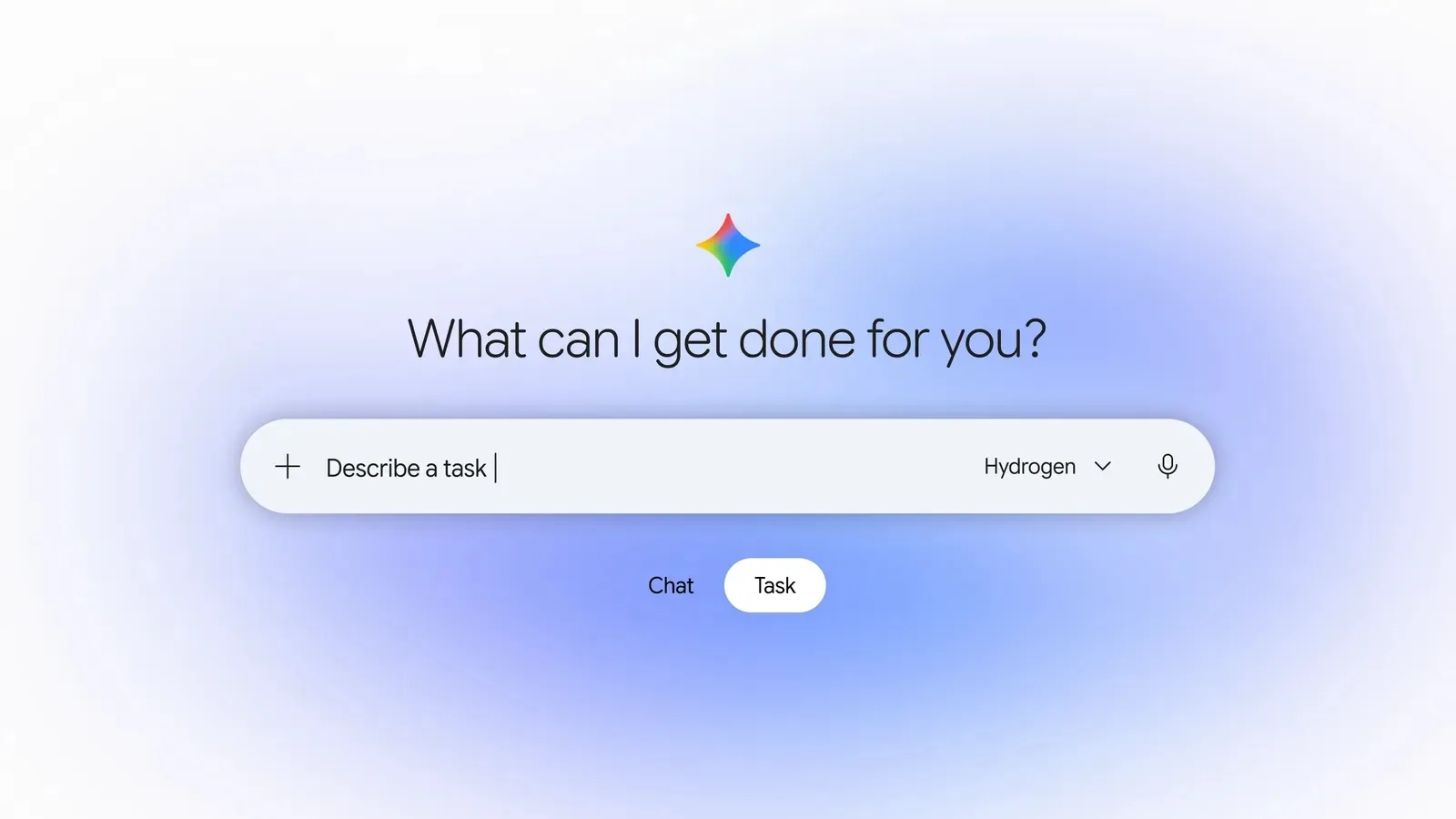
Gemini for Mac can now click, type and fill forms for you
On 19 November 2026, Google added computer use to the Gemini app for Mac. Gemini can click, type and fill in forms across your local files, desktop apps and the web, working in a separate background window. It is rolling out in English in the US to Google AI Plus, Pro and Ultra users on Apple Silicon Macs.
The short version
- 01Gemini for Mac can now do multi-step tasks by clicking, typing and filling forms for you.
- 02It works in an isolated background window with a live preview in the chat, so your screen and cursor stay free.
- 03You choose which apps it can open, you can pause it, and it asks before key actions.
- 04It needs a Mac with Apple Silicon and macOS 15.0 or newer, plus Google AI Plus, Pro or Ultra.
- 05It is English only and US only for now.
At a glance
| Status | Confirmed (Google's own announcement) |
|---|---|
| Announced | 19 November 2026 |
| Company | |
| Product | Computer use in the Gemini app for Mac |
| Works on | Mac with Apple Silicon, macOS 15.0 or newer |
| Needs | Google AI Plus, Pro or Ultra |
| Accounts | Personal Google accounts, 18 and over |
| Rollout | English, US |
What is computer use in the Gemini app for Mac?
Computer use lets Gemini operate your Mac the way you would. You describe a job, and Gemini clicks through menus, types information and fills in forms across your local files, desktop apps and the web.
Google says it saves time on repetitive work that normally takes dozens of clicks.
How does it work while you keep using your Mac?
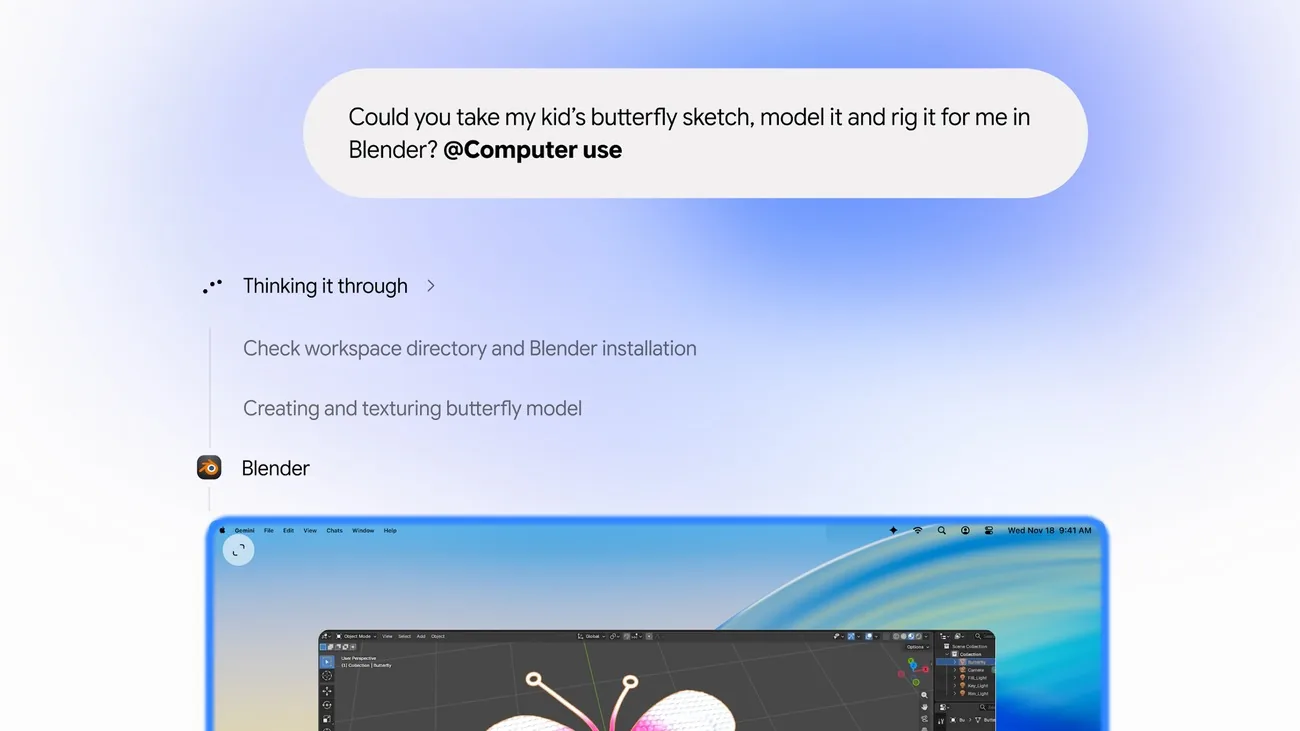
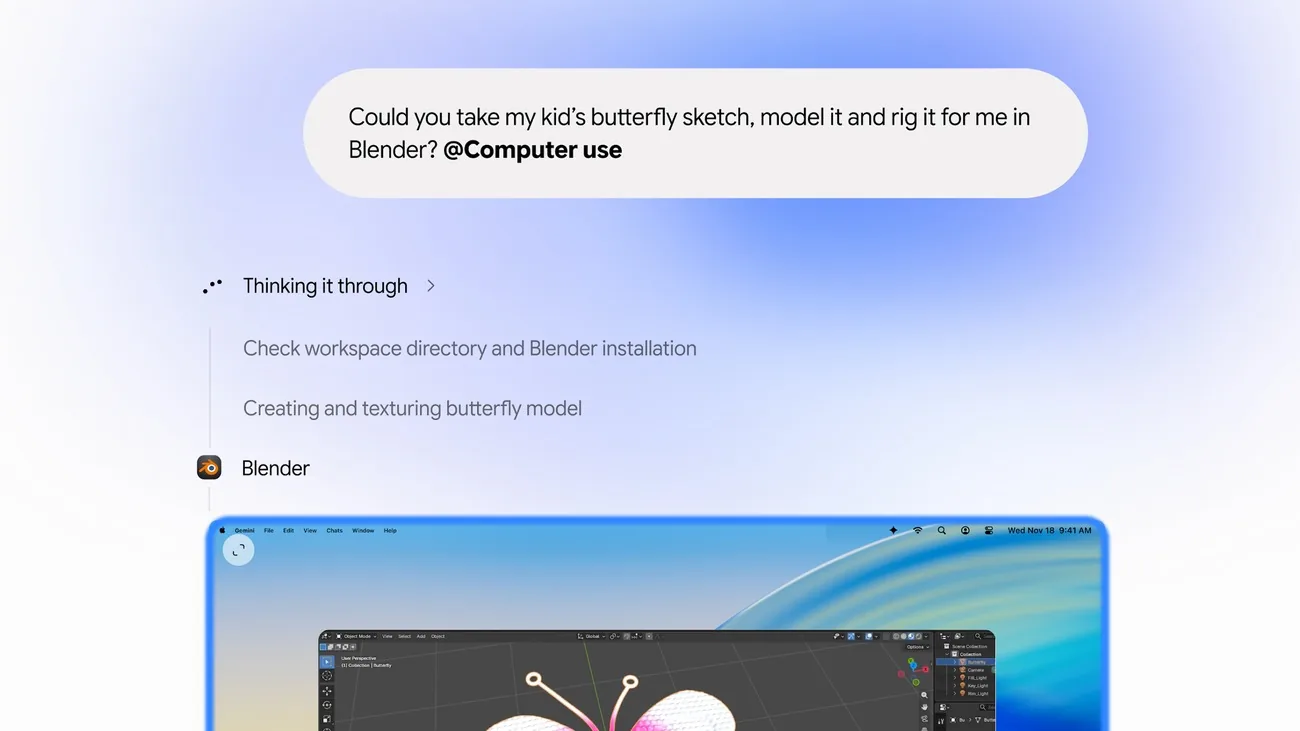
Gemini works inside an isolated background window, with a live preview in the chat. Your main screen and cursor stay free, so you can keep typing or take calls.
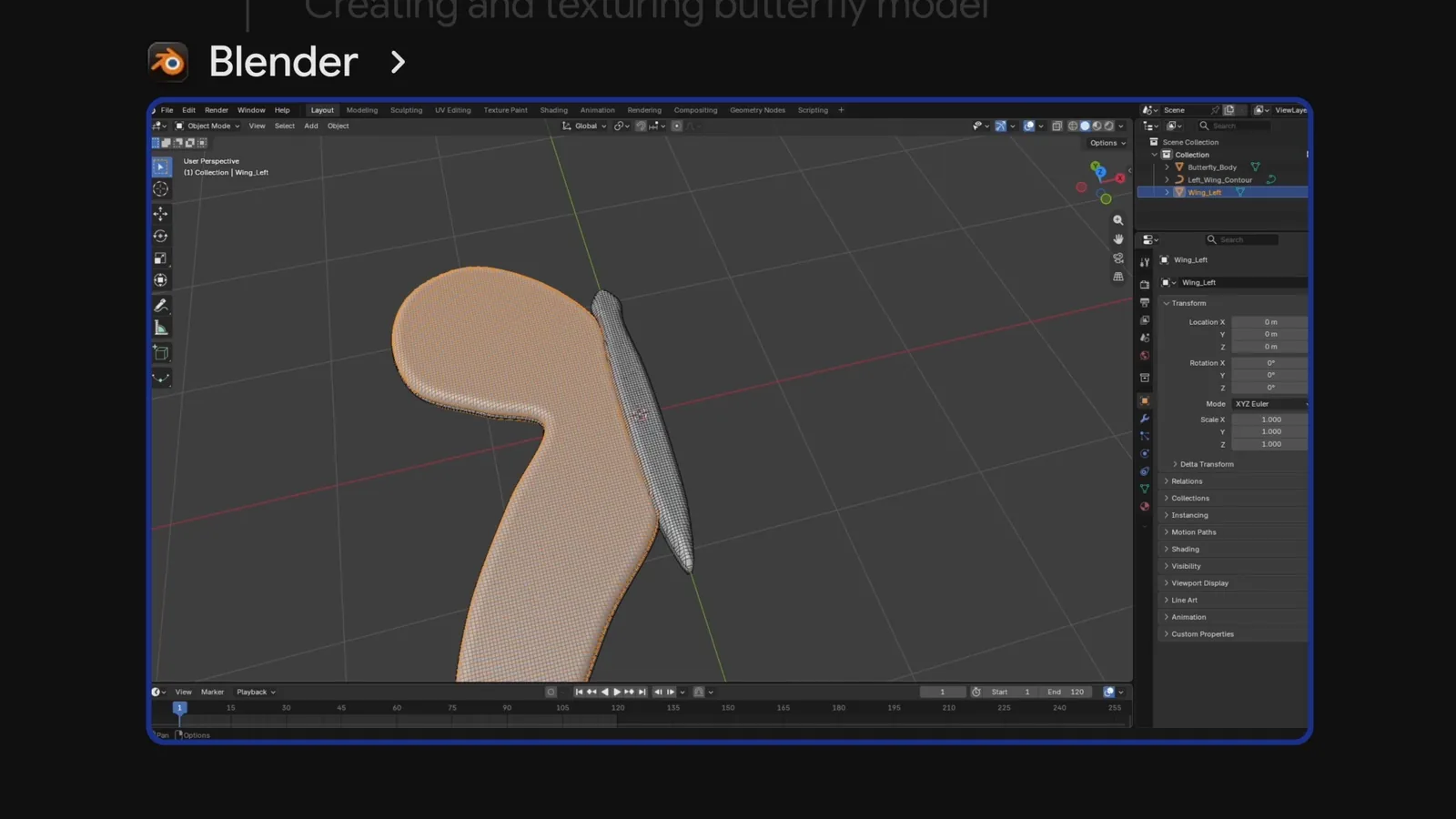
In Google's demo video, Gemini opens Blender in that separate window and builds a 3D butterfly from a drawing while the chat lists each step.
What can you control?
Google says you choose which apps Gemini can access, watch every step live, pause at any time and approve key actions before they happen.
Google's examples are batch colour-grading photos in design software, pulling weights and addresses from local PDFs into shipping quotes, building a Google Slides deck from live dashboards, and listing items for sale from photos in a folder.
Who can use it, and what does it need?
Computer use is rolling out in English in the US. You need the Gemini app for Mac on an Apple Silicon Mac running macOS Sequoia 15.0 or newer.
It is for personal Google accounts aged 18 and over, with a Google AI Plus, Pro or Ultra plan. The app downloads from gemini.google/mac.
Why does it matter?
Until now, a chatbot on your computer mostly told you what to click. This one does the clicking, in an app you already use, while you work on something else.
That also raises the stakes. A wrong click in a design app or a form can cost real time, which is why the approval steps matter.
What does it mean for you?
If you use a Mac and already pay for Google AI Plus, Pro or Ultra, try one boring, repeatable job first: renaming and sorting a folder of files, or copying details from PDFs into a form. Those are easy to check afterwards.
If you are outside the US, do not use English, or have an Intel Mac, you cannot use it yet, and Google gave no date for that.
Keep approvals on for anything that sends, buys or deletes. Watch the live preview for the first few runs to learn how it behaves.
This follows Google's [free Tasks mode in Gemini](/news/gemini-tasks-free-call-pay-shop/) from earlier this week. Tasks runs in the cloud on your accounts. The Mac feature works on files and apps on your own computer, and needs a paid plan. The model shown in Google's demo is [Gemini 4 Hydrogen](/news/gemini-4-hydrogen-google-search/), which we covered earlier this month.
What's next?
Google did not say when computer use will reach more countries or languages. For now, the app page at gemini.google/mac is where it is offered.
Questions people ask
Is Gemini computer use on Mac free?
No. Google says it is for Google AI Plus, Pro and Ultra users.
Will it take over my screen?
Google says no. It works in an isolated window, so your own cursor and screen stay free.
Can I stop it?
Yes. Google says you can pause at any time and approve key actions before they happen.
Does it work on Intel Macs?
No. Google lists an Apple Silicon Mac running macOS 15.0 or newer as the requirement.
Sources
- PrimaryGoogle: Automate Mac tasks with Gemini computer use (19 Nov 2026)
- CoverageTechCrunch: Google gives Gemini the ability to use your Mac for you
Why "Confirmed"? We label a story "Confirmed" when the company or government announced it itself. Spotted an error? Email hello@openloopnews.com and we will correct it.