How to make ChatGPT, Gemini and Claude answer the way you like
You can tell ChatGPT, Gemini and Claude once how you like answers, and every new chat follows it. In ChatGPT, open Settings, Personalization and Custom Instructions. In Gemini, click Settings, Personal Intelligence, then Instructions for Gemini. In Claude, open Settings, Your Claude, then Instructions. Each path is checked on the company's help page.
What you need
| App | ChatGPT, Gemini or Claude, signed in |
|---|---|
| Cost | Free. ChatGPT's page says custom instructions are on all plans; Free and Go users can save up to 1,500 characters |
| Time | About two minutes per app |
| Good to know | Gemini needs a personal Google Account. Keep private details out of the box |
Step by step
Step 1: ChatGPT: Settings > Personalization > Custom Instructions
OpenAI's help page says to open Settings, select Personalization, make sure Enable customization is toggled on, and type in the Custom Instructions field. On iOS and Android, select Customize ChatGPT in Settings instead. Changes apply immediately to all chats, including existing ones. Free and Go users can save up to 1,500 characters; Plus, Pro, Business, Enterprise and Education users up to 5,000.
Prompt to copyExplain things in plain English, like a friendly neighbour. Keep answers under 120 words unless I ask for more. Use short paragraphs or a few bullet points. If my request is unclear, ask me one question before you answer. Say so when you are not sure.
Tip: OpenAI's page says your instructions are not shared with people who open a shared chat link.
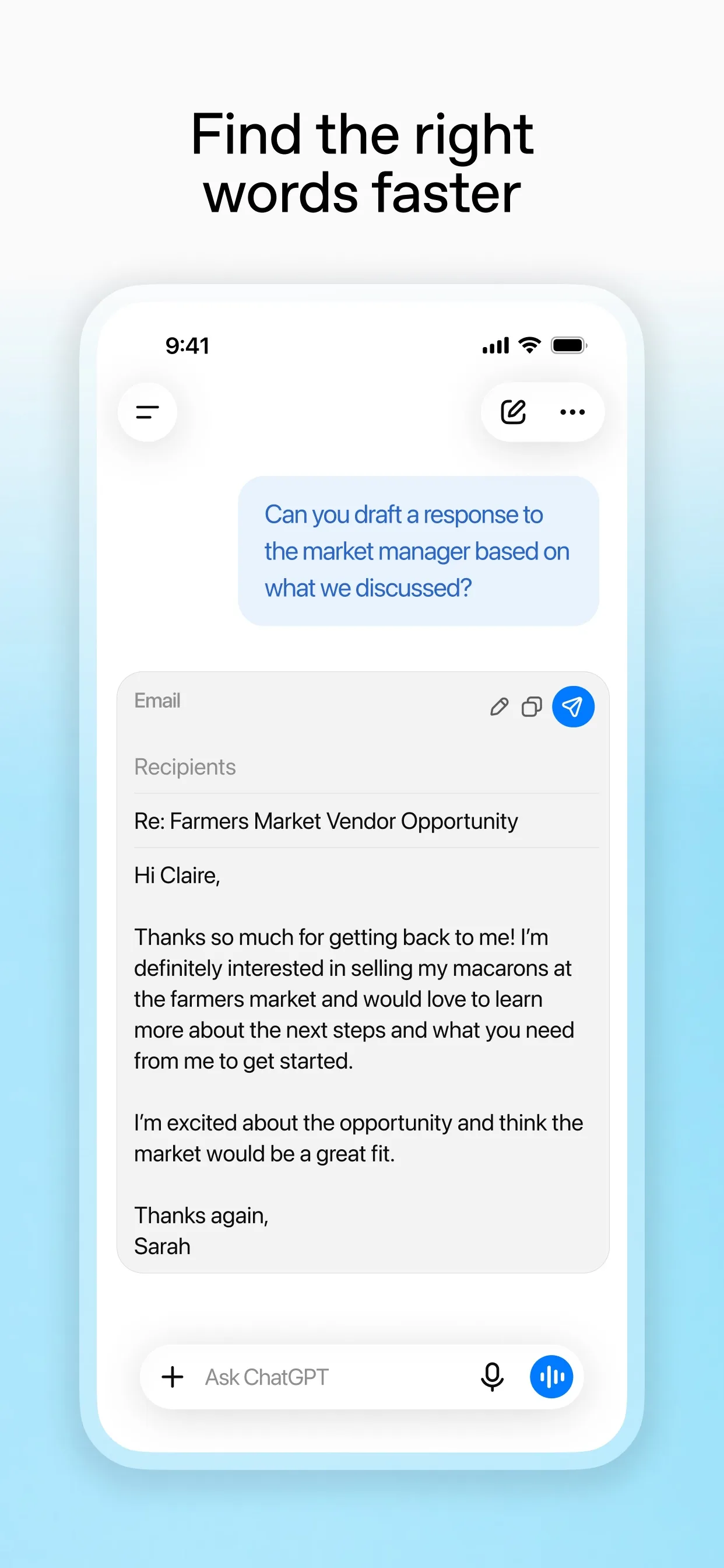
Image: OpenAI Step 2: Gemini: Settings > Personal Intelligence > Instructions for Gemini
Google's help page says to go to gemini.google.com, click Settings at the bottom, then Personal Intelligence, then Instructions for Gemini. Click Add +, type the instructions you want applied to every chat, and click Submit. You can edit or delete them later, or turn Instructions for Gemini off at the top. The page says to use a personal Google Account: these features are not available with a work, school or supervised account.
Prompt to copyExplain things in plain English, like a friendly neighbour. Keep answers under 120 words unless I ask for more. Use short paragraphs or a few bullet points. If my request is unclear, ask me one question before you answer. Say so when you are not sure.
Tip: Google's page says instructions you add last for a maximum of 18 months, then you can add them again.
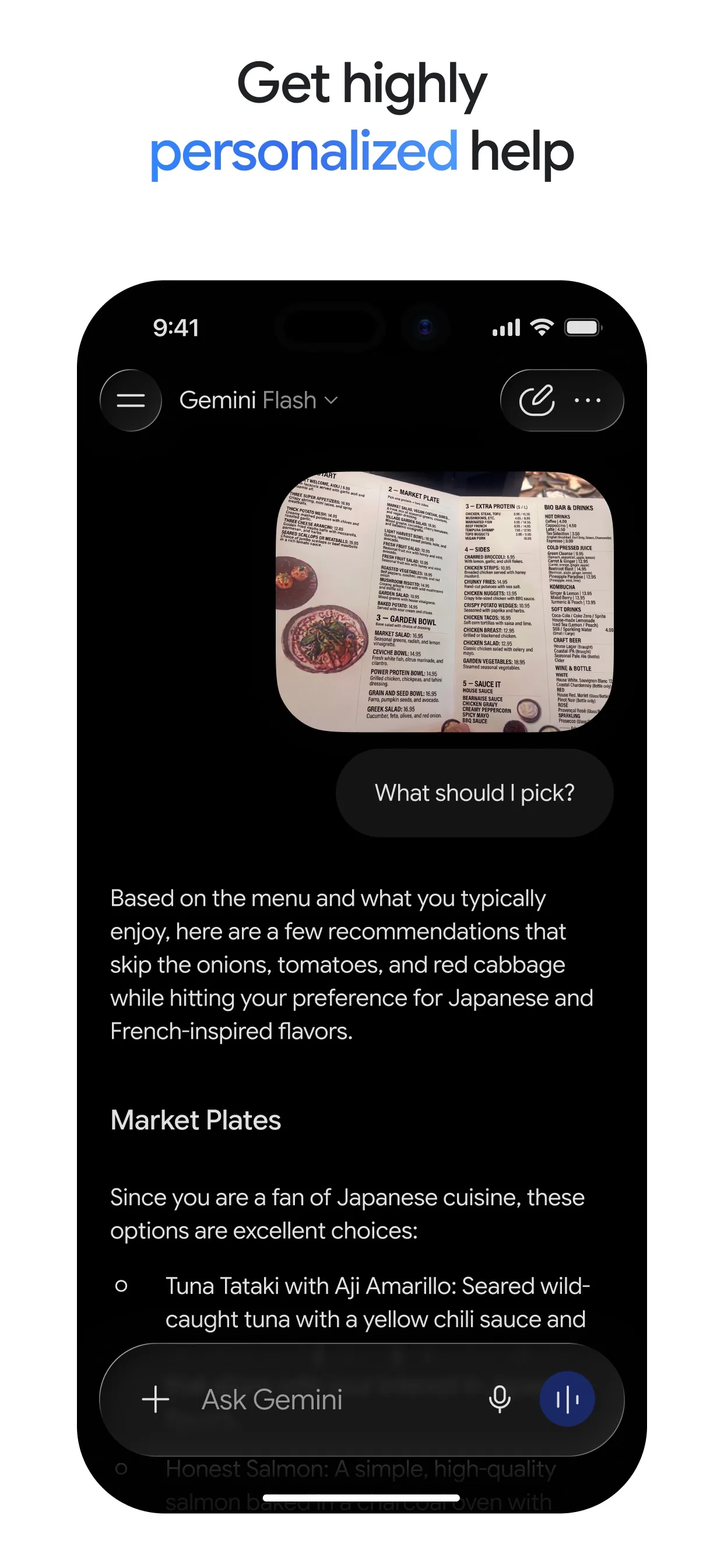
Image: Google Step 3: Claude: Settings > Your Claude > Instructions
Anthropic's help page says to click your initials in the lower left corner, select Settings, then Your Claude, and describe your instructions under Instructions (called Instructions for Claude in the older Settings layout). Anything you add applies to all your conversations with Claude. For one job only, the page says Project instructions apply just to chats in that project, and free accounts can have up to five projects.
Prompt to copyExplain things in plain English, like a friendly neighbour. Keep answers under 120 words unless I ask for more. Use short paragraphs or a few bullet points. If my request is unclear, ask me one question before you answer. Say so when you are not sure.
Tip: Anthropic's page says project instructions only apply to chats inside that project.
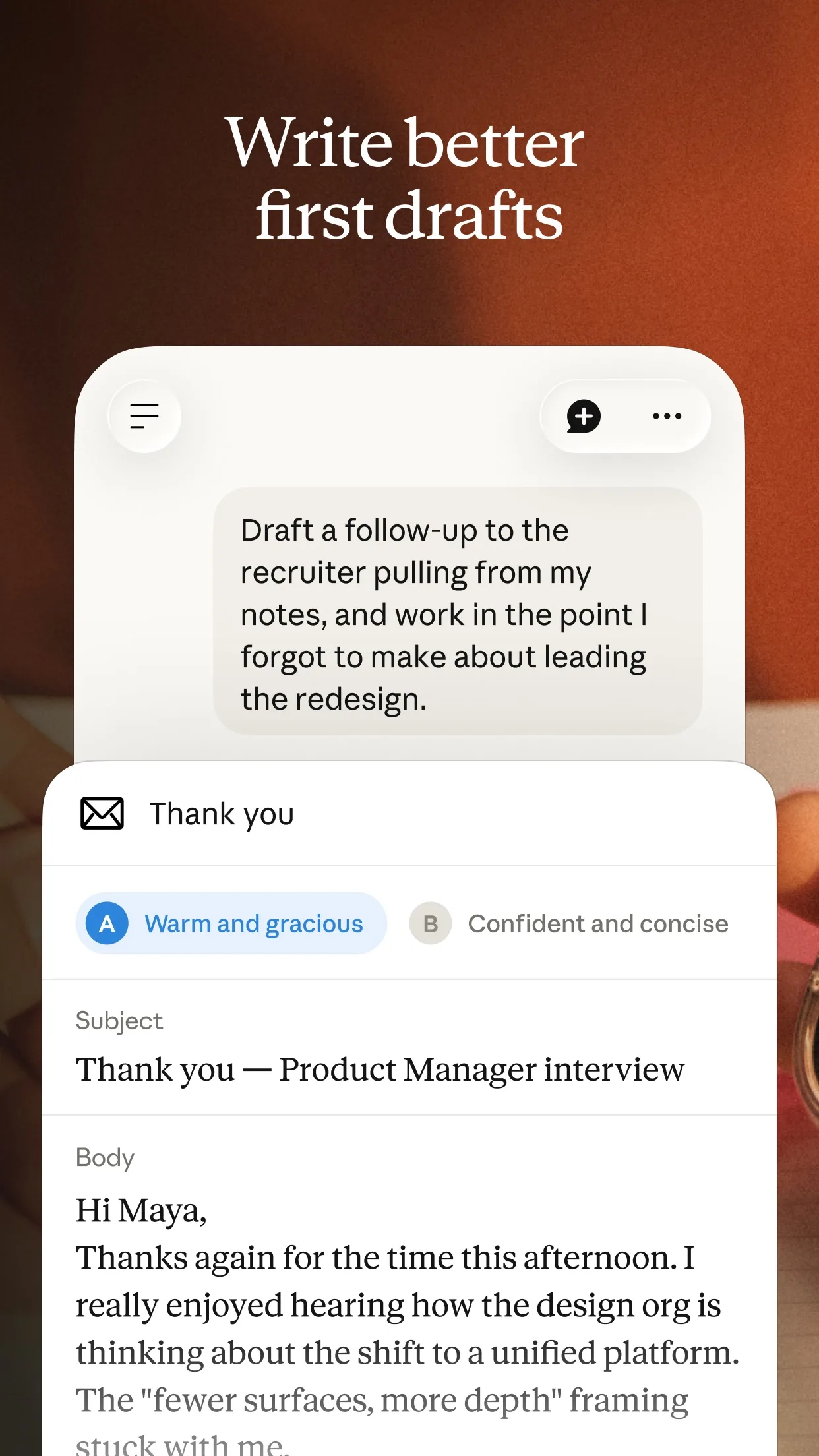
Image: Anthropic
What you get
Example answer from Claude on 20 Nov 2026, for the question "Why is my electricity bill higher in winter?" after saving the instructions above. Yours will be worded differently.
Common mistakes
- Putting private details in the box. Passwords, ID numbers and health details do not belong in instructions.
- Writing a very long list. ChatGPT's Free and Go plans save up to 1,500 characters, so keep it short.
- Forgetting it is on. If an answer feels odd, check the instructions, or turn them off: OpenAI's page says to toggle Enable customization off, and Google's says to turn Instructions for Gemini off.
- Expecting the same steps on every account. Google's page says these features need a personal Google Account.
Questions people ask
Are custom instructions free?
OpenAI's help page says custom instructions are available on all ChatGPT plans, on web, desktop, iOS and Android. Anthropic's page says Instructions are an account-wide setting. Google's says all users can add instructions for Gemini.
How long can my instructions be in ChatGPT?
OpenAI's page says Free and Go users can save up to 1,500 characters. Plus, Pro, Enterprise, Business and Education users can save up to 5,000.
Can I switch my instructions off without deleting them?
In Gemini, yes: Google's page says to turn Instructions for Gemini off at the top of the screen. In ChatGPT, toggle Enable customization off and optionally delete the text.
Is this the same as memory?
No. Instructions are rules you write for how the AI answers. Memory is what the AI picks up about you from chats. We cover memory in our guide to seeing and deleting what AI remembers about you.
Can I use different instructions for one job?
In Claude, yes: Anthropic's page says Project instructions apply only to chats in that project.
Checked against
- OfficialOpenAI Help Center: ChatGPT Custom Instructions
- OfficialGemini Apps Help: Manage what Gemini remembers about you and customize responses
- OfficialClaude Help Center: Understanding Claude's personalization features
AI apps change their buttons often. If a step no longer matches what you see, email hello@openloopnews.com and we will update this guide.