How to use AI to plan a 3-day trip
Tell a free AI app, such as Gemini, ChatGPT or Claude, where you are going, how many days you have, your budget and what you enjoy. Our prompt returns a day-by-day plan with a reason for each stop. Then you ask it to fix what you dislike and list what to check before you book. It takes about ten minutes.
What you need
| App | Any AI app. We checked the Gemini steps on its help page; the others work the same way with plain text |
|---|---|
| Cost | Free. A free account is enough for this |
| Time | About 10 minutes |
| You need | Your destination, your dates, a rough budget and a few things you enjoy |
Step by step
Step 1: Write down the basics
Note where you are going, how many days, who is travelling, your daily budget and what you enjoy (food, walking, museums, beaches). Also note anything fixed, such as a flight time or a booked hotel.
Step 2: Open your AI app and paste the prompt
In Gemini, go to gemini.google.com and type in the text box at the bottom, then click Submit. Change the words in [brackets]. The prompt asks for a reason behind each stop and tells the AI to say when it is unsure, so it does not state opening hours as fact.
Prompt to copyPlan a [3-day] trip to [Lisbon] for [2 adults]. We arrive [Friday at 10am] and leave [Monday at 6pm]. Budget: about [80 euros] per person per day, not counting the hotel. We like [good food, walking and viewpoints] and dislike [long queues]. We are staying in [the Baixa area]. Give me a day-by-day plan with morning, afternoon and evening. For each stop, add one line on why it fits us and about how long to allow. Keep each day walkable. Do not state opening hours or prices as facts: mark anything I must check as "check". Keep it under 350 words.
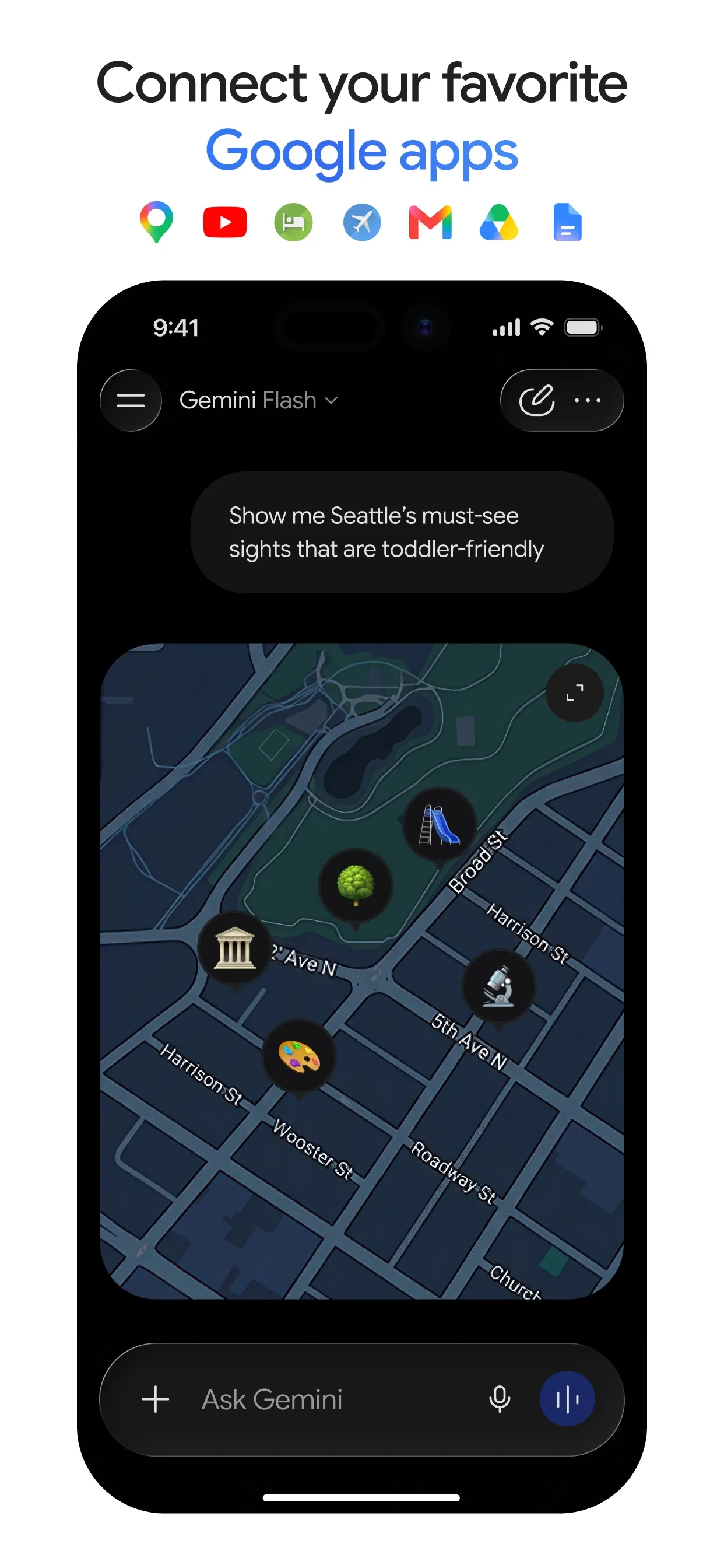
Image: Google Step 3: Tell it what to change
Read the plan like a friend's suggestion. Ask it to swap anything you do not want, to move stops closer together, or to add a rainy-day option. You can type in the same chat, so it remembers the plan.
Step 4: Ask for a list of things to check
AI can be wrong about opening hours, ticket prices and closed days. Ask it for a checklist, then verify each item on the official website or booking page before you pay for anything.
Prompt to copyFrom the plan above, list everything I should confirm before booking: opening days and hours, tickets that need booking ahead, how to get between stops, and anything that may be closed on [Monday]. Put each item on its own line with the stop's name.Step 5: Save a one-page version
When you are happy, ask for a short version you can screenshot or paste into your notes app.
Prompt to copyTurn our final plan into a one-page summary: one line per day, then the stops in order with the "check" items marked. Plain text, no extra commentary.
What you get
Example answer from Claude on 7 Oct 2026, for a made-up 3-day trip to Lisbon. Shortened. Yours will be worded differently.
Common mistakes
- Booking straight from the plan. AI can be wrong about opening hours, prices and closed days. Check each one on the official site first.
- Asking too little. A prompt with no budget, dates or tastes gives a generic list anyone could find. Fill in the brackets.
- Packing every hour. Ask for a walkable plan with free time, or you will rush between stops.
- Sharing personal details. Leave out your passport number, booking codes and home address.
Questions people ask
Does this work in ChatGPT, Gemini and Claude?
Yes. You only type text, so any AI app works. We checked the Gemini steps on its help page: you go to gemini.google.com, type in the text box and click Submit.
Can AI book my flights and hotels?
This guide only plans. Booking happens on the airline, hotel or booking site, and you should check the details there yourself.
Are the opening hours and prices it gives correct?
Not always. Gemini's help page says Gemini Apps can make mistakes and you should double-check responses. That is why our prompt marks them "check".
How long should the trip be?
Any length works. Three days keeps the answer short enough to read and fix in one sitting. For a longer trip, plan it in blocks of three days.
Checked against
AI apps change their buttons often. If a step no longer matches what you see, email hello@openloopnews.com and we will update this guide.