How to use AI to compare two phone plans
Copy the details of two phone plans from the providers' websites, paste them into a free AI app such as Gemini, ChatGPT or Claude, and add how much data you use. Our prompt returns the real cost over a year, which plan fits you and what to ask the provider. Then you check the sums yourself. It takes about ten minutes.
What you need
| App | Any AI app. We checked the Gemini steps on its help page; the others work the same way with plain text |
|---|---|
| Cost | Free. A free account is enough for this |
| Time | About 10 minutes |
| You need | The details of two plans, copied from the providers' sites, and roughly how much data you use |
Step by step
Step 1: Collect the two plans and your usage
Copy the plan details from each provider's website: monthly price, data, contract length, one-off fees and anything marked "for the first months". Check your own usage in your phone's settings or your last bill. Leave out your name, address and account number.
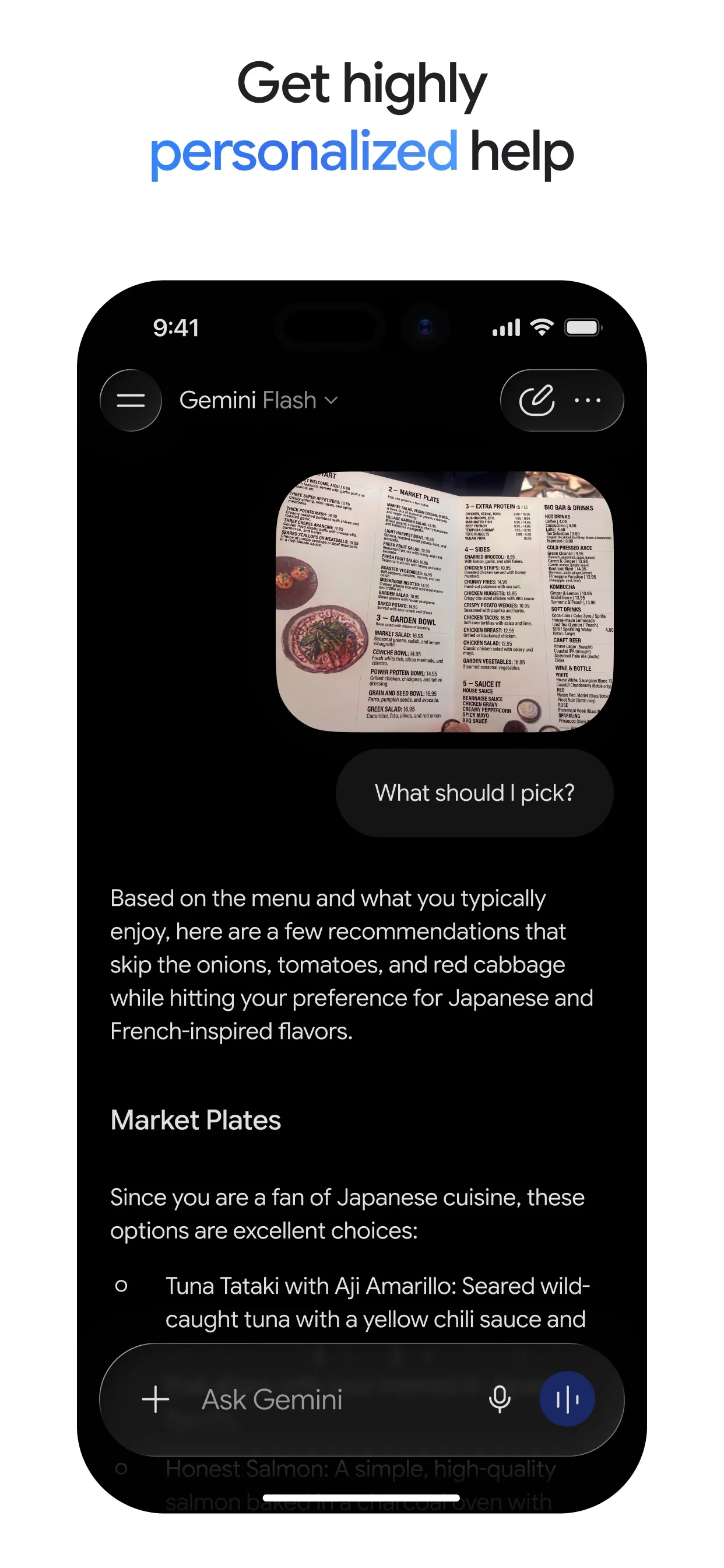
Image: Google Step 2: Start a temporary chat if you want
In Gemini, go to gemini.google.com, sign in with a personal Google Account and next to New chat, click Temporary chat. Gemini's help page says a temporary chat will not appear in your Gemini Apps Activity or your recent chats. In other apps, look for a similar private or temporary chat option, or just keep personal details out of what you paste.
Step 3: Paste the plans and this prompt
In the text box at the bottom, type or paste the prompt with your two plans, then click Submit. Change the words in [brackets]. The prompt tells the AI not to guess: anything missing must be marked "not stated".
Prompt to copyCompare two mobile phone plans for me. I use about [7 GB] of data a month, make [a few short calls] and [travel abroad once a year]. Plan A: [paste the details: price per month, data, contract length, one-off fees, anything that changes after the first months] Plan B: [paste the details] Work out the total cost of each over [12] months, including one-off fees, and show the sums. Say which plan fits my use and why. Then list anything in the details that is unclear or missing and that I should ask the provider. Do not guess: write "not stated" for anything missing. Use short lines, no table. Keep it under 250 words.
Image: Google Step 4: Check the sums yourself
AI can make mistakes. Gemini's help page says to double-check responses. Redo the two totals on a calculator. If a number is wrong, tell the AI which one and ask it to redo the working.
Prompt to copyShow the working for each total again, one line per cost, and tell me which numbers came from my text and which you assumed.
Step 5: Ask what the small print means
Plans often hide the real price in the details: a low first-year price, a fee to leave early, slower speeds after the data runs out. Ask for the questions to put to the provider, then ask them before you sign.
Prompt to copyFrom the two plans, write the 5 questions I should ask each provider before I sign. Put each on its own line. Focus on price changes after the first months, leaving early, extra data and roaming.
What you get
Example answer from Claude on 8 Oct 2026, for two made-up plans. Shortened. Yours will be worded differently.
Common mistakes
- Trusting the totals without checking. AI can slip on sums. Redo them on a calculator.
- Leaving out your real usage. Without it the AI cannot say which plan fits, only which is cheaper on paper.
- Pasting personal details. Leave out your name, address and account number.
- Skipping the small print. A low price for the first months can rise later. Ask the provider before you sign.
Questions people ask
Does this work in ChatGPT, Gemini and Claude?
Yes. You only paste text, so any AI app works. We checked the Gemini steps on its help page: you go to gemini.google.com, type in the text box at the bottom and click Submit.
Can I add a screenshot instead of typing?
In Gemini on a computer you can click Add files and follow the on-screen instructions to add a file or image to your prompt. Text is easier to check, so paste the text when you can.
Does Gemini keep my chat?
If you want it to leave no trace in your recent chats, Gemini's help page describes a Temporary chat. It is available when you are signed in with a personal Google Account. It does not appear in your Gemini Apps Activity or your recent chats.
Can I trust the answer?
Not blindly. Gemini's help page says Gemini Apps can make mistakes and you should double-check responses. Use the answer to spot what to ask, and check the numbers on the provider's own page.
Checked against
AI apps change their buttons often. If a step no longer matches what you see, email hello@openloopnews.com and we will update this guide.