4 free apps that translate a menu with your phone camera
Point your phone camera at a foreign menu and four free apps can translate it. In Google Translate and Apple Translate, tap Camera. Microsoft Translator has a camera too, and works offline once you download a language pack. In Gemini, tap Add files, then Camera, and ask it to translate. Each step was checked on the company's own pages.
What you need
| Apps | Google Translate, Apple Translate (iPhone only), Microsoft Translator or Gemini. Pick one |
|---|---|
| Cost | Free to download. Each app is listed as Free on the App Store |
| Time | About 5 minutes to set up, a few seconds per menu |
| You need | A phone with a camera. Download a language first if you may be offline |
Step by step
Step 1: Google Translate: tap Camera, then the shutter
Open the Translate app and choose your languages. Under the text box, tap Camera. Point your camera at the menu and the translation appears instantly. To pause the image, tap the Shutter button. Google's page says accuracy depends on the clarity of the text, and that small, unclear or stylized text may not be translated correctly.
Tip: On Google's help page, tap Gallery instead of Camera to translate a photo you already took.
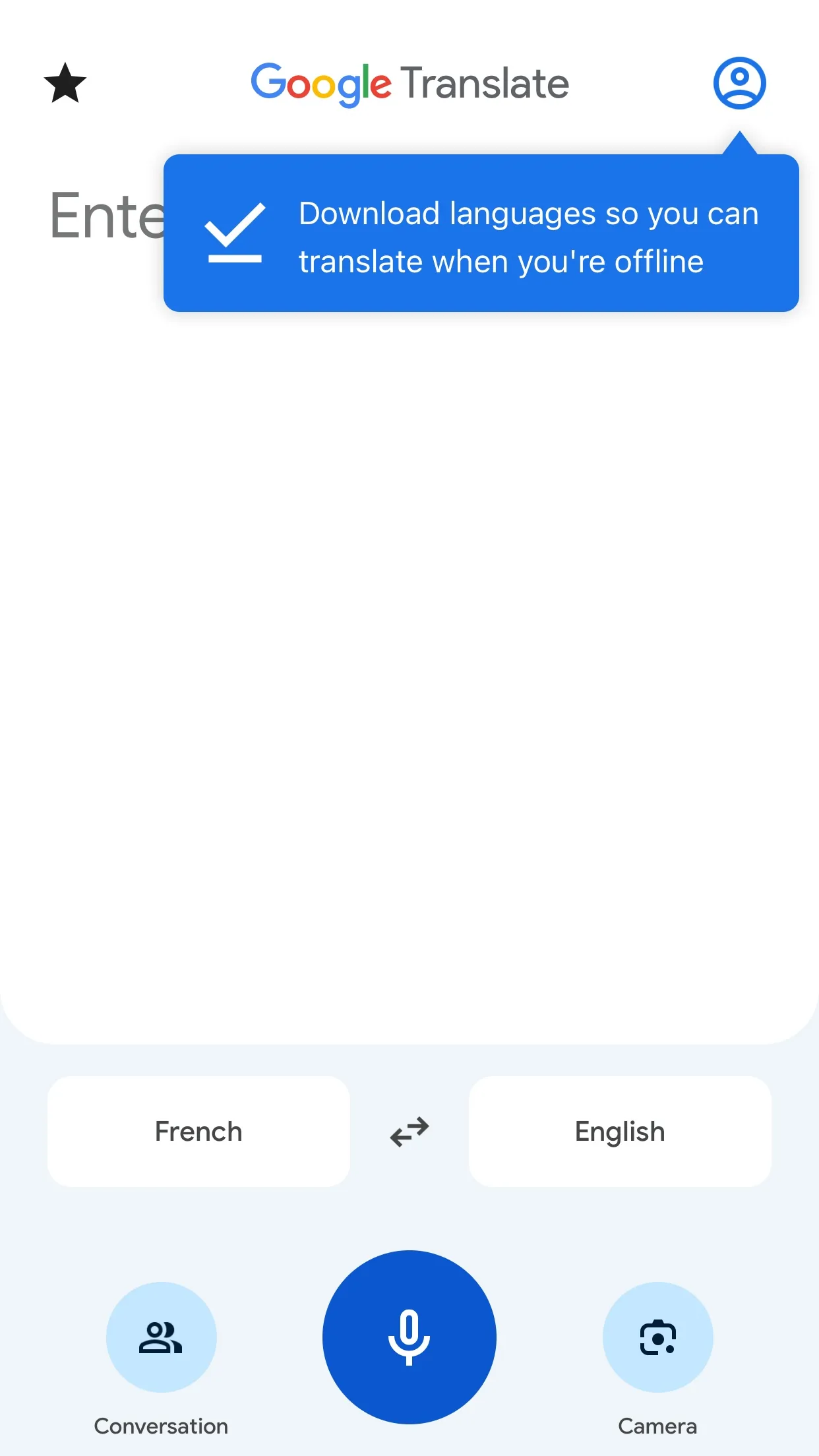
Image: Google Step 2: Apple Translate: tap Camera and hold it over the text
Go to the Translate app on your iPhone. Tap Camera, then hold your iPhone so that the text appears on the screen. Apple's page says text is translated in real time as you move the camera. Tap to freeze the image, then zoom in to see the overlaid translations. Tap an overlaid translation to copy, save or play it.
Tip: Apple says translation is available for supported languages only. Apple Translate is an iPhone app.
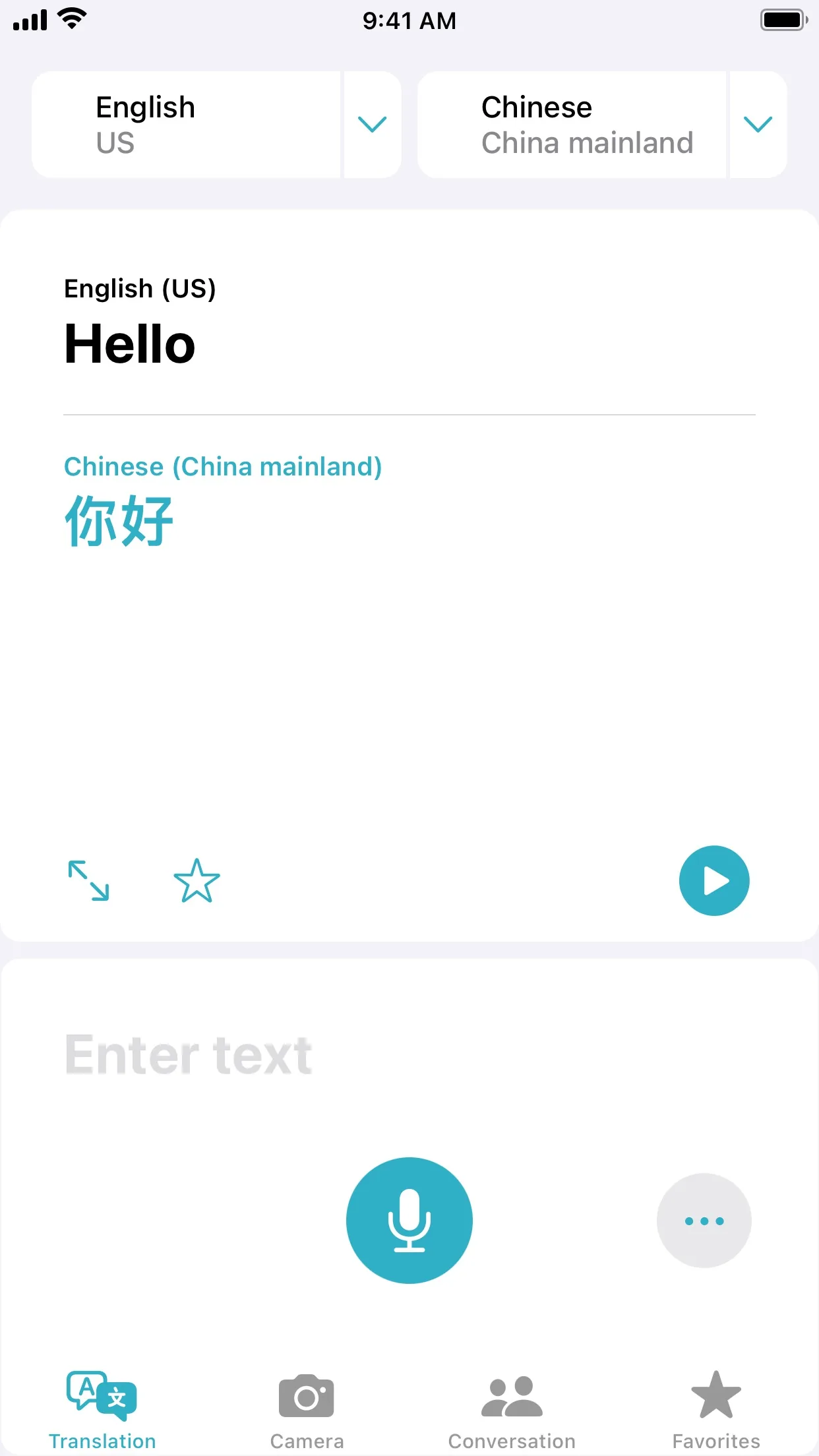
Image: Apple Step 3: Microsoft Translator: download a language, then use the camera
Microsoft's Translator page says you can translate the text in photos with the app's built-in camera viewer, or upload saved photos from your gallery. It also says that if you download offline language packs, you can use the camera feature to translate street signs and menus while travelling abroad.
Tip: Download the language pack before you travel, while you are on Wi-Fi.
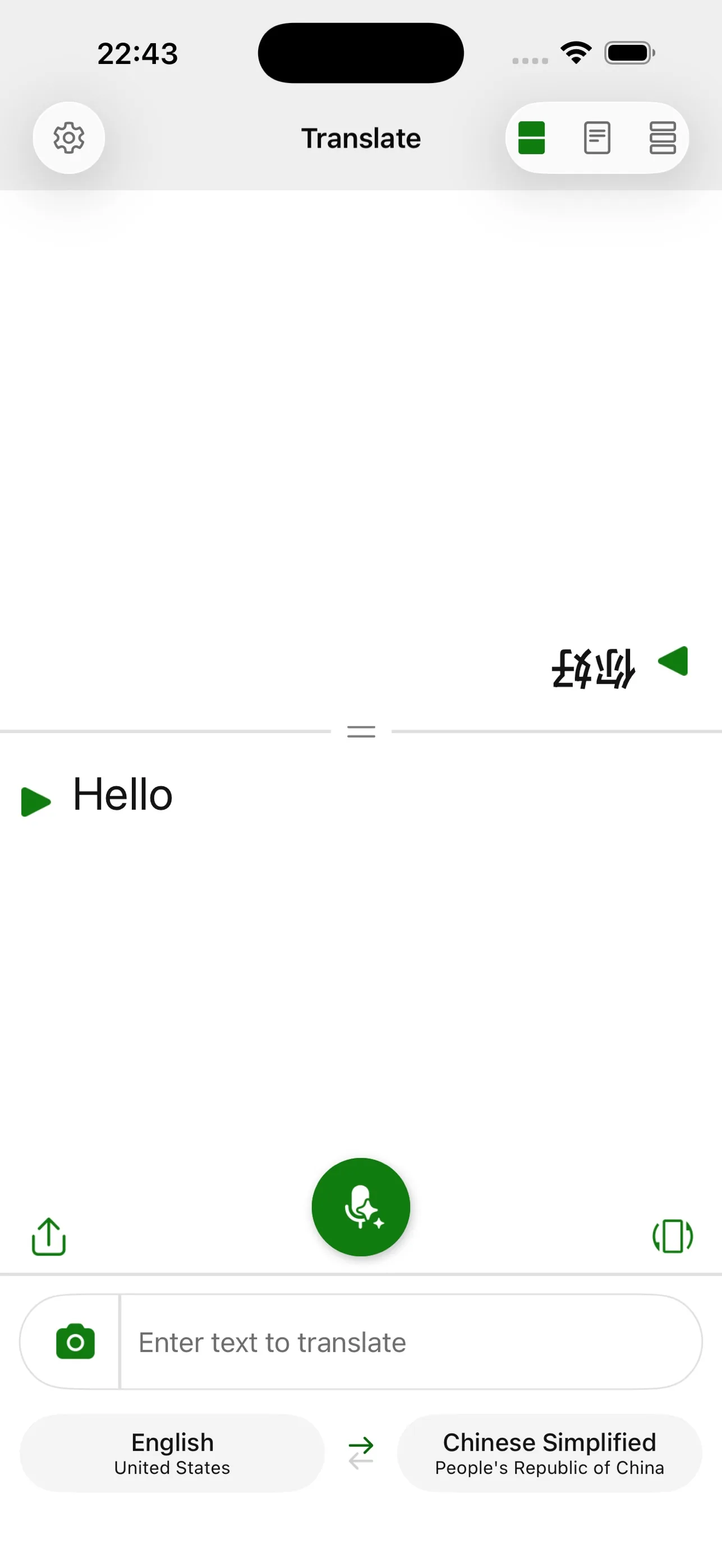
Image: Microsoft Step 4: Gemini: add a photo of the menu and ask
Open Gemini and enter your question in the text box at the bottom. Tap Add files, then tap Camera to take a new photo. Google's help page lists this under uploading files in Gemini Apps. Then tap Submit. You can ask it to translate the menu, and then to pick dishes that match what you eat.
Prompt to copyTranslate this menu into English. Keep the prices. Then mark any dish that contains [an ingredient you avoid].Tip: Gemini's replies can be wrong. For allergies, ask the restaurant staff.
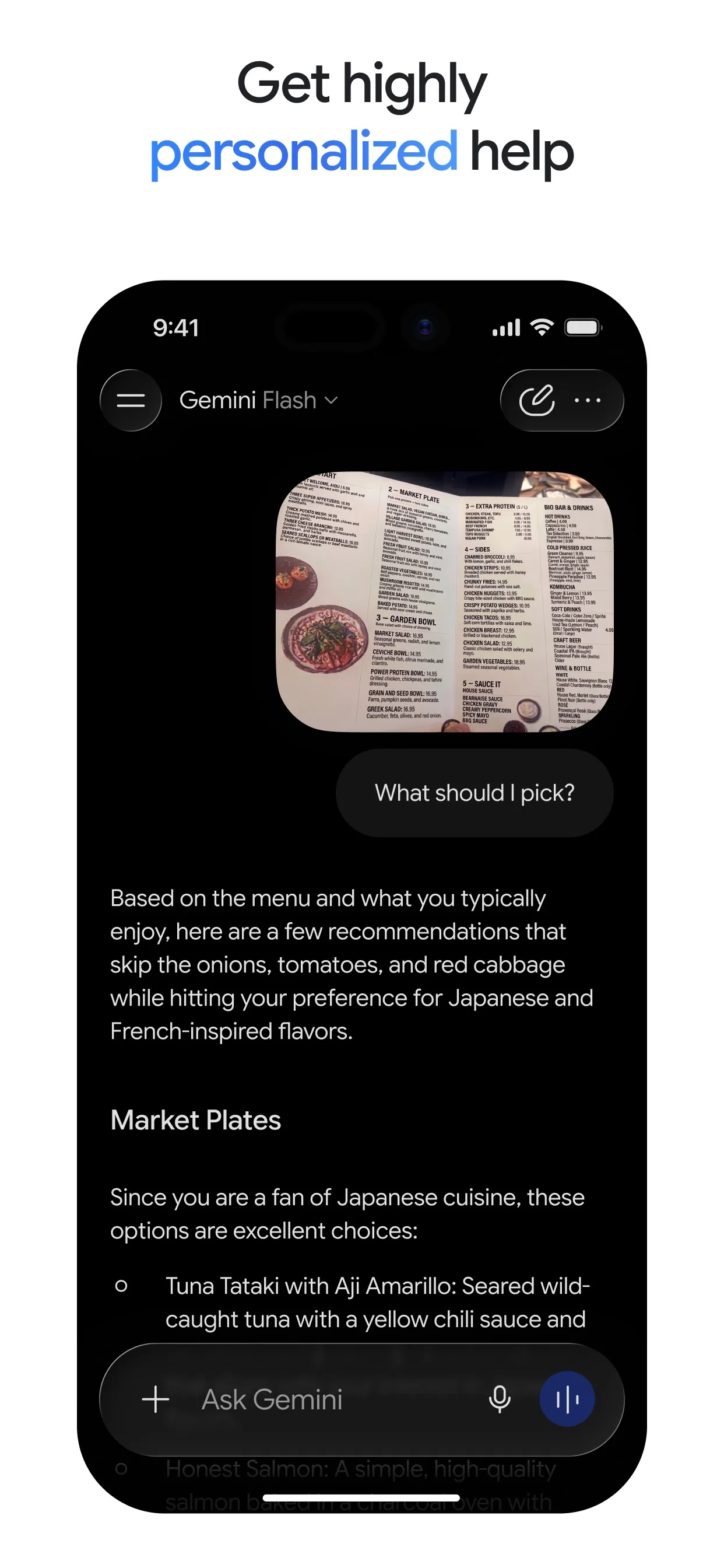
Image: Google
Common mistakes
- Trusting a translation for allergies. Google's page warns that small, unclear or stylized text may be translated incorrectly. Ask the staff about allergies.
- Waiting until you are abroad. Download the language first. Microsoft's page says offline packs let the camera work without an internet connection.
- Using a blurry photo. Google's page says accuracy depends on the clarity of the text, so hold the phone steady and get the whole menu in view.
Questions people ask
How do I translate a menu with my phone camera?
In Google Translate or Apple Translate, open the app, tap Camera and point it at the menu. In Gemini, tap Add files, then Camera, and ask it to translate.
Is Google Translate free?
Yes. The Google Translate app is listed as Free on the App Store.
Can I translate a menu without internet?
Microsoft's Translator page says you can download offline language packs and use the camera feature to translate street signs and menus while offline.
Does Apple Translate work on Android?
No. Apple's Translate app is on iPhone. Google Translate, Microsoft Translator and Gemini are the options to try on Android.
Can I translate a photo I already took?
Yes. Google's help page says to tap Gallery in the camera view, and Apple's says to tap Camera and then choose a photo from your library.
Checked against
- OfficialGoogle Translate Help: Translate images
- OfficialApple Support: Use the camera in the Translate app on iPhone
- OfficialMicrosoft Translator: App features
- OfficialGemini Apps Help: Upload & analyze files in Gemini Apps
AI apps change their buttons often. If a step no longer matches what you see, email hello@openloopnews.com and we will update this guide.