How to use AI to plan a week of dinners and a shopping list
Tell a free AI app how many people you cook for, your budget, what you do not eat and what is already in your cupboard. Use our prompt to get five dinners that share ingredients, plus one shopping list grouped by aisle that leaves out what you already have. It takes about six minutes and works on a free plan.
What you need
| App | Gemini or Claude, on your phone or computer (other chat apps work the same way) |
|---|---|
| Cost | Free. This is plain text, so a free account is enough |
| Time | About 6 minutes |
| You need | How many people, your budget, foods to avoid and what you already have |
Step by step
Step 1: Write down four facts
Before you open the app, note how many people you cook for, your rough budget, foods you do not eat or cannot eat, and what is already in your cupboard and freezer. The more exact you are, the better the plan.
Step 2: Open a new chat
In Gemini, go to gemini.google.com and enter your prompt in the text box at the bottom. To start fresh, click New chat at the top left, and if it is not there, click Menu first. In Claude, visit claude.ai, type your prompt into the chat and click the submit button.
Step 3: Paste the prompt and change the [brackets]
Swap in your own numbers and foods, then send.
Prompt to copyPlan 5 dinners for [2] people for this week. Budget: about [50 dollars] for everything. Treat any prices as rough guesses, because my local prices may differ. We do not eat: [pork]. Already at home: [rice, pasta, tinned tomatoes, onions]. Each dinner should take under [30] minutes. 1. Give each dinner a name and a one-line description. 2. Reuse ingredients across the dinners so nothing is wasted. 3. Then write one shopping list grouped by aisle, with amounts, and leave out what I already have. 4. If my budget looks too low, say so and tell me what to cut. If something is missing, ask me instead of guessing.
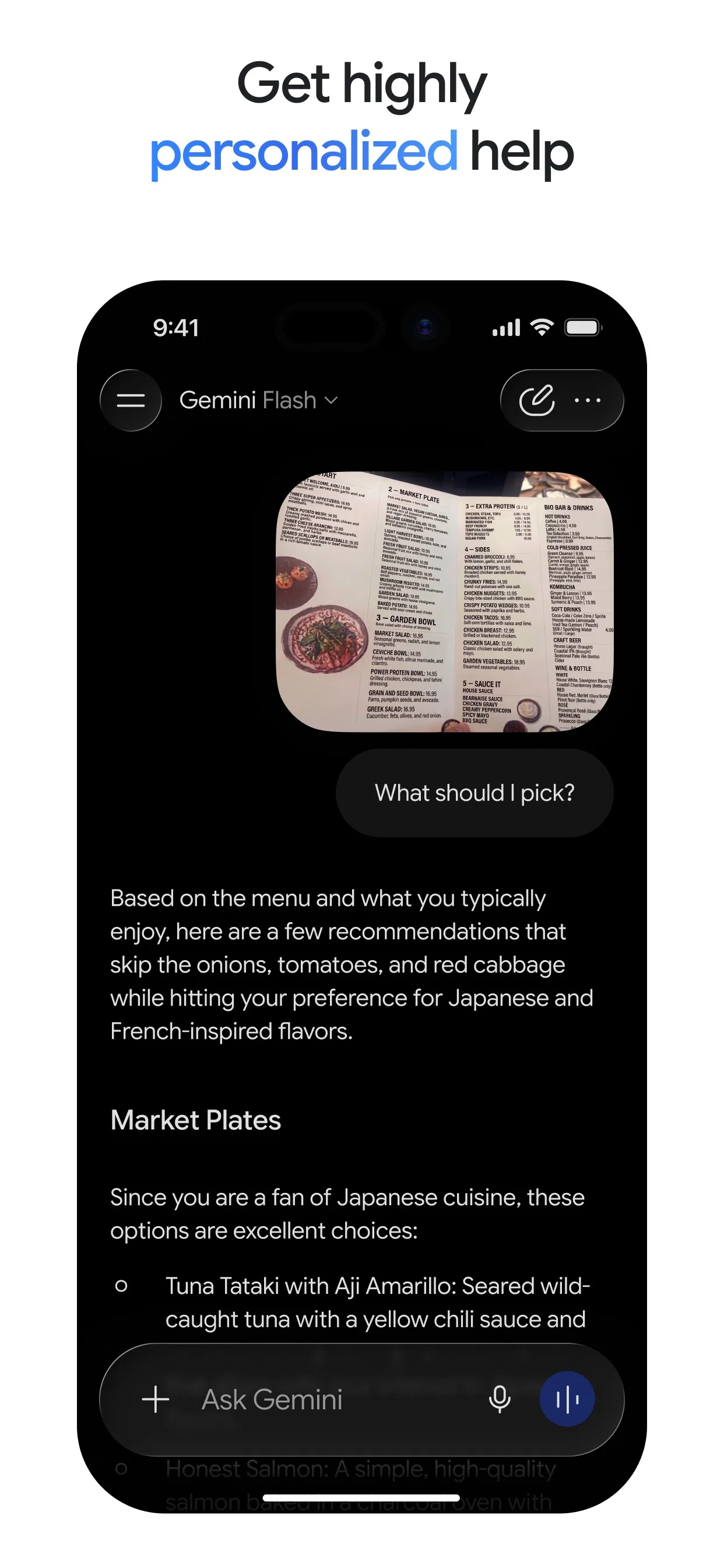
Image: Google Step 4: Check the plan, then ask for changes
Gemini's help page says Gemini can make mistakes, so double-check responses. Claude's help page says to iterate: refine your prompt or ask follow-up questions. Read each dinner and the list. Ask for swaps, for example: "Change Thursday to something without chicken, and update the list."
Tip: Ask: "Which items on the list did I already say I have?" It should be none.
Step 5: Copy the list and check your cupboard
Paste the shopping list into your phone's notes. Look in your cupboard and fridge against it before you shop. If anyone at home has an allergy, read the food labels yourself: the AI cannot see what is in a product.
What you get
Example answer from Claude on 22 Oct 2026, for a made-up household of 2 adults with a 50 dollar budget, no pork, and rice, pasta, tinned tomatoes and onions at home. Shortened. Yours will be worded differently.
Common mistakes
- Leaving out your budget or the foods you avoid. Put both in the prompt, or the plan will not fit your home.
- Trusting prices. The AI does not know your local shop, so treat every price as a rough guess and check it at the shop.
- Forgetting what you already have. List your cupboard in the prompt so the shopping list leaves it out.
- Relying on the AI for allergies. Read the labels yourself, and ask a doctor or dietitian for medical diet advice.
Questions people ask
Which AI app is best for this?
Any chat app can do it, because it only needs typed text. Our steps were checked on Gemini's and Claude's own help pages.
Is it free?
Yes to start. Claude's help page says the free plan has a usage limit that resets every five hours. Check your own app for what a free account includes.
Can it work out exact prices?
No. It does not know your local shop, so treat prices as rough guesses and check them yourself.
Can I plan for the whole month?
You can, but a week is easier to check. Plan one week, then ask for a new week that reuses what is left over.
Checked against
AI apps change their buttons often. If a step no longer matches what you see, email hello@openloopnews.com and we will update this guide.