Meta's Muse app adds spaces, custom experiences you build by describing an idea
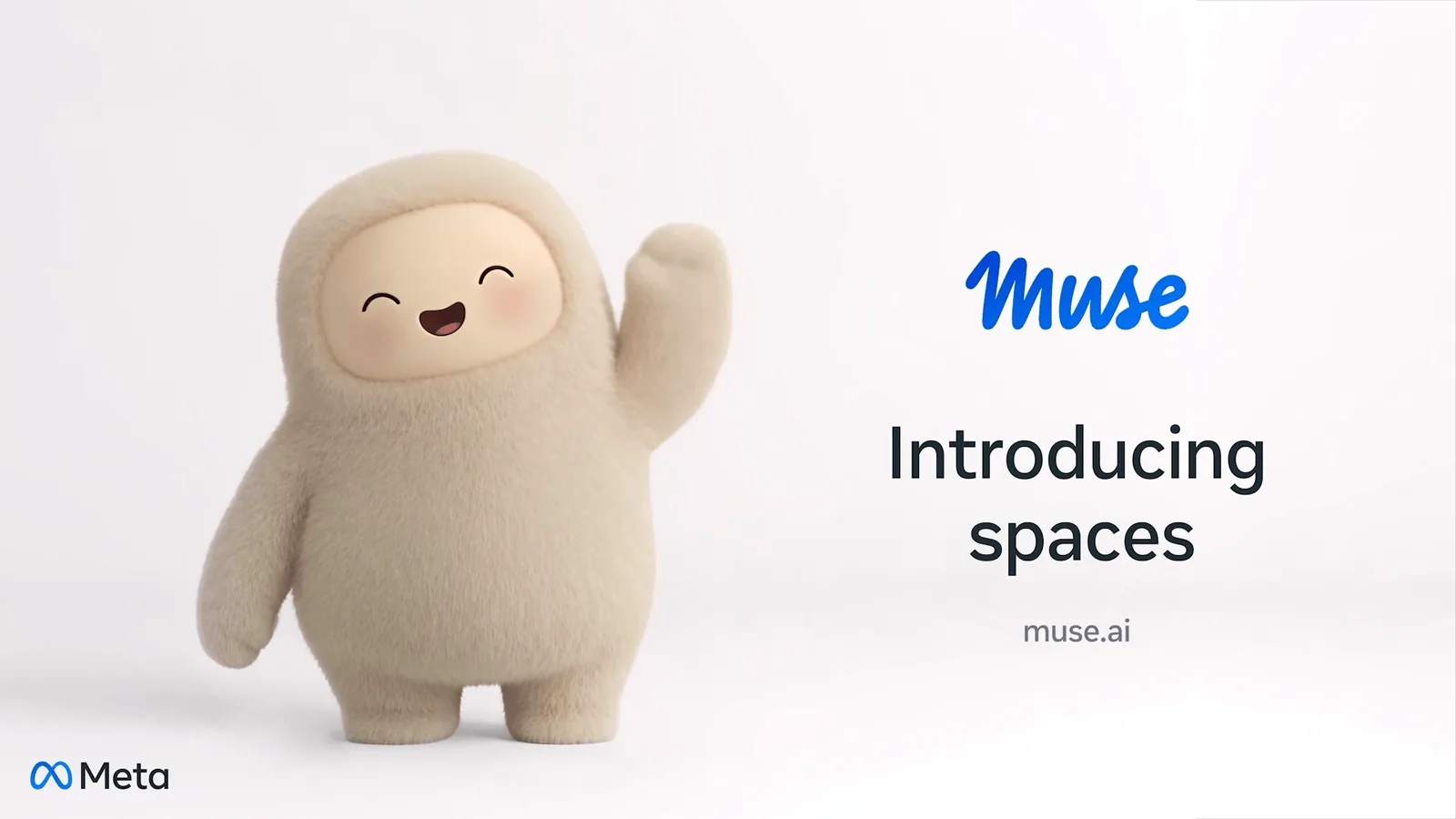
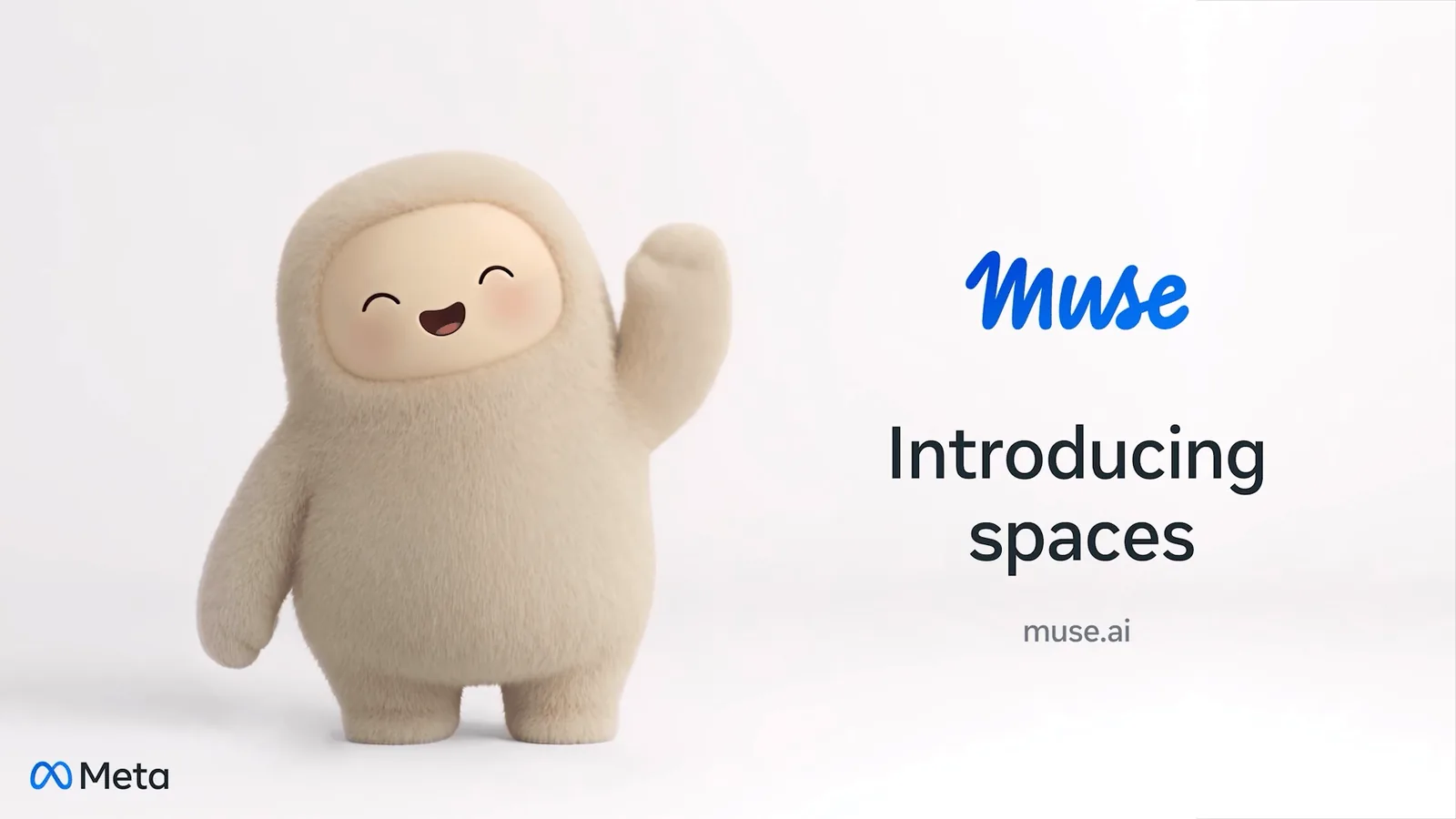
On 6 November 2026, Meta introduced spaces in its Muse app. A space is a custom experience you create by describing an idea, such as a gift tracker, a daily word game or a trip planner. You can pin spaces to the sidebar or main tabs. Meta says spaces are available starting today everywhere Muse is available.
Updated 11 Nov 2026
The short version
- 01A space is a custom experience you build inside Muse by describing your idea.
- 02Meta's examples include a holiday gift tracker, a daily word game, a wedding planner and an order tracker.
- 03You can add spaces to the sidebar or main tabs, hide them, and schedule when they appear.
- 04Connect your apps and a space keeps itself up to date in the background, Meta says.
- 05Meta says it is exploring ways to share spaces with others, which is not available yet.
At a glance
| Status | Confirmed (Meta's own announcement) |
|---|---|
| Announced | 6 November 2026 |
| Company | Meta |
| Feature | Spaces in the Muse app |
| How you make one | Describe your idea to Muse |
| Where it lives | Sidebar or main tabs, your choice |
| Availability | Everywhere Muse is available, starting today |
| Sharing | Meta says it is exploring it |
What are spaces in Meta's Muse app?
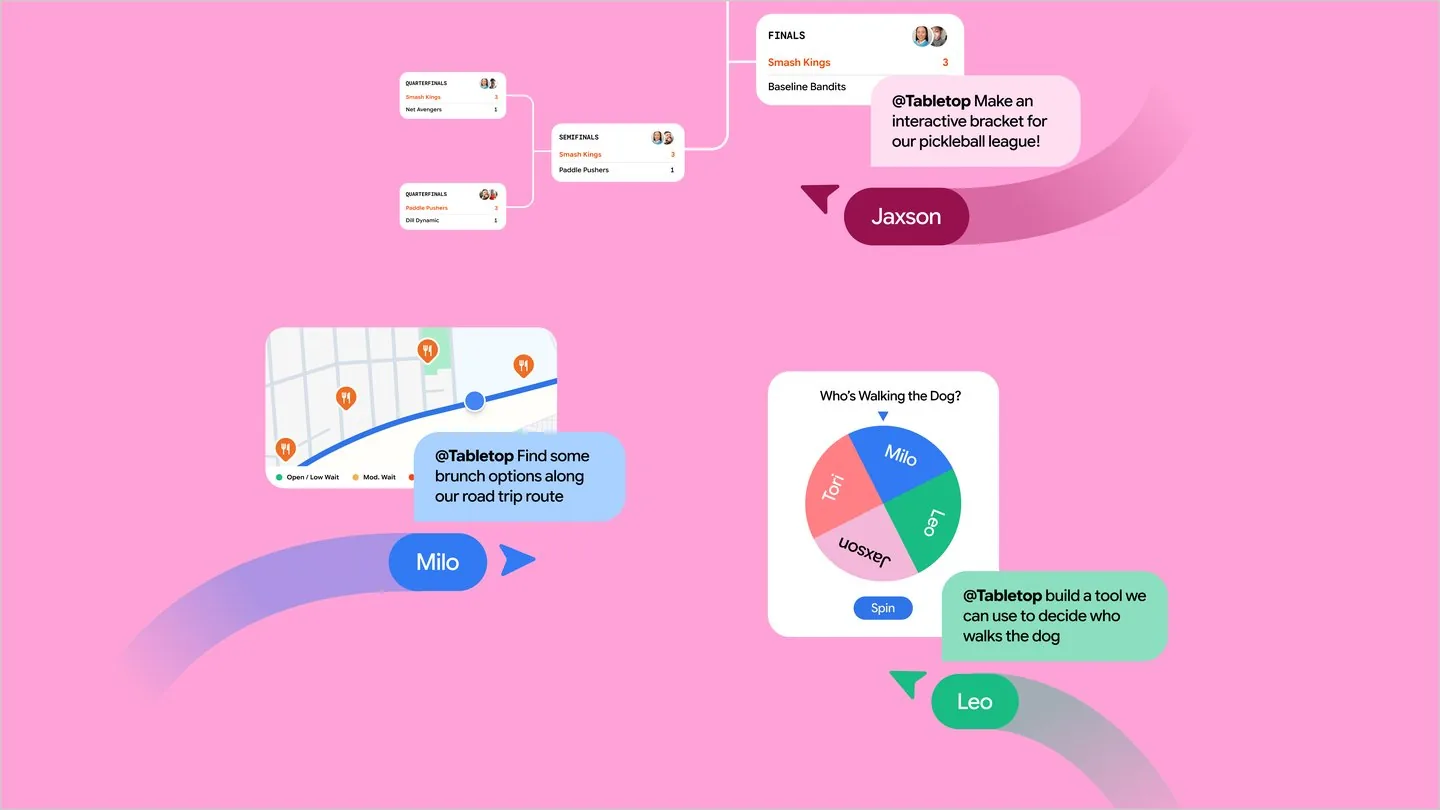
A space is a custom experience you create inside the Muse app by describing your idea. Meta's examples are a holiday gift tracker, a daily word game and a planning board for a DIY project.
Meta says every space you create becomes part of Muse, so you can keep it where you want and come back to it any time.
How do I build a space?
You tell Muse about your idea and it builds it for you, Meta says. Your first idea is only a starting point: you can keep adjusting the space with Muse, whether that is adding what is missing, trying a new look or changing how it works.
What can a space do?
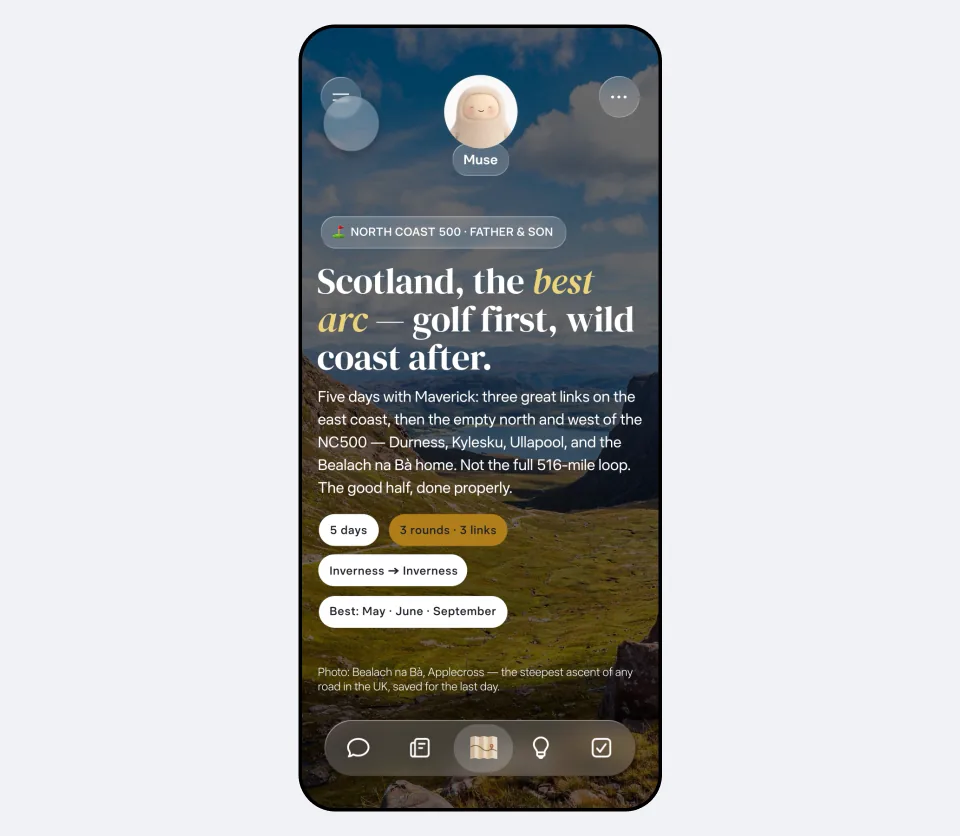
Meta lists ideas such as a shopping hub for gift ideas and wishlists, a school dashboard that adds events from school emails to your calendar, a wedding planner and a trip planner with flights, hotel and a day-by-day itinerary.
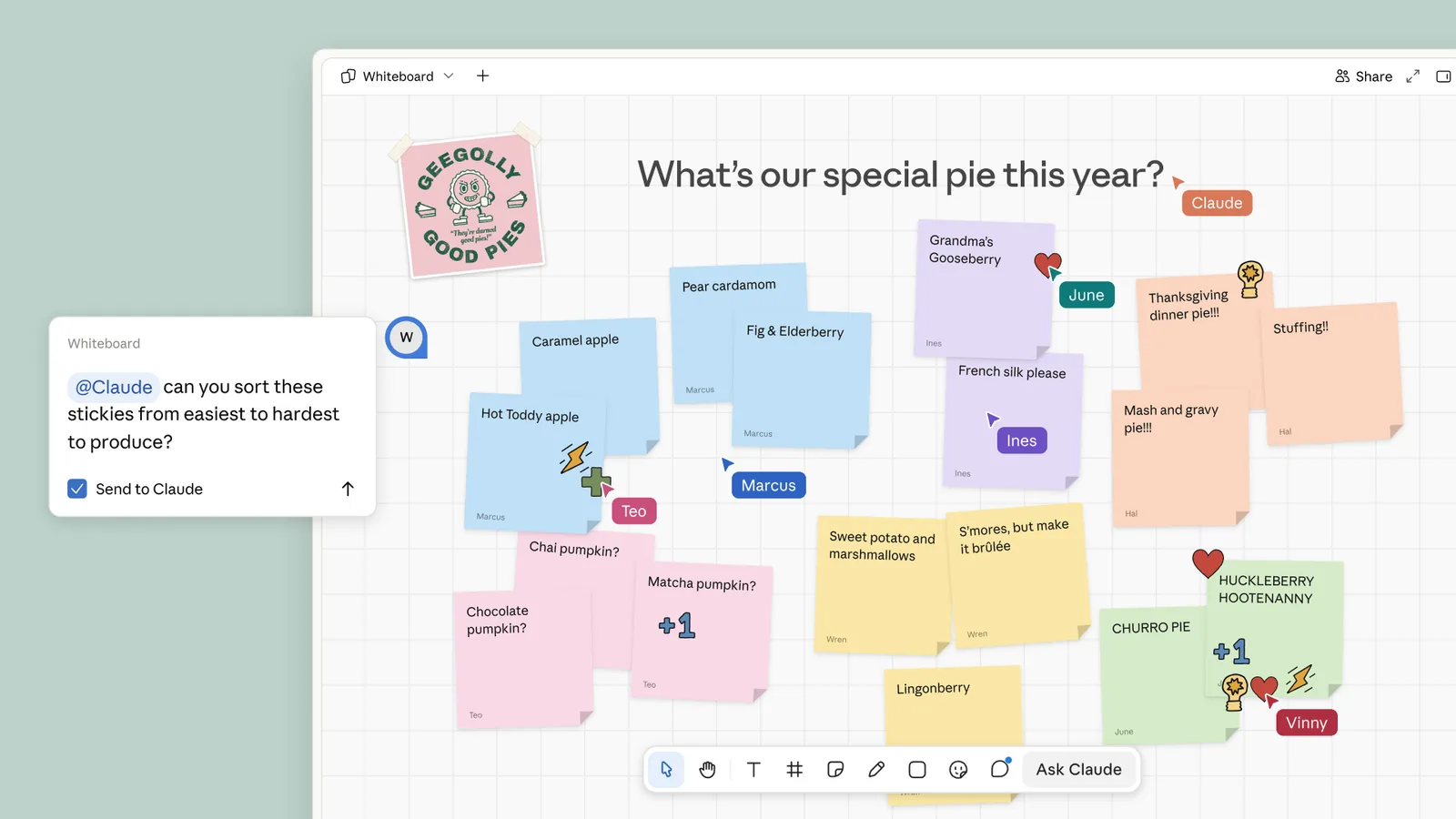
Connect the apps you use and your spaces keep themselves up to date in the background, Meta says, so new concert dates or price changes show up without you asking. You can check things off, add notes and make edits right in the space.
Where do spaces live, and who can use them?
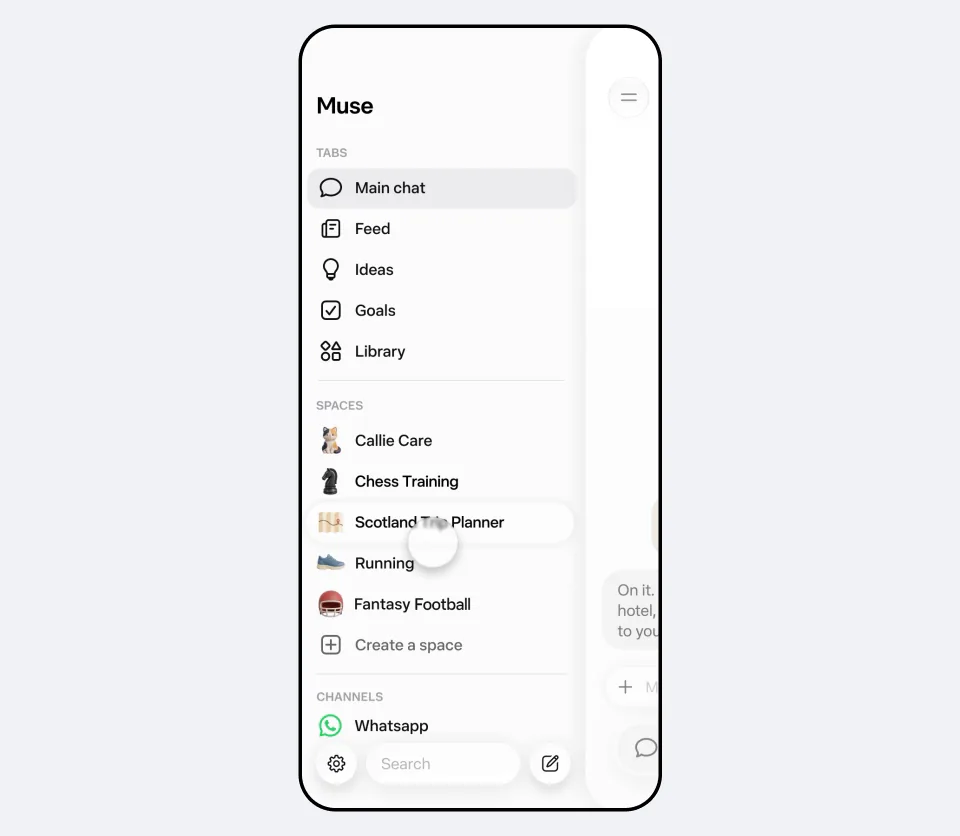
You can add spaces to your sidebar, move them into your main tabs, hide the ones you do not need right now and schedule when they appear. For example, keep a weekly planner up front during the workweek, then swap it for weekend plans on Saturday.
Meta says spaces are available starting today everywhere Muse is available. It did not list countries in the announcement.
Why does it matter?
Most chat assistants answer a question and move on. A space keeps what you built and updates it, so Muse starts to look like a set of small apps made for one person.
That depends on connecting your apps, so think about what each space can see before you link it.
What does it mean for you?
If you already use Muse, you can try spaces today. Meta says they are available everywhere Muse is available. If you do not use Muse, there is no reason to install it only for this.
Start with one small job that repeats: a weekly planner, a gift tracker or a simple checklist for a family task. Our guides on [a fair family chore chart](/learn/make-a-fair-family-chore-chart-with-ai/) and [a kid's birthday party plan](/learn/plan-a-kids-birthday-party/) show the kind of job that suits it.
ChatGPT can do something close. We reported that GPT-6 can [build small tools on request, such as a bill splitter](/news/gpt-6-intelligent-ui-chatgpt/). The difference is that a space stays in Muse and updates when you connect your apps.
That connection is the catch. Before you link an app, think about what the space will see. Meta has also added voice and an avatar that reacts, in [Muse's talking update](/news/meta-muse-voice-expressive-avatars/), so more of your day may go through one app. Sharing spaces is not available yet.
What's next?
Meta says it is exploring ways for you to share your spaces with others, to make Muse more collaborative. It also says it is rolling out specialized versions of its models to Muse, trained with learnings from Muse Wonder. It gave no dates for either.
Questions people ask
What is a space in Muse?
A custom experience you create inside the Muse app by describing your idea, such as a gift tracker, a word game or a trip planner.
How do I make a space?
Meta says you tell Muse about your idea and it builds it for you, then you keep adjusting it with Muse.
Can I share a space?
Not yet. Meta says it is exploring ways to let you share your spaces with others.
Where can I use spaces?
Anywhere Muse is available. Meta did not list countries in the announcement, so open the app to see whether spaces appear for you.
Do spaces update by themselves?
Meta says that when you connect the apps you use, your spaces keep themselves up to date in the background.
Sources
Why "Confirmed"? We label a story "Confirmed" when the company or government announced it itself. Spotted an error? Email hello@openloopnews.com and we will correct it.